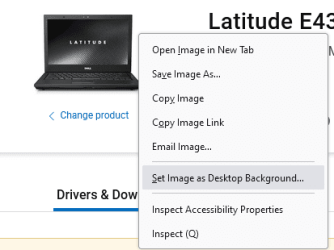
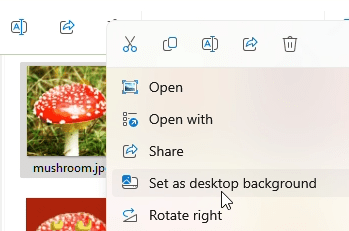
I just installed Windows 11. Everything was going fine as I Googled and seached out where things were. I had just had Gimp open and was changing the format on a screenshot and next thing I knew that screenshot was huge and covered my desktop so that I can't get to any of the files or folders on it. I tried opening Explorer and deleting the screenshot but it's still covering my screen. Can someone please help me out here?
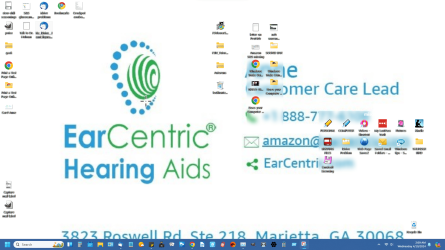
As you can see, some of my desktop items are showing through this screenshot, but not all.
BTW, I have restarted, and then shut completely down and started and it still doesn't go away.
As you can see, some of my desktop items are showing through this screenshot, but not all.
BTW, I have restarted, and then shut completely down and started and it still doesn't go away.
- Windows Build/Version
- Version 22H2
Attachments
Last edited:
My Computer
System One
-
- OS
- Windows 11
- Computer type
- PC/Desktop
- Manufacturer/Model
- Dell XPS
- CPU
- Intel(R) Core(TM) i7-8700 CPU @ 3.20GHz
- Memory
- 16 GB