Windows Blogs:
We are thrilled to announce the winners of the 2023 Microsoft Store App Awards! This year, we’re excited to recognize apps and developers within two award groups: the Microsoft Store Community Choice Awards, with apps nominated by the community, and the Microsoft Store Editor’s Choice Awards, recognized by Microsoft. We were amazed by the overwhelming number of nominations for the Community Choice Awards. It is absolutely energizing for us to see our community flourishing, and that is reflected in your interest in the Microsoft Store.
Microsoft Store Community Choice Awards
This year, we asked our community to nominate and vote for their favorite apps in the Microsoft Store on Windows. Thank you for participating and helping us recognize these great Apps! Windows would not be the same without you! We have 5 different award categories, so let’s dig into the winners!We were really impressed by the wide range of technologies utilized and the exceptional teams behind them. These teams come in various sizes and forms, including individual developers, distributed projects, open-source projects, as well as larger companies, demonstrating that remarkable, stunning, and practical apps can be created by any team, regardless of their scale or type. Windows is an open platform, and the applications chosen by our community are just a reflection of that. Thank you!
Utilities & Tools Category
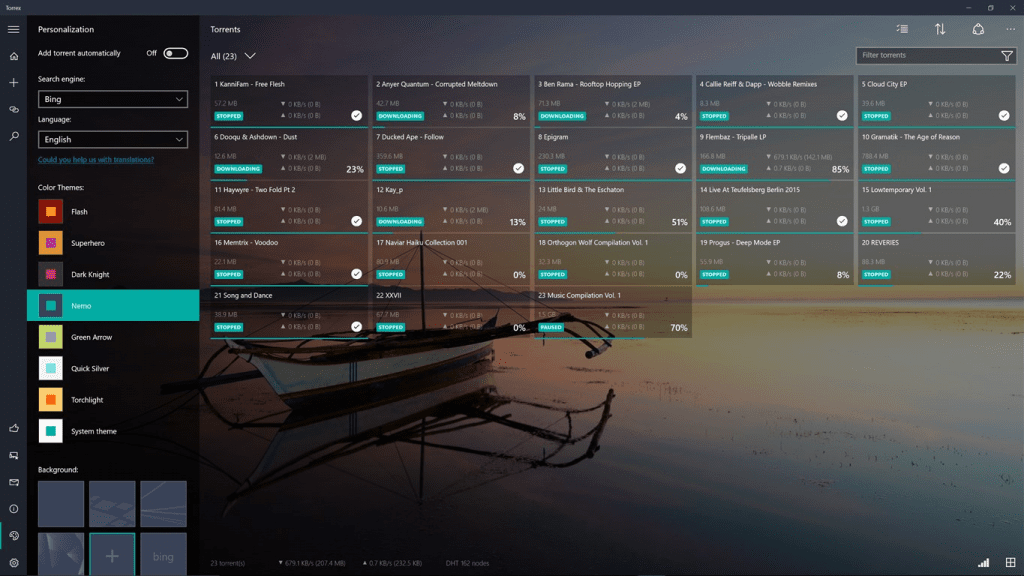
The Utility & Tools category recognizes apps that are designed to make your life easier by performing a variety of tasks that you may need daily. This includes managing your PC, simplifying tasks of a workflow, and much more.The community spoke, so congratulations to the winner of the Utilities & Tools category: Torrex!
Productivity Category
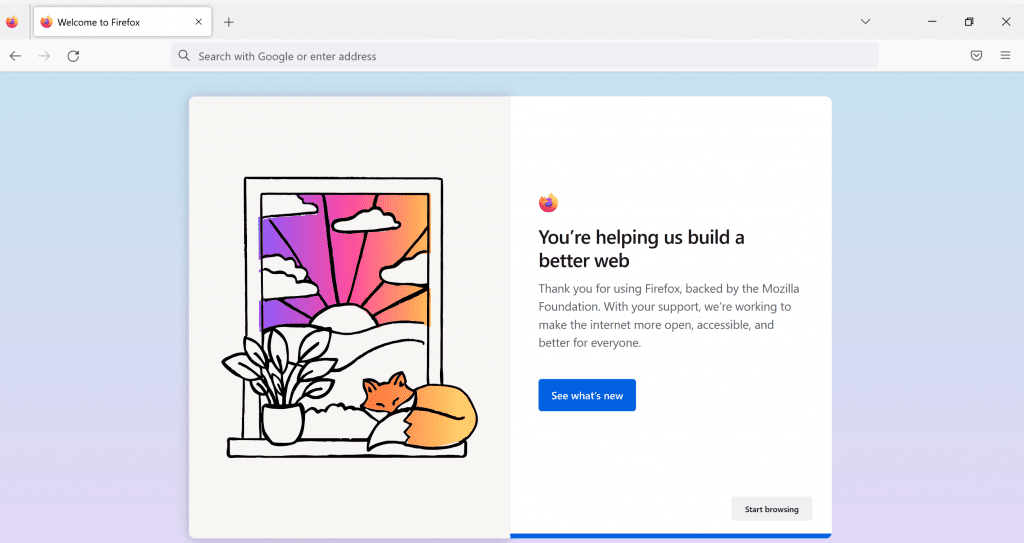
The apps in this category are designed to help you stay focused and get things done. They can include to-do lists, note-taking apps, time-management tools, and much more.Congratulations to the winner in this category: Mozilla Firefox!
Audio & Video Category
These apps are designed to help you manage your audio and video content, whether you’re creating it yourself or simply organizing media files that you’ve downloaded or purchased. This can include media players, libraries, file converters, and much more.Congratulations to the winner in this category, the amazing open-source app: VLC!

Creativity Category
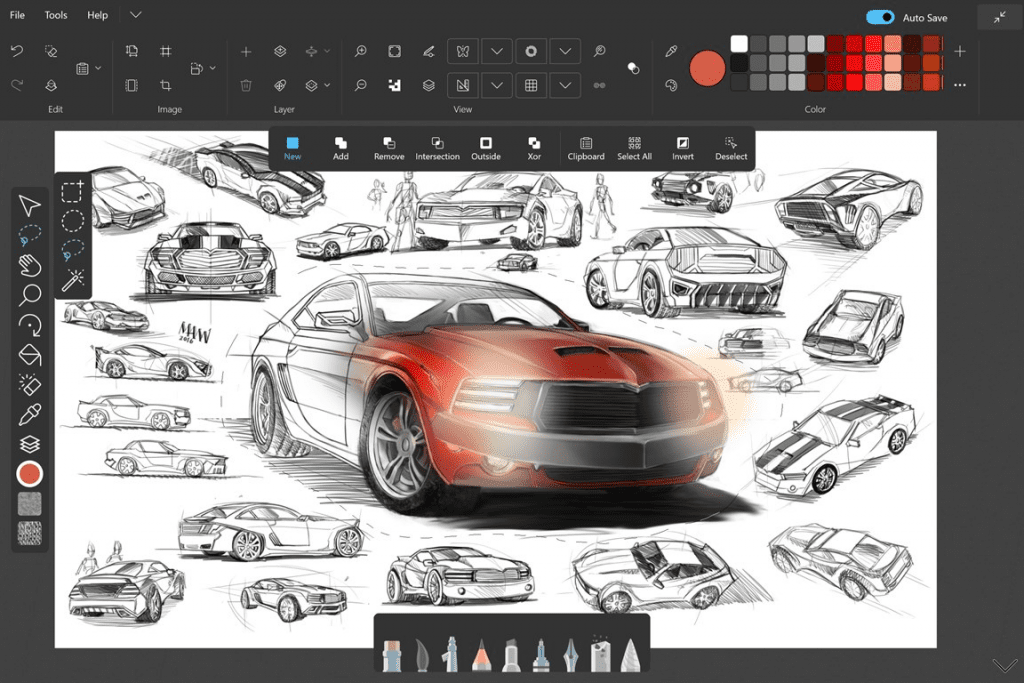
Apps in the Creativity category are designed to help you unleash your creativity and bring your ideas to life. They include graphic design tools, modeling software, animation programs, and much more.Congratulations to the winner in this category: Sketchable!
Personalization Category
These apps are designed to help you personalize and customize your PC to better suit your needs. This includes changing the appearance and behavior of the UI, enabling more features, creating custom hotkeys and shortcuts, and much more.This year, the community chose Lively Wallpaper! Congratulations!
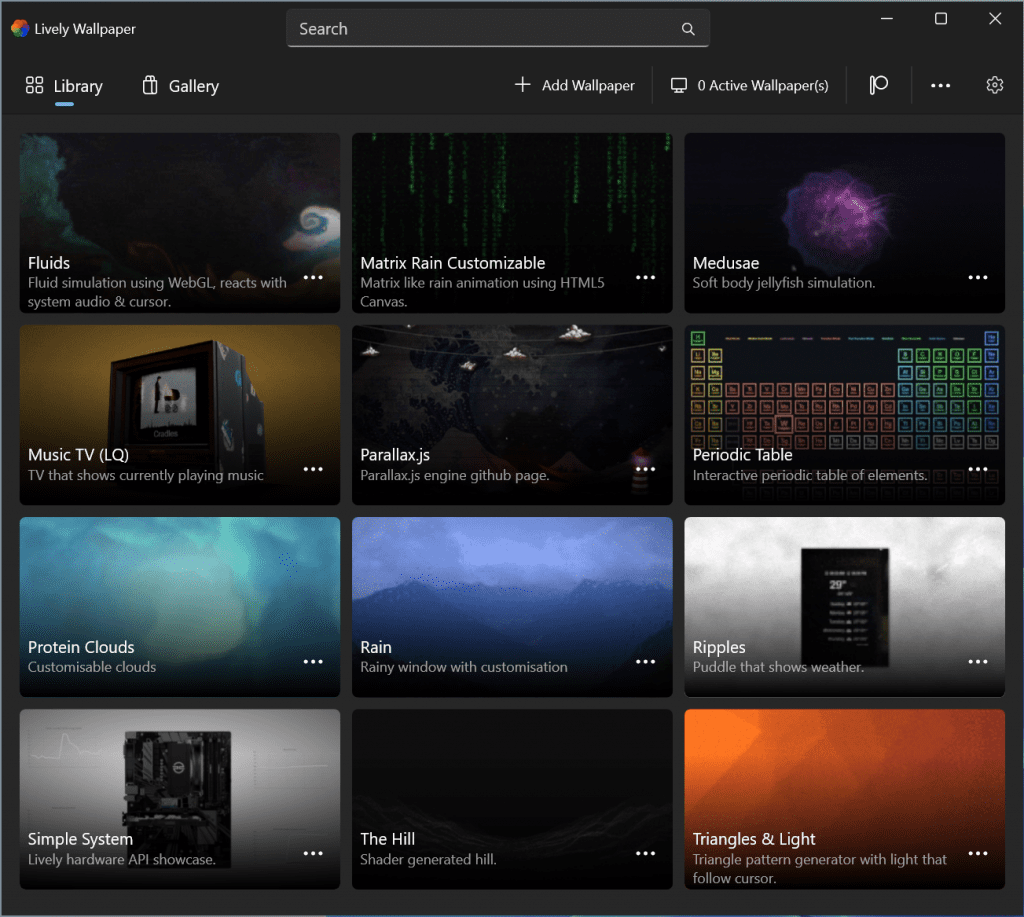
We feel both thrilled and grateful for the enthusiastic engagement from the community in these awards. We also extend our appreciation for the outstanding nominees.
Microsoft Store Editor’s Choice Awards
Apart from the community choice voting, we’ve also handpicked the finest apps in the categories of Creativity, Entertainment, Productivity, and Best Integration with Windows, along with one for special recognition. With a vast collection of top-rated apps, the Microsoft Store on Windows is continuously expanding. These apps were examined and chosen based on their user experience, exceptional design, innovation, creativity, overall quality, as well as the value they bring to its customers.Creativity Category
In the Creativity Category, the Microsoft Store Editor’s Choice Award goes to Descript, a groundbreaking app that simplifies video editing by automatically transcribing recordings so you can easily edit them just like editing a Word doc. With AI-powered features like “Overdub” (personalized text-to-speech voice synthesis, for minor recording fixes), automatic removal of filler words (“uhhs” and “umms”), or its “Studio Sound” audio enhancement, Descript can make almost any recording look and sound great – whether that’s a business presentation, a podcast, or the next viral video sensation. Descript’s ability to streamline complex, multi-track A/V editing in a novel and accessible way makes it our Creativity pick! Congratulations, Descript, for this well-deserved recognition!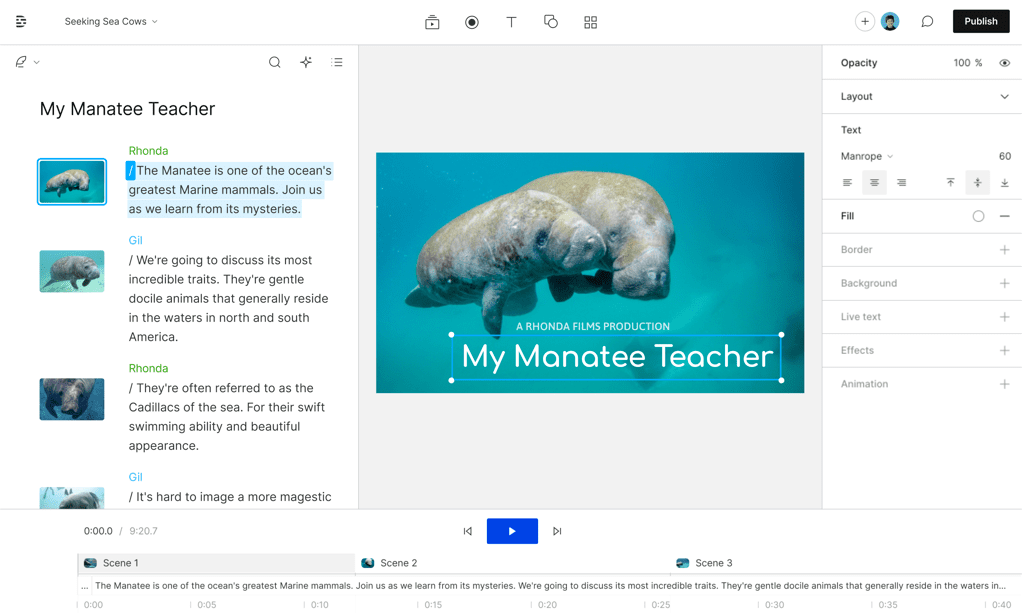
Entertainment Category
In the Entertainment category, the Amazon Prime Video app has been recognized for its exceptional lineup and app improvements within the last year. With the recent addition of Arm64 support, this app now helps provide uninterrupted streaming with all-day battery life, and with offline download support, users can now enjoy their favorite movies and TV shows on the go, whether it’s during airplane rides, train journeys, or any other adventure. Amazon Prime Video brings a diverse range of amazing content, including very popular series like Rings of Power, thrilling series like Jack Ryan, hilarious comedy with Mrs. Maisel, and even live sports coverage such as Thursday Night Football. The Amazon Prime Video app’s dedication to enhancing the entertainment experience has rightfully earned it this prestigious recognition. Congratulations, Amazon Prime Video, on winning the well-deserved award in the Entertainment category!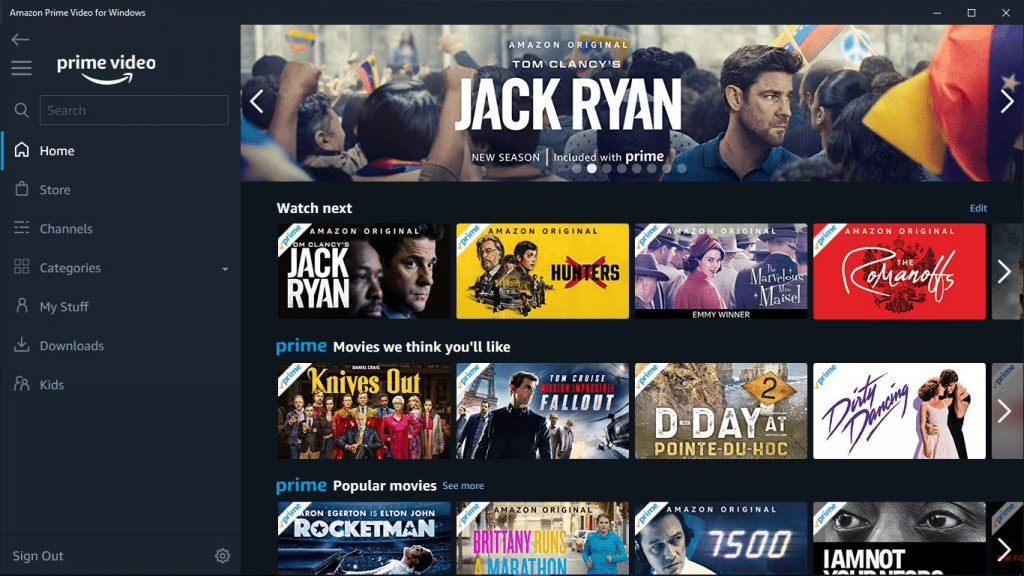
Productivity Category
“Windows” and “Productivity” go hand-in-hand. For decades, the robust productivity app ecosystem on Windows has empowered individuals and businesses alike to fuel their ambitions and accomplish extraordinary tasks. Concepts is this year’s clear winner in the Productivity category – though, in many ways, it’s an app that’s about creativity and ideation at its core. Concepts uniquely combines an incredible pen experience with vector art tools and an infinite canvas; the result is an app that’s equally comfortable for sketching, whiteboarding, mind-mapping, architectural planning, note-taking, or cinematic storyboarding. And it’s an app experience that keeps getting better – this year, Concepts released a free new watercolor brush, precision tools for scale and measurement, and thoughtful enhancements to keyboard and trackpad functionality for an exceptional user experience on 2-in-1 devices. Concepts is a cross-platform app that also excels in its native integration with Windows, providing full support for Arm64, Surface Pen haptics, and much more. Congratulations, Concepts, for winning well-deserved recognition in the Productivity category. Your commitment to continuous improvement and platform-native excellence is commendable!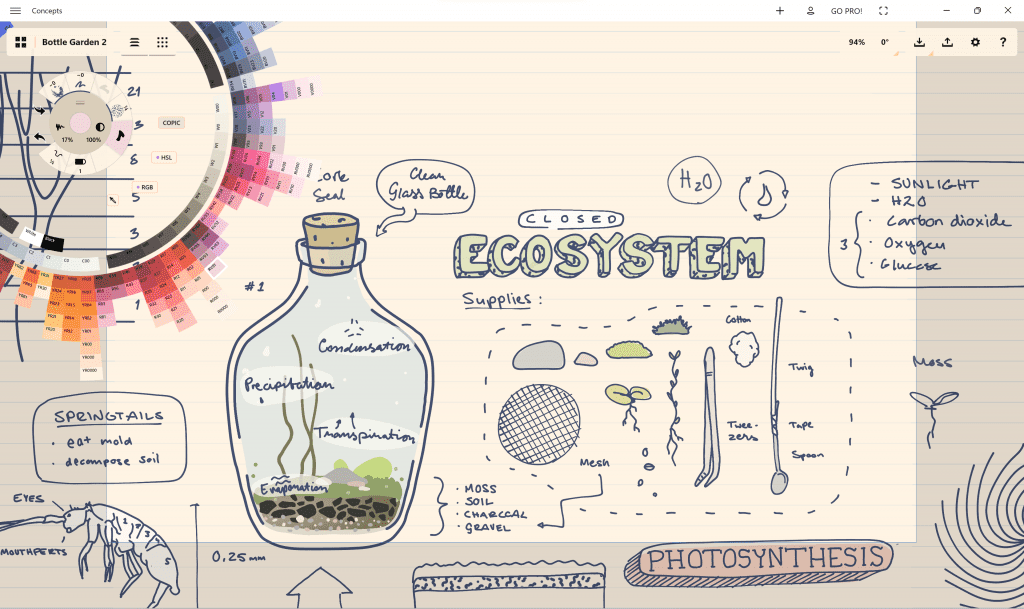
Best Integration with Windows
In the Best Integration with Windows category, one app has emerged as a shining example of what is possible on the Windows platform. With its latest version, which is a full rewrite, this app has taken a leap forward, offering a smaller, faster, and more visually appealing experience, coupled with an impressive array of new features, like Picture-in-Picture, native Windows notifications, as well as full support for the new 8-person video calls and 32-person audio calls. Users have been captivated by these enhancements, praising it for its exceptional performance and quality. This app’s dedication to seamless integration with Windows has rightfully earned it the well-deserved award in the Best Integration with Windows category. Congratulations to WhatsApp for this remarkable achievement!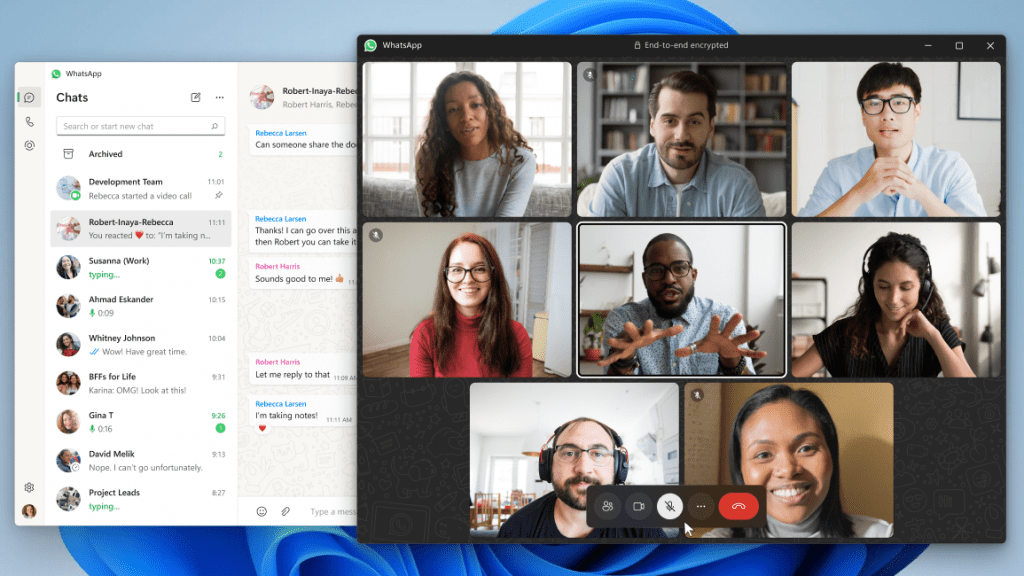
Special Recognition
In this year’s Special Recognition award, an app has stood out for its exceptional contributions to accessibility. This app has demonstrated an unwavering dedication to empowering individuals who are Deaf or hard of hearing (HoH) and ensuring their inclusion with its super user-friendly features and intuitive interface. It is with great pleasure that we announce Ava Accessibility as the deserving recipient of the prestigious Special Recognition Award. Congratulations to Ava Accessibility for its outstanding achievements and commitment to accessibility for all!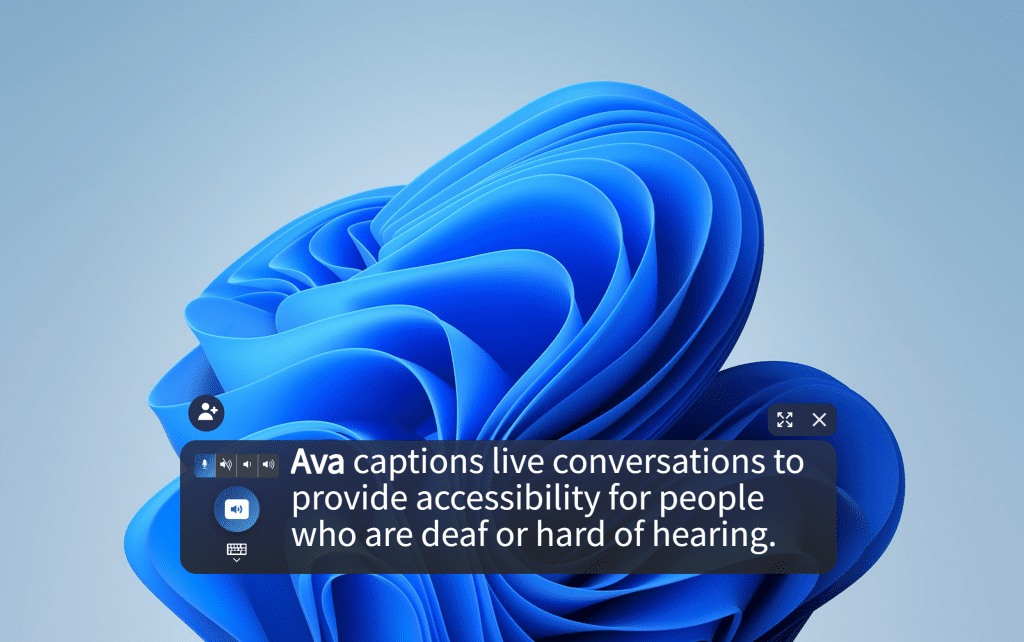
We are honored to showcase these apps in the Microsoft Store on Windows and would like to congratulate all the winners, as well as all the nominated apps, of the 2023 Microsoft Store App Awards. Windows would not be the same without our amazingly strong and thriving ecosystem!
To learn more about what’s new in the Microsoft Store, visit this blog post.
Source:
Announcing the Microsoft Store App Awards 2023 Winners!
We are thrilled to announce the winners of the 2023 Microsoft Store App Awards! This year, we're excited to recognize apps and developers within two award groups: the Microsoft Store Community Choice Awards, with apps
 blogs.windows.com
Last edited: