
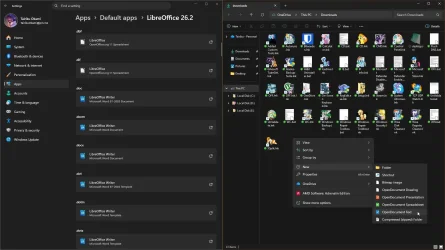
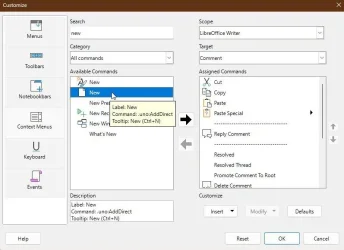
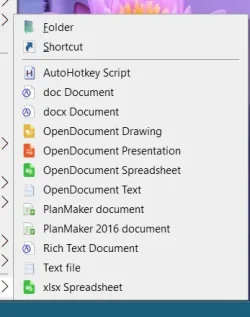
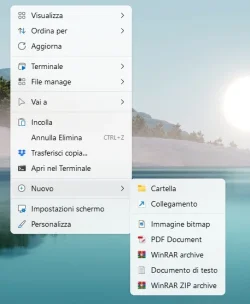
Context menu add new document
- Thread starter Donnje
- Start date



Similar threads


Latest Tutorials
-
 Personalization Change Category for App in Start Menu All Apps on Windows 11
- Started by Brink
- Replies: 0
-
 Accessibility Enable or Disable Auto Zoom Out for Narrator Math Reading Navigation in Windows 11
- Started by Brink
- Replies: 0
-
 Accessibility Change Narrator Math Reading Navigation Verbosity in Windows 11
- Started by Brink
- Replies: 0
-
 Accessibility Change Narrator Math Reading Navigation Mode in Windows 11
- Started by Brink
- Replies: 0
-
 Accessibility Change Narrator Math Reading Pause Factor in Windows 11
- Started by Brink
- Replies: 0