McGoo
Member
- Local time
- 4:33 PM
- Posts
- 28
- OS
- Windows 11 Professional (x64) Version 24H2 (build 26100.4061)
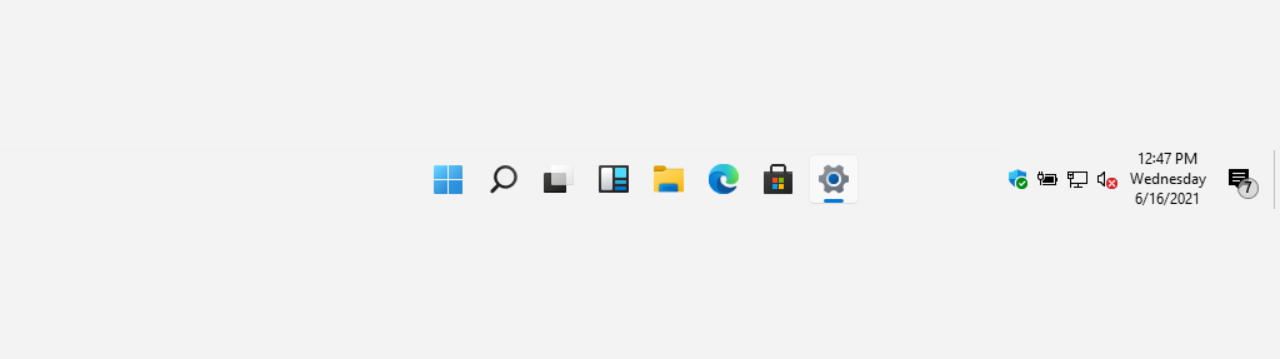
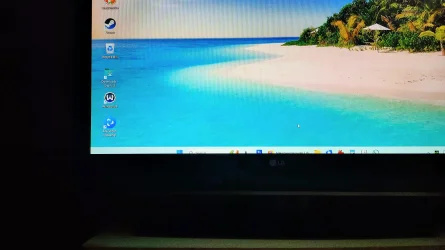
I have a 42 inch monitor and the taskbar is way too small,i can see about1/3 of the icons size i have pinned on this bar,ive looked at the tasbar settings in personalisation and there is no option to widen the taskbar.
is it possible to make it bigger?
is it possible to make it bigger?
My Computer
System One
-
- OS
- Windows 11 Professional (x64) Version 24H2 (build 26100.4061)
- Computer type
- PC/Desktop
- CPU
- 3.40 gigahertz Intel Core i7-6700 256 kilobyte primary
- Motherboard
- Board: ASUSTeK COMPUTER INC. H110M-A/DP Rev X.0x
- Memory
- 16GB
- Graphics Card(s)
- Display Intel(R) HD Graphics 530 [Display adapter] NVIDIA GeForce RTX 3060 [Display adapter]
- Sound Card
- High Definition Audio Device Intel(R) Display Audio NVIDIA High Definition Audio
- Monitor(s) Displays
- Intel(R) HD Graphics 530 [Display adapter] NVIDIA GeForce RTX 3060 [Display adapter] LG 42LC46 [Monitor] (31.5"vis, February 2007)
- Screen Resolution
- 1920x1080
- Hard Drives
- (NTFS on drive 0) * 2.00 TB 1.66 TB free
d: (NTFS on drive 2) 1.00 TB 926.90 GB free
f: (NTFS on drive 1) 497.94 GB 379.74 GB free