Meta News:
Takeaways
- Today, we are launching new stickers in Instagram Stories so you can kick off music trends, create your own custom stickers from your photos or videos, post a secret story and more.
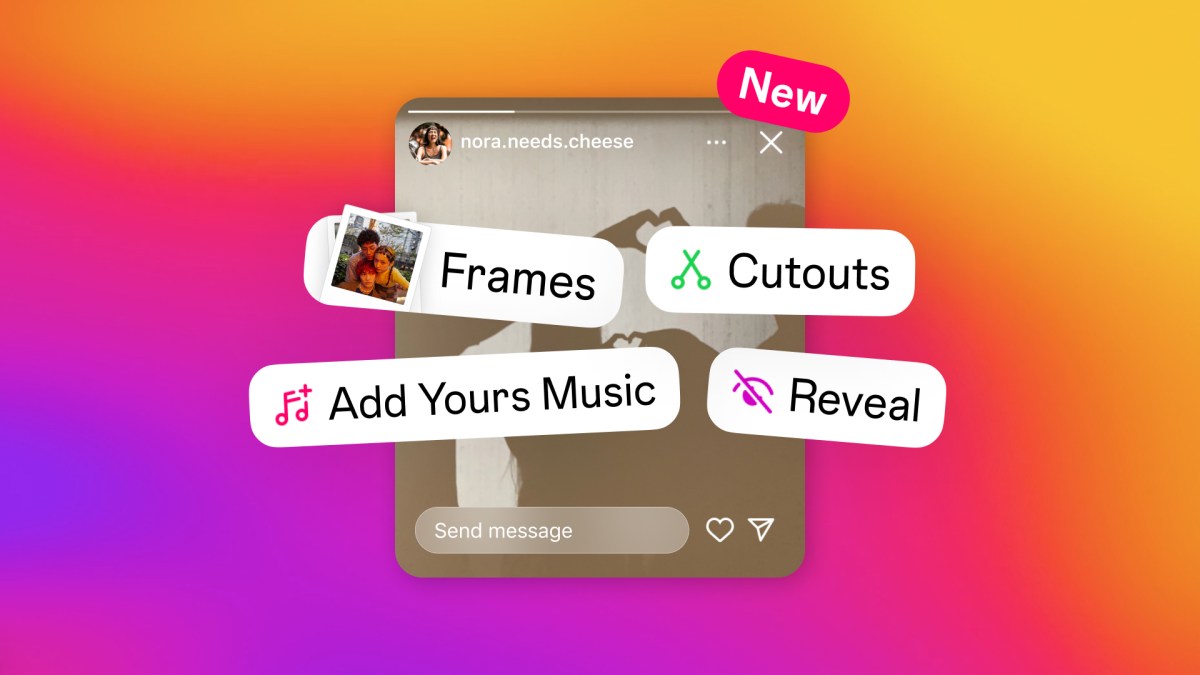
- We’re adding Add Yours Music, Frames, Reveal and Cutouts stickers — helping you get more creative in Stories.
Share Your Favorite Songs With Add Yours Music
Combining the fun of the Add Yours feature with the music sticker, the Add Yours Music sticker allows you to share a song that fits your mood with your followers, who can add their music too.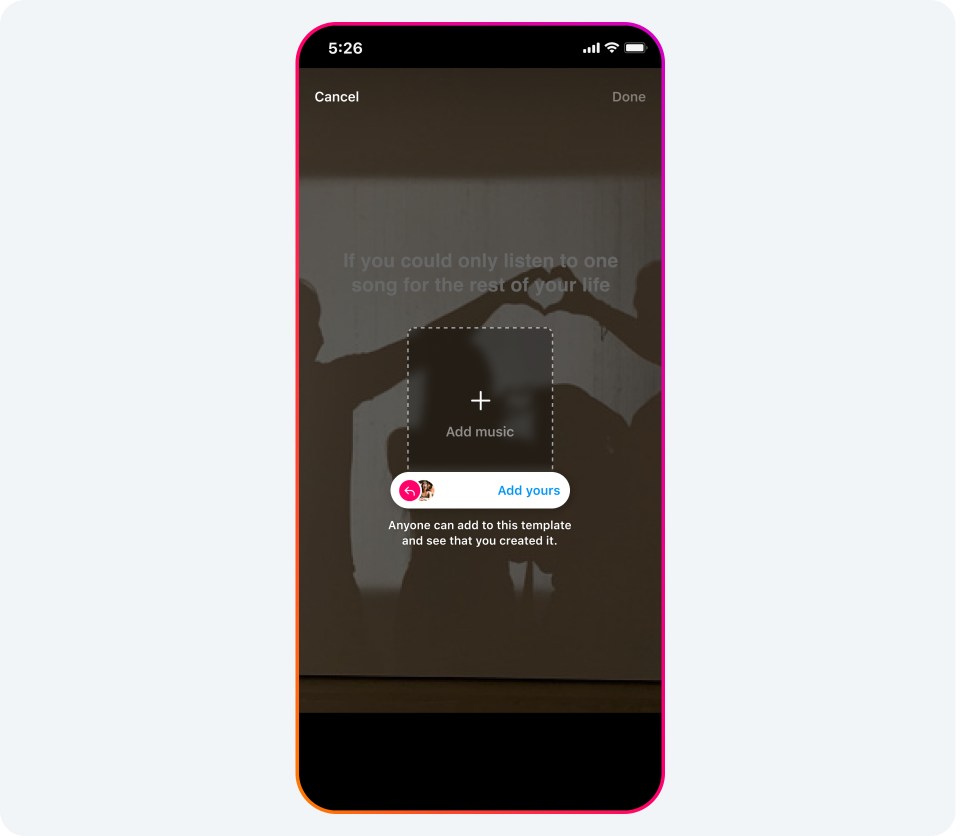
- Tap the stickers icon, then tap on the icon that says “Add Yours Music.”
- Once selected, tap on “+ / Add Music” to select a song from Instagram’s music library.
- Once you post your story, your friends will be able to add their own song using the “Add Yours” button.
Spotlight Memories With the Frames Sticker
Whether you want to shine a spotlight on memories with friends or throw back to a special moment, the Frames sticker turns any photo into an instant print. To reveal the content inside, your followers will have to shake their phone to develop the image.
- When creating a story, tap the stickers icon , then tap on the Frames sticker.
- This will open up your photo gallery, where you can select one image to be framed.
- Once you select an image, you can also add a caption if you choose. It will automatically add the date and timestamp of when the photo was taken.
- After you post your story, your friends and followers can shake their phone or tap the “shake to reveal” button to develop the image inside the frame.
Uncover Hidden Stories With the Reveal Sticker
With the Reveal sticker, you can post a hidden story for your friends and followers to uncover. The only way for them to see the content is to send you a DM.
- When creating a story, tap the stickers icon, then tap on the icon that says Reveal.
- Once you select the Reveal sticker, you will be prompted to type a hint for friends about what they might find behind your blurred story.
- You can tap the “Preview” icon in the bottom left hand corner to see how your story will appear to friends.
- Once you post your story, your friends will only be able to see your story content if they DM you, but don’t worry, you won’t need to approve every DM for your story to be revealed.
Get Creative With Cutouts
With the Cutouts sticker, you can transform even your most casual, everyday moments into something unique to share with your friends. You can turn part of any video or photo in your camera roll into a custom sticker that you can add to your story or reel. Once you create your cutouts, they are saved and easily accessible in your sticker tray, so you can come back to them time and time again. You can even let others save and reuse the cutout stickers you created in their reels and stories.
To create a sticker from your camera roll:
- Tap the stickers icon at the top, then tap on the scissors icon that says “Cutouts.”
- Select a photo or video with a clear subject from your gallery.
- A sticker will be automatically generated. If it’s not what you wanted, you can manually select the object you want for your sticker. Note: you can only pick one object.
- Tap the “Use sticker” button to add it to your reel or story.
- Go to the photo you’d like to transform into a sticker. Note: you’ll only see the option to create a sticker from eligible photos shared by public accounts on Instagram.
- Tap the three dots in the top right of the post.
- Tap Create sticker.
Source:
New Stickers in Instagram Stories | Meta
We're launching new stickers in Instagram Stories, giving you more ways to connect with friends over the things you care about.
 about.fb.com