Microsoft Forms Blog:
We’re continuously working to deliver end-to-end solutions that help boost efficiency and productivity. After launching the employee satisfaction template in December 2024, we’ve added more templates to support a wider range of scenarios. Whether it’s gathering feedback, managing internal processes, or streamlining event planning, these ready-to-use templates help you get started faster and work smarter. Please note that this experience is currently only available in the en-US region. Let’s check the templates together!
Access solution based templates in Forms portal
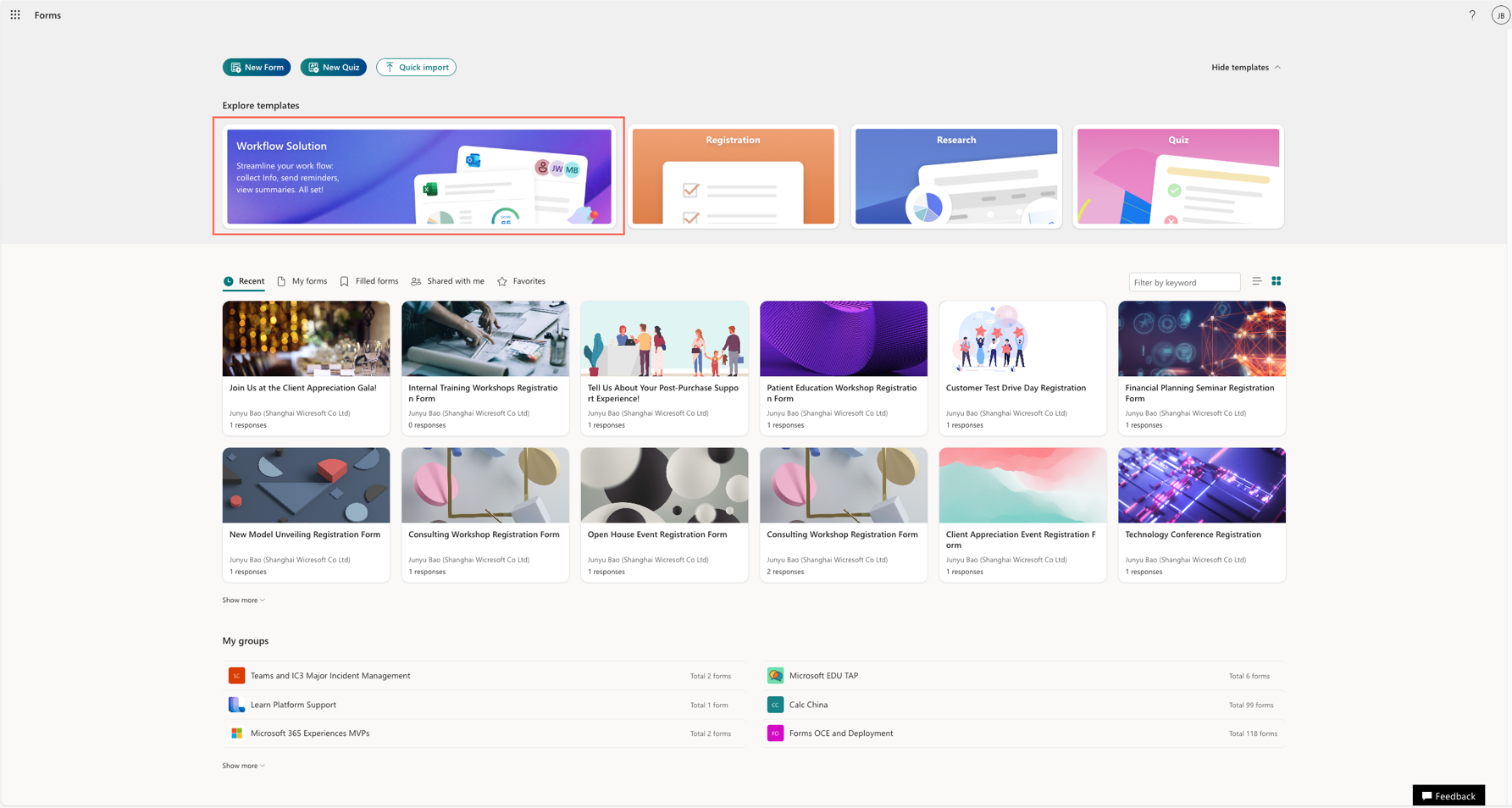
Templates are easy to find right in Forms portal. With just one click, you can browse the template collection and get started with one that fits your needs, including pre-built questions and a summary view in Excel.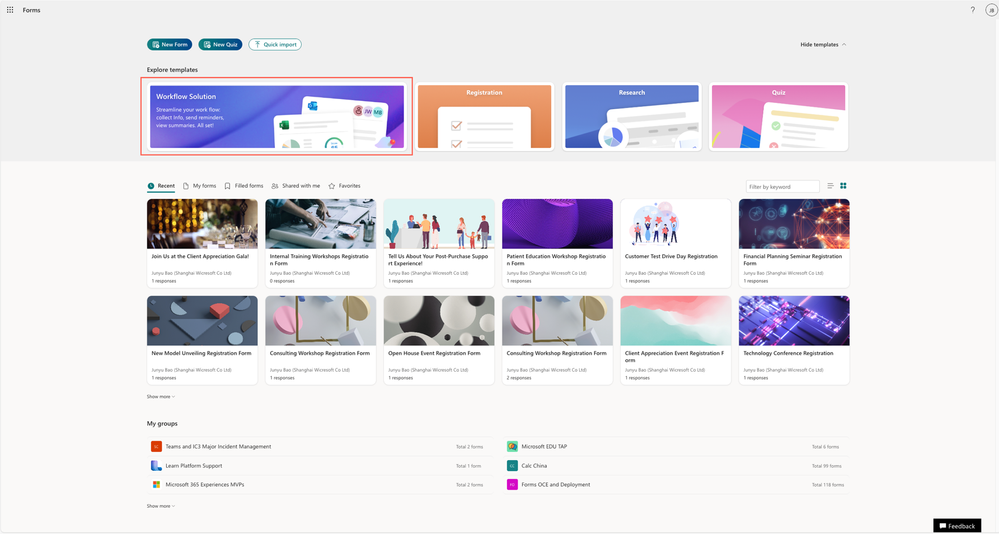
New templates collection in Forms portal page
New scenario – registration
Registration template is now available in Forms. Whether you're organizing a workshop, webinar, open house, or team offsite, collecting participant details quickly and efficiently is key. You can get started right away with our pre-built registration form—saving you time and ensuring you capture all the important information.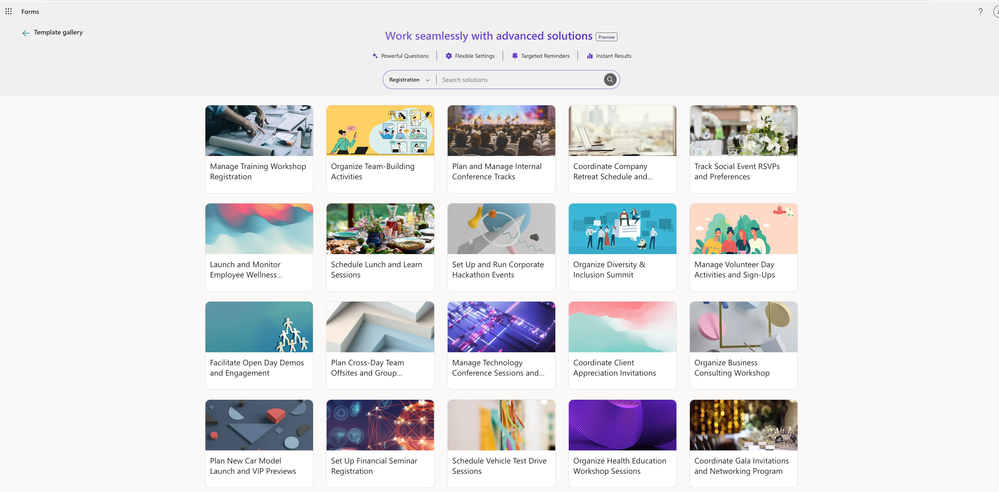
Registration templates
What’s in the Registration Template?
The template comes with a them that fits the topic and covers all the essential questions needed to organize a successful event, including:- Attendance confirmation
- Contact information (name, email, and phone number)
- Event or session preferences
- Special requirements (e.g., dietary restrictions, accessibility needs)
- Open-ended questions for additional comments
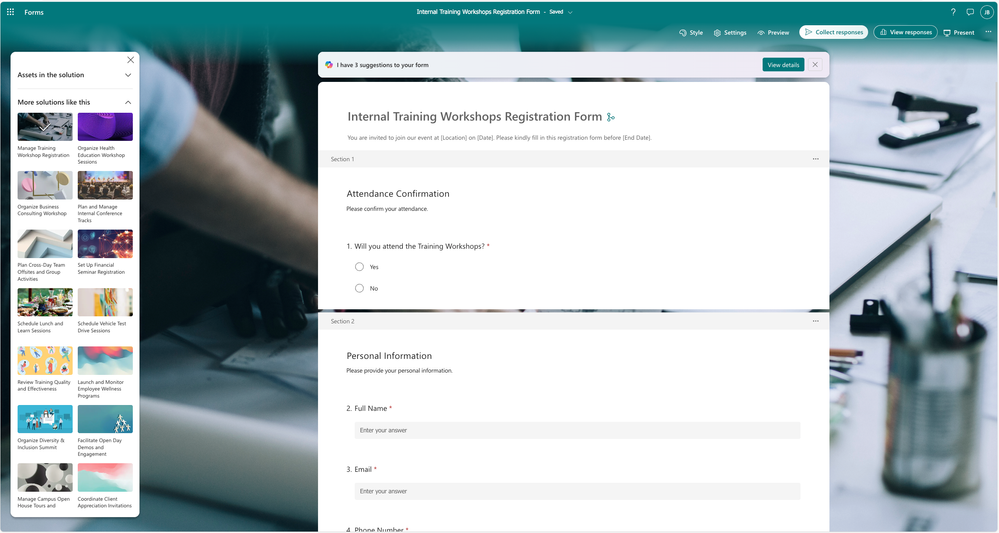
Template sample – Internal training workshop registration
Track sign-ups and take action
Once people register for the event, you can track attendance status directly in Excel. With real-time response syncing, each new registration is instantly reflected in the sheet. You’ll also get a summary of key aspects to help you better manage and adjust the event as needed.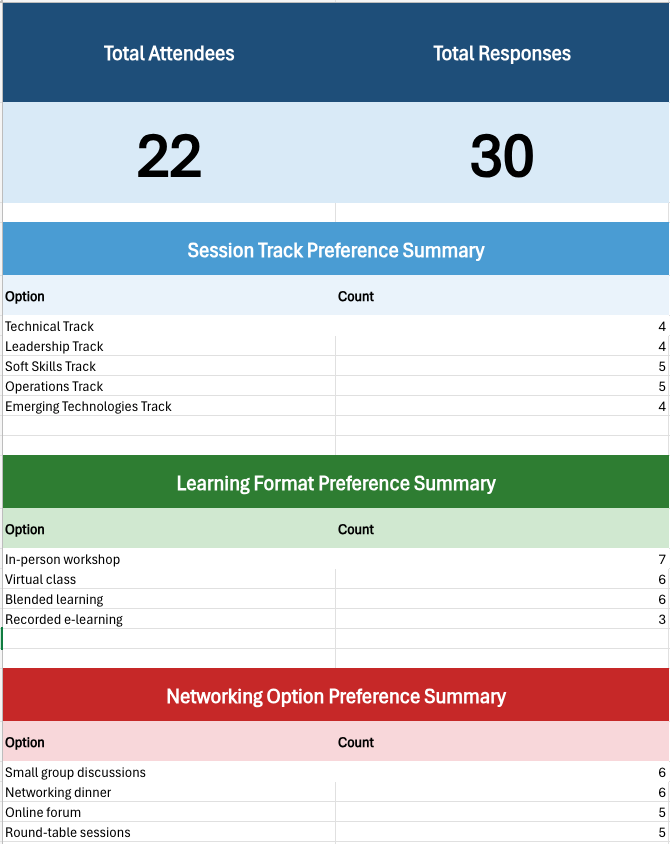
Excel summary sheet
More scenario for feedback template
Beyond registration, we now offer more feedback templates designed for different industries—like IT, manufacturing, consumer goods, retail, automotive, banking, healthcare, and transportation—so you can find one that fits your needs.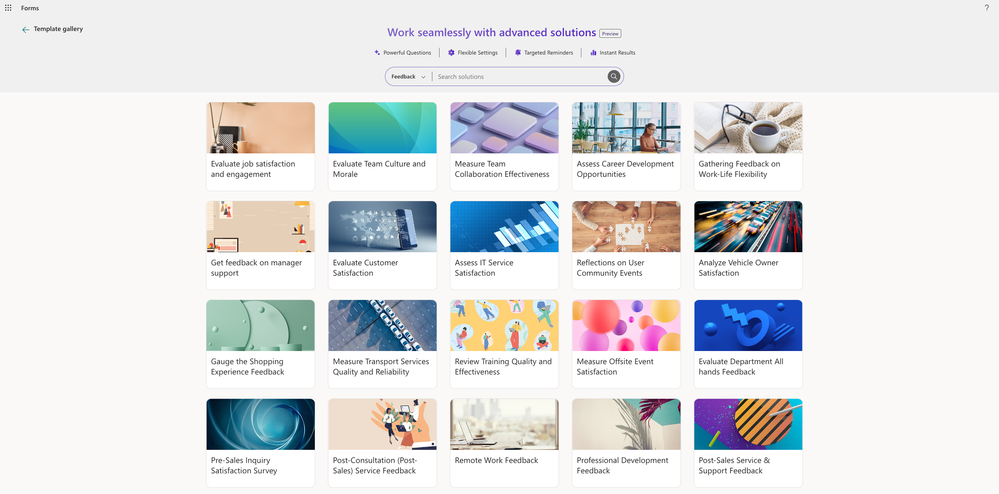
Registration template collection
Get started today
Microsoft Forms templates make it easy to collect and manage information at scale—whether you're gathering event sign-ups, collecting feedback, or running internal surveys. From large company-wide initiatives to small team activities, these templates help you stay organized and focused on delivering a great experience.Just go to forms.office.com now and try out these templates.
Source:
More solution based templates are now available in Microsoft Forms | Microsoft Community Hub
We’re continuously working to deliver end-to-end solutions that help boost efficiency and productivity. After launching the employee satisfaction template in...
 techcommunity.microsoft.com