Microsoft 365 Insider Blog:
Hi, Insiders! We are Jessica Hu and Priya Mehta, Product Managers on the Apple Ecosystem team. We are excited to share new, modern icons of Microsoft 365 apps, now available for Windows, Mac, Android, iOS, and the web.
New Microsoft 365 icons for the AI era
Microsoft Word, Excel, PowerPoint, and the rest of your trusted productivity tools have new life with Copilot in Microsoft 365 – and now their icons will show it! The newly designed app icons reflect a strategic shift in Microsoft 365: unified, intuitive, and designed for flow across every canvas. As Copilot connects Microsoft 365 apps into a single, intelligent experience, the icons embody that transformation with cleaner shapes, vibrant colors, and a connected design system nodding to Copilot’s influence.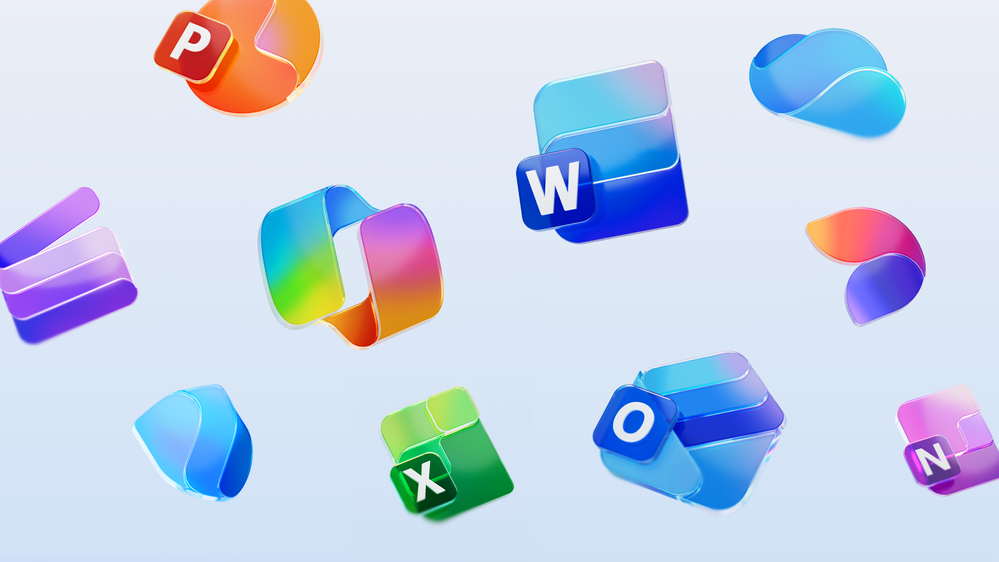
How it works
- Download or update Microsoft 365 Copilot, Word, Excel, PowerPoint, OneNote, Outlook, Designer, Clipchamp, OneDrive, Teams, SharePoint, Forms, Access, and Defender, and you’ll notice that these apps have a new, unique look!
Availability
The icons are rolling out in the coming weeks across desktop, web, and mobile for both individuals and organizations running:- Windows: Version 2509 (Build 19231.20200) or later.
- Mac: Version 16.102 (Build 25100710) or later.
- Android: Build 16.0.19328.20000 or later.
- Word, PowerPoint, and Excel for iOS: Version 2.102 (Build 25100611) or later.
- Office Mobile for iOS: Version 2.102 (Build 25100730) or later.
- OneNote for iOS: Version 16.102 (Build 25100611) or later.
Feedback
Let us know what you think of Microsoft 365’s new icons! To share your thoughts, select Help > Feedback in your preferred app. Source:
New Microsoft 365 icons for the AI era
The newly designed app icons reflect a strategic shift in Microsoft 365: unified, intuitive, and designed for flow across every canvas.
 techcommunity.microsoft.com
See also:

New refreshed Fluid icons for Microsoft 365 apps
Microsoft Design: When it comes to outsized impact, it’s hard to debate the almighty icon. No bigger than a postage stamp, these tiny symbols are gateways to entire experiences, distilling complex ideas, product abilities, and brand identities into a single, memorable image. By evoking emotion...
 www.elevenforum.com