Visual Studio Code github:
Updated: April 30, 2026
Fixed GitHub Copilot CLI not working from VS Code.
Downloads: Windows: x64 Arm64 | Mac: Universal Intel silicon | Linux: deb rpm tarball Arm snap
Release date: April 29, 2026
Welcome to the 1.118 release of Visual Studio Code. This release expands where you can work with Copilot agents and makes them more efficient. Here are the highlights for this release:
- Remote control: Track and control your ongoing Copilot CLI sessions remotely from GitHub.com or mobile.
- Codebase search: Find the code you need with semantic search in any workspace and text search across GitHub repos and orgs.
- Dedicated context for skills: Isolate skill execution to keep your main chat focused and answers sharper.
- Chat session insights: Turn your chat history into standup reports, tips, and answers about past work.
- Enterprise control: Restrict AI feature access to organizations your admin trusts.
- Improved token efficiency: Get more out of every request with lower token usage.
Source:
Release 1.118.1 · microsoft/vscode
Fixed GitHub Copilot CLI not working from VS Code. https://code.visualstudio.com/updates/v1_118
 github.com
Downloads:
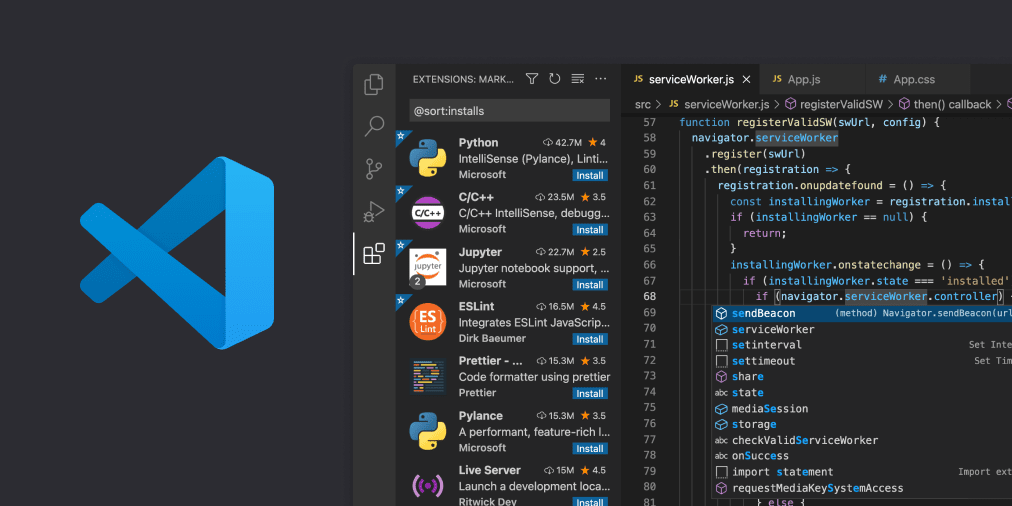
Download Visual Studio Code - Free AI Code Editor for Mac, Linux, Windows
Download Visual Studio Code for free on Linux, macOS, and Windows. The open source AI code editor for agent-first development, with built-in multi-agent workflows and AI-powered coding.
Download Visual Studio Code Insiders
Get early access to the latest AI agent features in VS Code with the Insiders Build. New builds daily with cutting-edge agent workflows. Available on Mac, Linux, and Windows.
Last edited: