Windows IT Pro Blog:
On any device running Windows 11, Windows 365 Boot allows you to sign in directly to your Cloud PC as the primary Windows experience. When you power on the device, you'll be taken straight to the familiar Windows 11 login screen. Once authenticated, you're quickly connected to your secured, personalized Windows 365 Cloud PC. Widely appreciated for its simplicity and convenience, Windows 365 Boot lets you access your Cloud PC simply by signing in with your own credentials on any Windows 11 device. We’re pleased to announce that the following new features for Windows 365 Boot are now generally available.
Connection Center access at logon
Windows 365 Boot now includes built-in access to the Windows 365 Connection Center. Users with multiple Cloud PCs can choose their Cloud PC during logon and access all device actions on the Cloud PC card, including view, manage, restart, troubleshoot, and more via the ellipses (...) menu.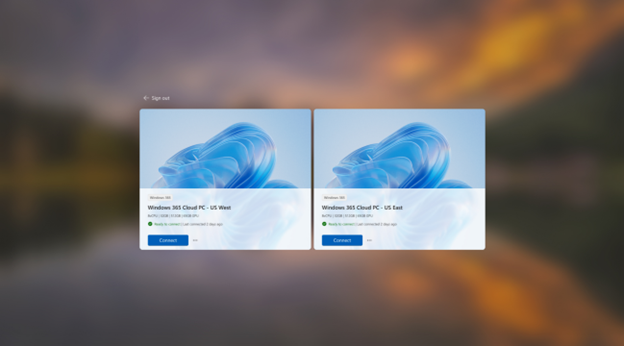
The Connection Center upon logon
Enhanced troubleshooting & diagnostics
With our new error-handling improvements, users can take immediate action if something goes wrong. When a user encounters an error message, hitting the Cancel button will take them directly to the Connection Center. From there, they can troubleshoot their Cloud PC—restart it, check its status, or take other recovery actions— giving them a clear path to resolution. As a result, issues are resolved faster and the user stays productive.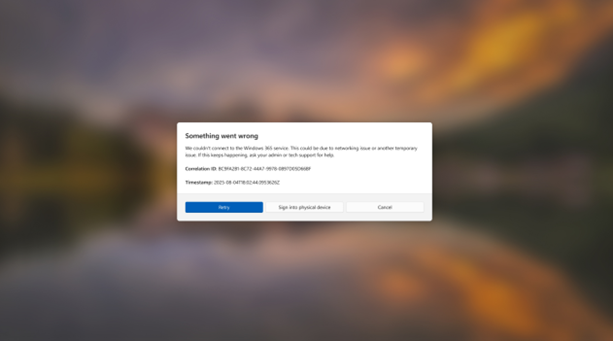
Error screen message
A smoother connection experience
We’ve enhanced the connection logic to reduce login delays, minimize disconnections, and allow for a more streamlined connection experience to each user’s Cloud PC.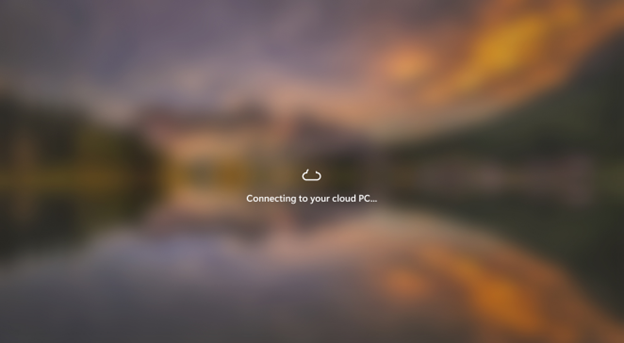
The connection sequence
Built-in Cross-Region Disaster Recovery
Windows 365 Boot now supports Cross-Region Disaster Recovery. When configured, it enables built-in cross-region disaster recovery by allowing users to connect to their Cloud PCs from any supported region. With the Windows 365 Cross-Region Disaster Recovery license, organizations can ensure business continuity. In the event of a regional outage, users can quickly reconnect to a backup Cloud PC hosted in another region, minimizing disruption and maintaining productivity on their Windows 365 Boot device.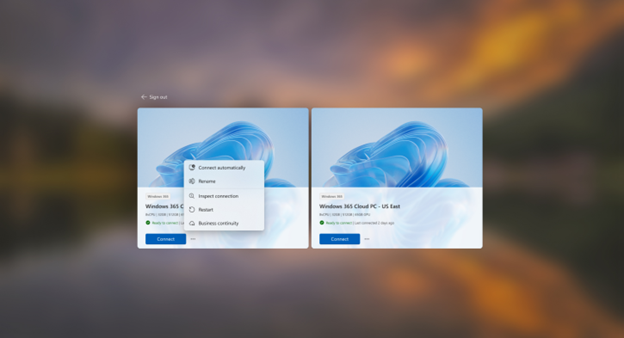
The Connection Center showing Built-in Cross Region Disaster Recovery
Windows 365 Boot display settings support
Windows 365 Boot now allows users to easily fine-tune their display settings straight from the Settings app on their Windows 11 Boot device.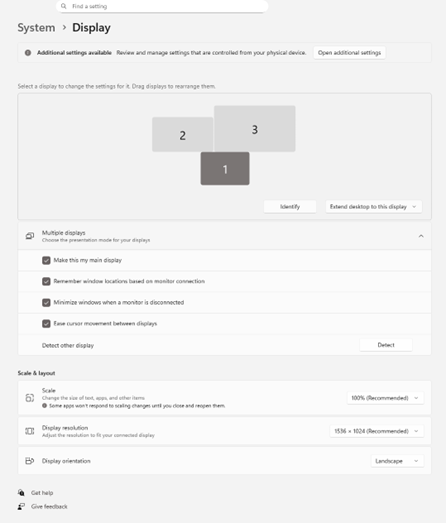
Display settings in the Windows 365 Boot Settings App
Requirements for Windows 365 Boot:
- Windows 11-based endpoints (Windows 11 Pro and Enterprise)
- Microsoft Intune Administrator rights
- Windows 365 license. See the Create provisioning policies page for guidance on how to create Cloud PCs.
Getting started
New to Windows 365 Boot? Check out our overview on Microsoft Learn about how to roll out Windows 365 Boot in your organization.Already using Windows 365 Boot? Make sure your devices are updated to the latest supported version to take advantage of these new capabilities.
To get the latest build, ensure you’re on version 2.0.704.0 of the Windows App. The rollout has begun and will reach 100% within two months. If you would like to get the latest build sooner, please reach out in the comments section below.

New Windows App version 2.0.704.0 - Sep. 15
Windows App connects remotely to your Windows devices and apps from Azure Virtual Desktop, Windows 365 Cloud PCs, Microsoft Dev Box, Remote Desktop Services, and PCs, securely connecting you to Windows devices and apps. You can use Windows App on many different types of devices on different...
 www.elevenforum.com
Stay tuned for more updates, and as always, keep the feedback coming. We’re building this together — with you.
Source:
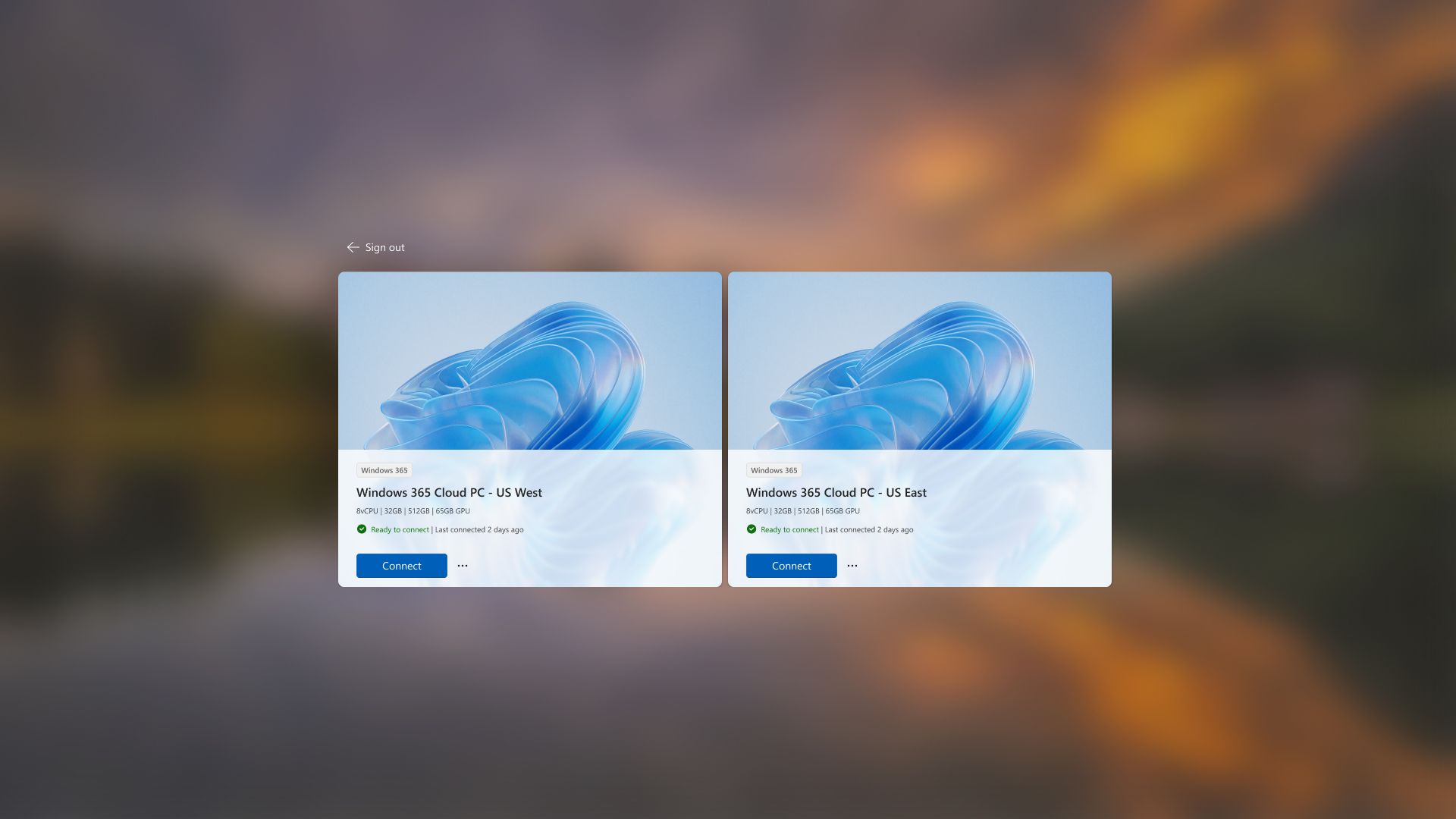
Windows 365 Boot, Connection Center & improved experience - generally available - Windows IT Pro Blog
Windows 365 Boot is generally available and now includes Windows 365 Connection Center, Cloud PC selection at logon, and more.
 techcommunity.microsoft.com