Microsoft 365 Insider Blog:
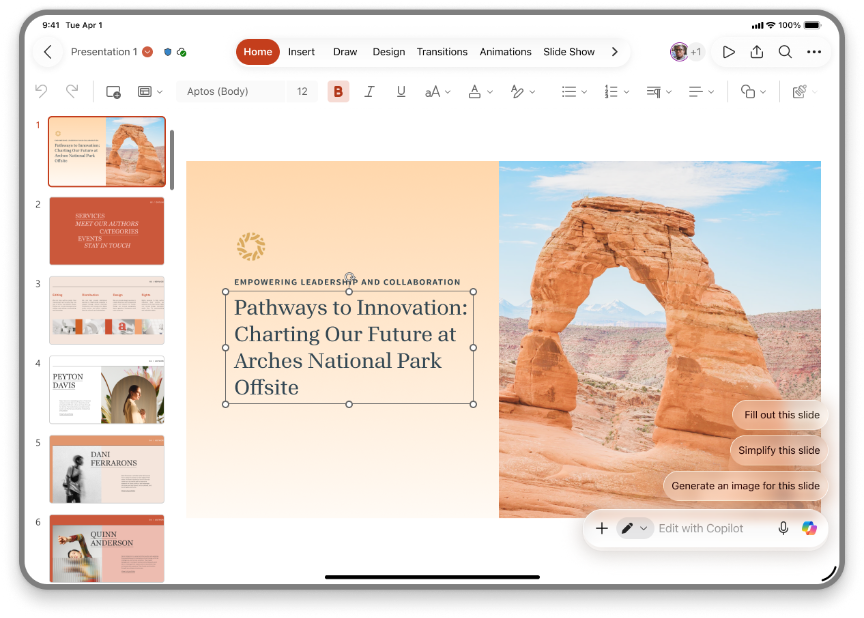
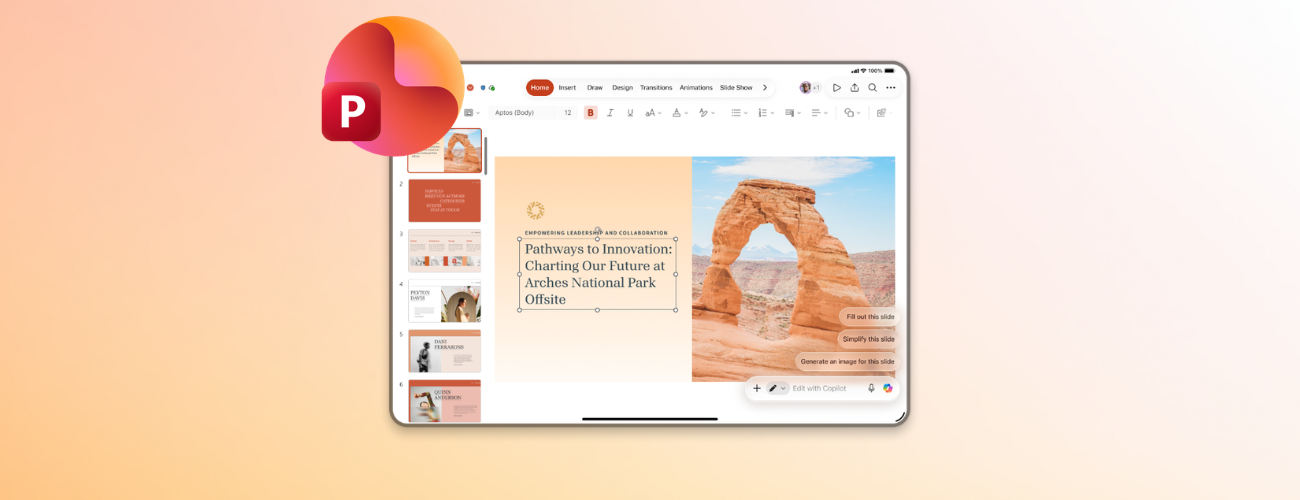
I’m excited to introduce a feature many of you already use on desktop and the web to PowerPoint for iPad: the ability to co-create with Microsoft 365 Copilot directly in your presentation.
What’s new
Whether you’re building a first draft, polishing a few slides, or transforming the design and layout, Copilot can make edits directly on the presentation in just a few clicks. And with iPad providing on-the-go flexibility, you can keep working or switch apps while Copilot works in the background.With Copilot in PowerPoint for iPad, you can:
- Turn rough ideas or work context into a polished deck: Transform meeting notes, an outline, an email, or images from your gallery into a presentation, right on the canvas.
- Make quick edits or transform slides instantly: Ask it to rewrite text, tidy formatting, or simplify or fix a slide’s design, and it will update your presentation.
- Extract key insights: Make sense of the presentation by using Copilot to extract key insights, prep for a meeting, or summarize files or action items.
- Stay in the flow: Keep working on your slides or switch to another app while Copilot runs, and review when your changes are ready.
Why it matters
Copilot co-creation in PowerPoint for iPad allows you to:- Work anywhere, anytime: Create drafts and refine slides while on the go.
- Increase flexibility and ease: Use voice and chat without manual interactions.
- Supercharge productivity: Edit faster and be empowered to achieve more.
How it works
- Open PowerPoint on your iPad and sign in with a Copilot-enabled account, then open a blank presentation or an existing deck.
- Select the Copilot icon to open Copilot Chat.
- Pick one of the suggested actions, type your request, or tap the mic icon to speak.
- Review and accept or reject the changes made directly on your slides.
Tips and tricks
- Work asynchronously for longer tasks: You don’t have to wait if Copilot is taking longer. Drag the chat pane aside to keep working on your slides or leave the app entirely. Copilot will keep working in the background, and you can return to review.
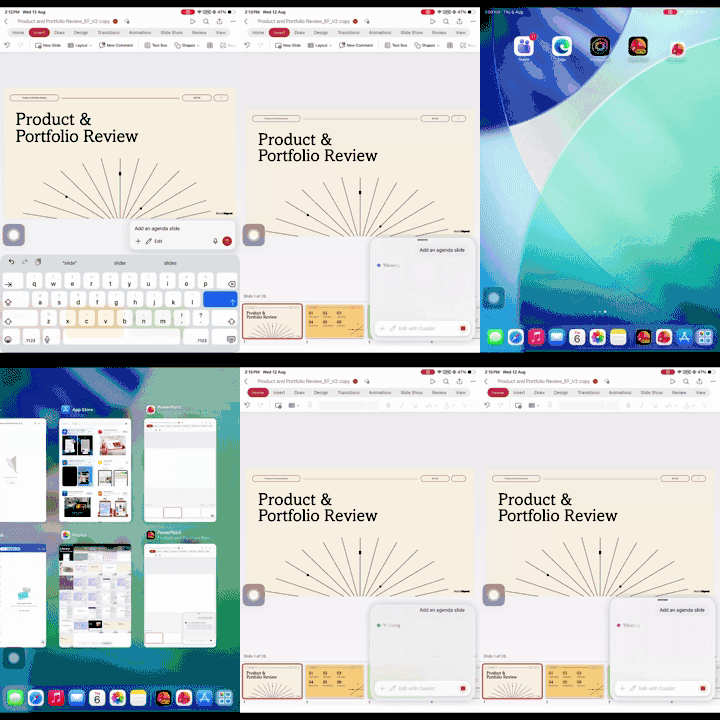
- Create or edit using context or other files: The agent implicitly grounds your work context. You can explicitly reference existing files (documents, spreadsheets, or presentations) using the + button.
- Start with voice when the idea is rough: On mobile, it’s often faster to speak your request than type a detailed prompt.
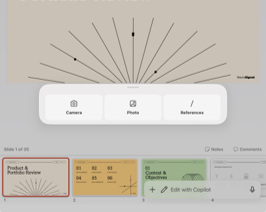
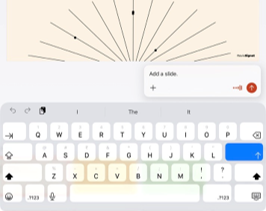
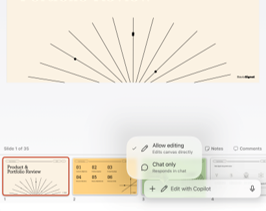
- Use chat mode to ask: Copilot editing is on by default. To ask questions without changing your deck, tap the edit pill and choose Chat only.
Availability
This feature is available to users with access to Microsoft 365 Copilot and using PowerPoint for iPad Version 2.112 (Build 26080725) or later.Feedback
We’d love to hear what you think! You can share your feedback on this new feature by selecting Help > Feedback in the PowerPoint app Source:
Co-create slides with Copilot in PowerPoint for iPad
A popular feature on desktop and the web is now available in PowerPoint for iPad: the ability to co-create with Microsoft 365 Copilot directly in your...
 techcommunity.microsoft.com