- Local time
- 3:43 PM
- Posts
- 5,977
- Location
- Hafnarfjörður IS
- OS
- Windows XP,11 Linux Fedora Rawhide pre-release 46
Agree on the vhd/vhdx method (Physical vhd/vhdx files ) -- but whether "you shoot yourself in the foot" or not - if a restore fails then there's no point in the whole backup scenario - which is why whatever methods you choose you should have at least 2 different software methods of backup and save to 2 different sets of media.Well Macrium Reflect (by default) does Rapid Delta Restore, AOMEI only does full restore.
Re. backup times difference of a few minutes (not 40 minutes lol) may be acceptable to some. Not for me as I do a lot of testing.
With regards of checking a restore, you can shoot yourself in the foot by testing it if it fails.
The safest check method is to do a restore to a virtual hard drive, create a boot entry and then boot vhd.
Note also using a VirtualMachine for this type of testing is no guarantee that the whole process will work identically on a physical machine.
@SIW2
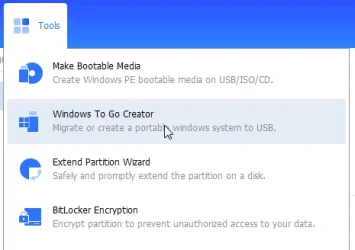
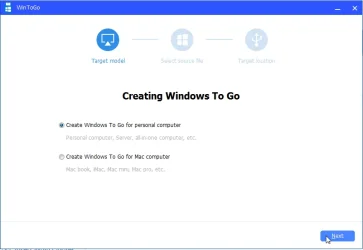
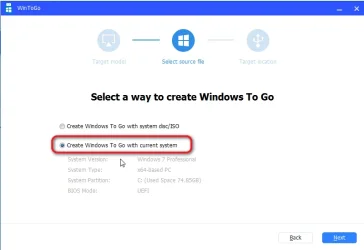
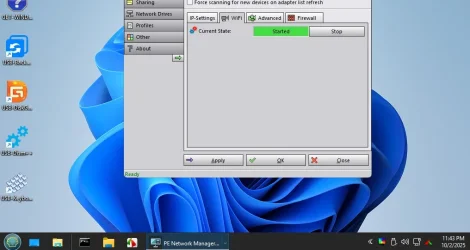
Seems a hideous amount of work -- I have a much easier solution -- simply create on a USB device a full Win2GO system and if you know Linux a Linux system. Add a WINPE system too if you need to
To create the WintoGO system simply clone a Windows system to the USB device, and change the reg key .
Here's my post of how to do it from scratch too.
Create Windows2Go copy of existing Windows system (for @cereberus and others)
Hi folks Here's the EASY simple way to create a windows2go system of your CURRENT windows system (and how to update to a newer build afterwards if required. Note - this method won't work on creating / installing a clean new version of Windows -- for that you will have to use the Rufus method...
 www.elevenforum.com
Cheers
jimbo
My Computer
At a glance
Windows XP,11 Linux Fedora Rawhide pre-releas...2 X Intel i7
- OS
- Windows XP,11 Linux Fedora Rawhide pre-release 46
- Computer type
- PC/Desktop
- CPU
- 2 X Intel i7
- Screen Resolution
- 4KUHD X 2