Wakawaka1234
New member
- Local time
- 9:32 AM
- Posts
- 5
- OS
- Windows 11
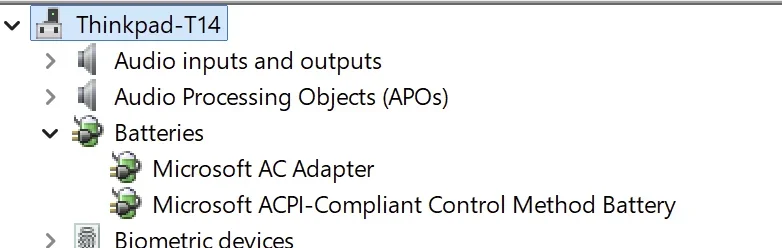
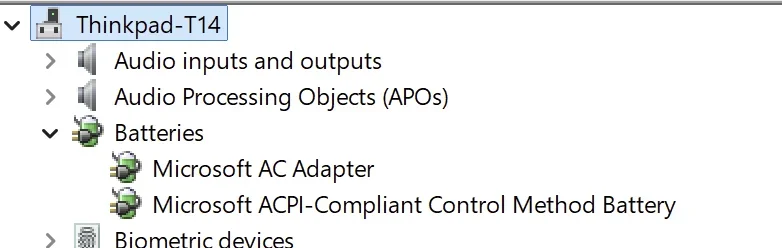
Did a reinstall of W11 Pro 25H2 the other day (Thinkpad T14 Gen 5 AMD).
Noticed I was not receiving the "battery low" message/notification at 20%.
Found out on a discord support page that since 25H2 update (?), there is no more of the set battery threshold option anymore where you pick a %.
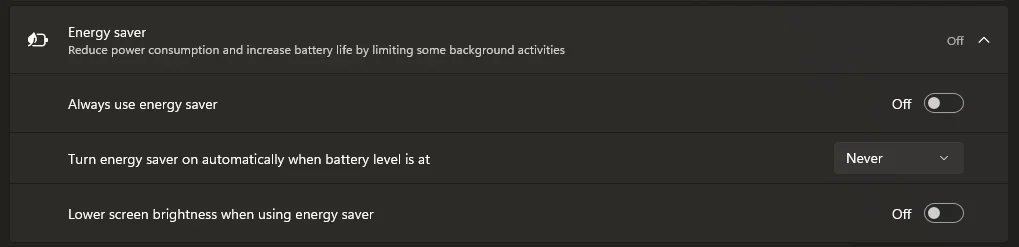
And 'battery saver' has changed to 'energy saver' with a default "Energy saver turns on at 30%".

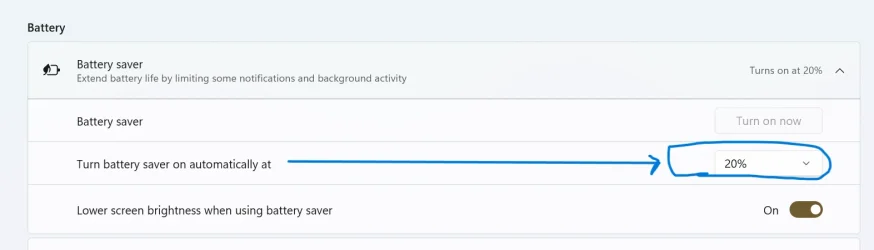
I used to be able to change the setting to about 20% and it'd warn me of low battery.
Can I ask why this is done? Couldnt find many posts online as thought it would cause uproar lol.
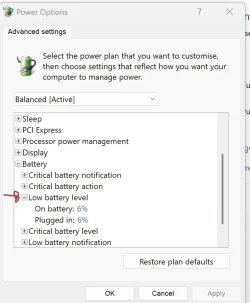
I think the workaround is via the 'Control Panel>Power Options' right?:
Cheers
Noticed I was not receiving the "battery low" message/notification at 20%.
Found out on a discord support page that since 25H2 update (?), there is no more of the set battery threshold option anymore where you pick a %.
And 'battery saver' has changed to 'energy saver' with a default "Energy saver turns on at 30%".
I used to be able to change the setting to about 20% and it'd warn me of low battery.
Can I ask why this is done? Couldnt find many posts online as thought it would cause uproar lol.
I think the workaround is via the 'Control Panel>Power Options' right?:
Cheers
- Windows Build/Version
- 25H2
Attachments

My Computer
At a glance
Windows 11
- OS
- Windows 11
- Computer type
- Laptop
- Manufacturer/Model
- Lenovo