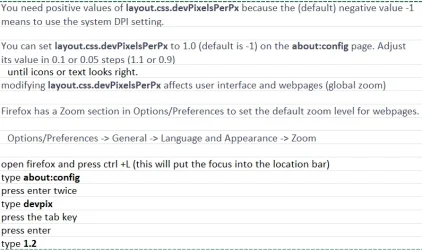
Type about:config into the search/URL bar.
That will bring up a warning which you'll have to acknowledge.
On the next screen there's a search box at the top. Type or paste layout.css.devPixelsPerPx into it. That will then show up underneath with '-1.0' next to it. Double-click the '-1.0' and change it to 1.2, without the '-.' Either press Return or click the tick that has appeared at the end of the line. If that isn't big enough try 1.25 or 1.3 but DO NOT enter a big value — 2 is huge.
This will also increase the size of web-content so if that's now too big you can reduce it with the Zoom you've already alluded to.