Access Blog:
Here's a summary of bug fixes available in the latest Preview build of Access:
Bug Name | Issue Fixed |
|---|---|
| German keyboard: AltGr key combinations triggered zoom shortcuts instead of typing characters | On German and other keyboard layouts that use AltGr for common characters (such as ~, }, and others), pressing AltGr+key combinations triggered the zoom keyboard shortcuts instead of inserting the expected character. These keyboard layouts now correctly distinguish AltGr from Ctrl+Alt so that character input works as expected. |
| Zoom was disabled for all ACCDE and MDE files | The new zoom feature was incorrectly disabled for ACCDE and MDE files. Zoom now works correctly in these file types. |
| Default zoom value in Access Options validated per-keystroke | When entering a custom default zoom percentage in the Access Options dialog, the field validated the value after every keystroke, which blocked multi-digit entry (e.g., typing "15" triggered a validation error after "1"). The field now validates on commit rather than per-keystroke. |
| Display issues when extending laptop to a large external monitor | When a laptop was extended to a larger external monitor, certain controls such as checkboxes and option buttons did not zoom correctly. These controls now scale properly when the form is displayed on a monitor with different DPI or resolution than the primary display. |
| Zoom range extended for Print Preview | The zoom keyboard shortcuts, mouse wheel, and slider in Print Preview now support the full zoom range from 10% to 1000%, matching the range available in Form and Report views. |
| Date selector control showed truncation and ghosting at certain zoom levels | At certain zoom levels, the date selector control displayed truncated text and visual ghosting artifacts. The date selector now renders cleanly at all zoom levels. |
| Current record indicator didn't draw in Continuous Form view when zoomed | In Continuous Form view, the current record indicator (the arrow marking the selected record) did not draw when zoom was enabled. The indicator now renders correctly at all zoom levels. |
| Extra line appeared at the top of the record selector when zoomed | When zoom was enabled, a small extra line appeared extending from the top of the topmost record selector in Continuous Form view. This visual artifact has been removed. |
| Screen reader did not announce zoom level changes via keyboard shortcuts | When using keyboard shortcuts (Ctrl+Alt+Plus / Ctrl+Alt+Minus) to adjust the zoom level, screen readers did not announce the updated zoom percentage. The zoom control now exposes the updated value to assistive technology after each change. |
| Screen reader announced incorrect context for zoom controls | When navigating to the zoom split button on the Home tab, screen readers announced it as "Print Preview Zoom" instead of reflecting the current zoom context. The control now announces the correct context. |
| Zoom button on Home tab did not respond to keyboard activation | The Zoom button on the Home tab did not perform any action when activated via Enter, Spacebar, or mouse click. The button now opens the zoom dropdown as expected. |
| Added 125% and 175% zoom levels to the ribbon | The zoom dropdown on the Home tab now includes 125% and 175% as preset zoom levels, making it easier to select commonly used zoom percentages without typing a custom value. |
| Tab header font rendered incorrectly when zoomed | When zooming was enabled, tab control headers could render with an incorrect font size or style. Tab headers now render with the correct font at all zoom levels. |
| Dropdown list detached from its control when form was scrolled | When a form was scrolled while a dropdown list was open, the dropdown could become visually detached from its parent control and appear at the wrong position on screen. The dropdown now repositions correctly when the form scrolls. |
| Query with IS NULL predicate could return incorrect data | When a query used an IS NULL predicate on certain field types, the query could return incorrect results or trigger an internal error. The query engine now evaluates IS NULL predicates correctly in all cases. |
| Linked Table Manager showed a confusing dialog when re-linking tables | When using the Linked Table Manager to re-link tables, a confusing confirmation dialog could appear that made it unclear whether the operation succeeded. The dialog messaging has been clarified. |
| Reduced unnecessary repainting during horizontal scroll in Form view | When scrolling horizontally in Form view, Access was repainting the entire form window instead of just the newly visible area. This caused visible flicker and unnecessary CPU usage. Horizontal scrolling now repaints only the region that has changed. |
Source:
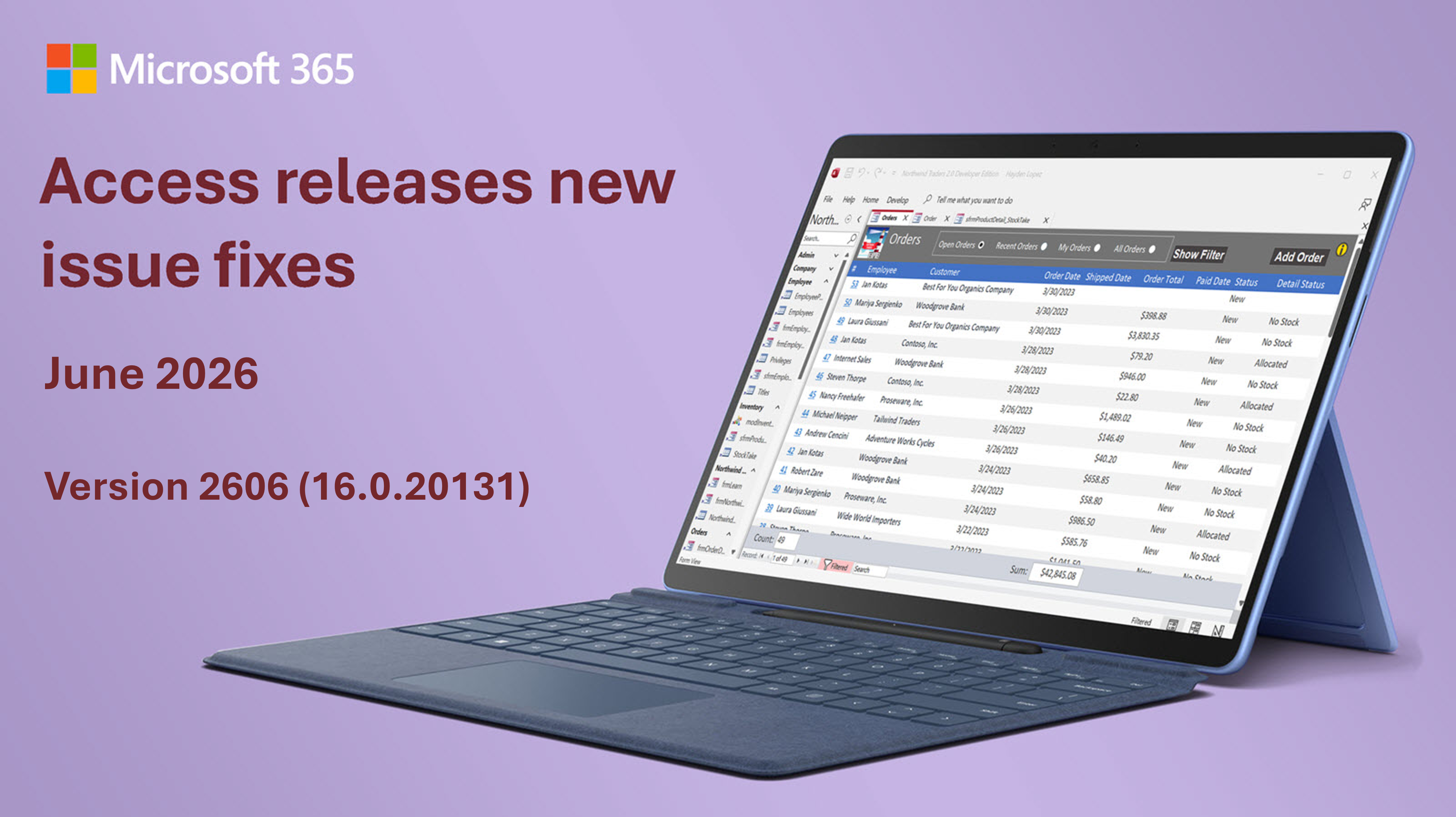
Bug fixes in Microsoft Access - Version 2606 (Build 16.0.20131) | Microsoft Community Hub
This blog is a summary fo the bug fixes released for Microsoft Access in June 2026.
 techcommunity.microsoft.com