Windows Developer Tools:
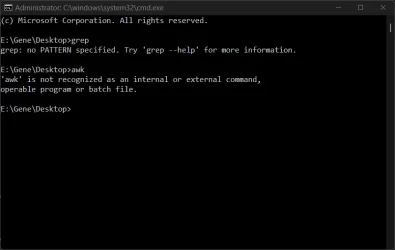
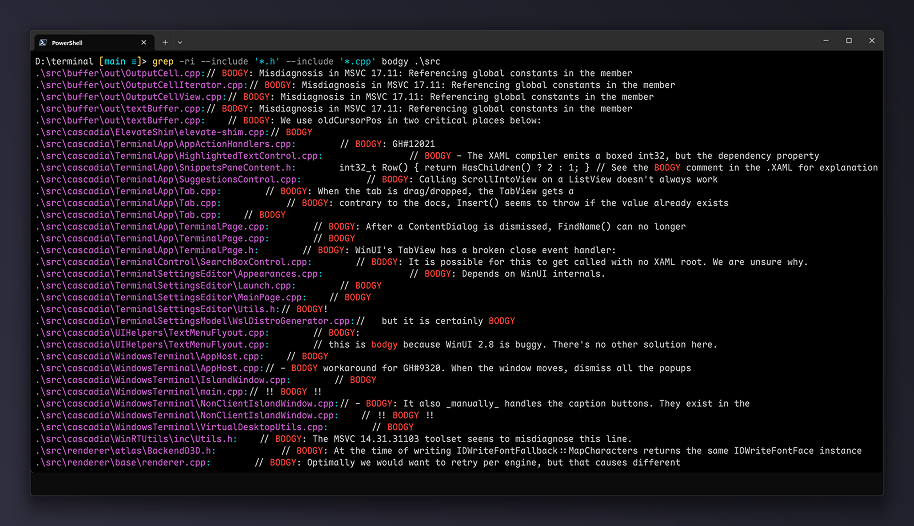
Coreutils for Windows is a Microsoft-maintained set of UNIX-style command-line utilities that run natively on Windows — the same commands and pipelines you use on Linux, macOS, and WSL. It ships as a single multi-call binary that exposes each utility under its standard name (cat.exe, grep.exe, find.exe, and so on), giving you the everyday tools developers already use on other platforms to script, automate, and process text. For the full list, see Commands.
The goal is to remove friction when moving between Linux, macOS, WSL, containers, and Windows. The same commands, flags, and pipelines work the same way, so existing scripts and habits carry over without translation. Each command supports the standard --help flag for full syntax and options.
Install
Install Coreutils with WinGet:PowerShell
winget install Microsoft.CoreutilsOr download from GitHub.
How it works
The utilities are implemented in Rust on top of the uutils/coreutils project — the same cross-platform reimplementation of GNU coreutils that ships in modern Linux distributions. Microsoft maintains a Windows-focused build that bundles coreutils, findutils (find, xargs), and a GNU-compatible grep together as a single package. It also includes integrated ports of the original DOS sort and find, so existing CMD scripts that rely on /switch-style syntax keep working alongside the UNIX-style versions. For details, see Shell conflicts. Source:

Coreutils for Windows overview
A set of UNIX-style core utilities for Windows that lets developers run the same commands and scripts they already use on Linux, macOS, and WSL.
learn.microsoft.com

Build 2026: Furthering Windows as the trusted platform for development
Build is one of our favorite moments each year - a chance to connect with the global developer community and share what we’ve been building. Over the past year, we have connected with many developers pushing the boundaries of what’s possible on
 blogs.windows.com


 Apple 13" Macbook Pro 2020 (m1)
 Makes it kind of useless if you ask me