Microsoft Mechanics Blog:
Work efficiently using Microsoft 365 Copilot Chat.
Summarize long email threads, generate bullet-point executive summaries, create charts, and update presentations — all without leaving your familiar apps. Copilot understands your context, remembers your preferences, and helps you reuse content seamlessly across Microsoft 365. IT admins stay in control while you boost productivity. Enterprise-grade protections, Microsoft Purview, and the Copilot Control System ensure your data stays secure.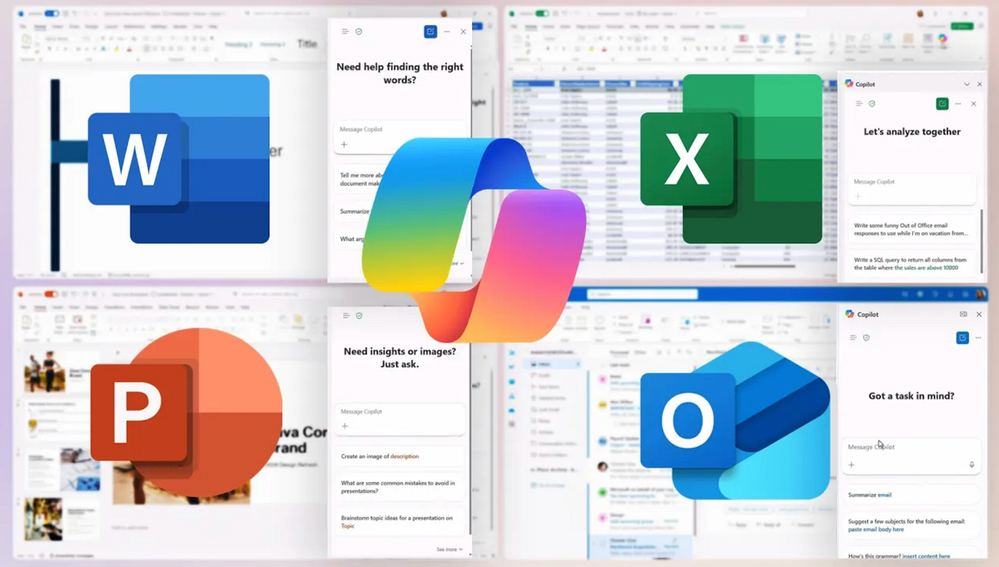
Jeremy Chapman, Microsoft 365 Director, shares how with premium features like intelligent data retrieval, meeting facilitation, and specialized agents, you can automate routine tasks, generate insights, and stay in the flow without leaving your apps.
Create executive summaries instantly.
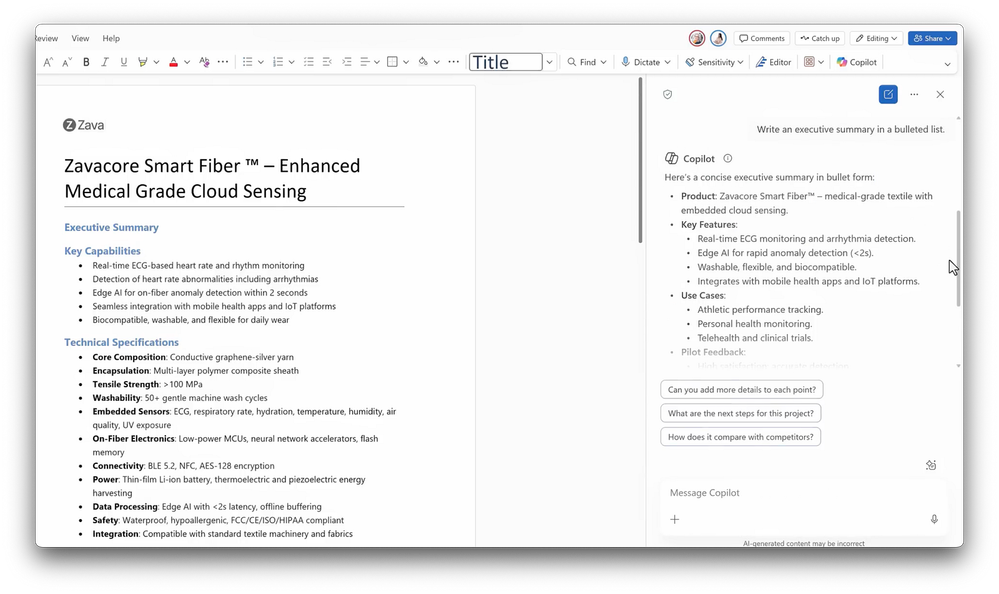
Copilot Chat understands your Word document context and writes for you. Check it out.
Turn raw data into clear visuals.
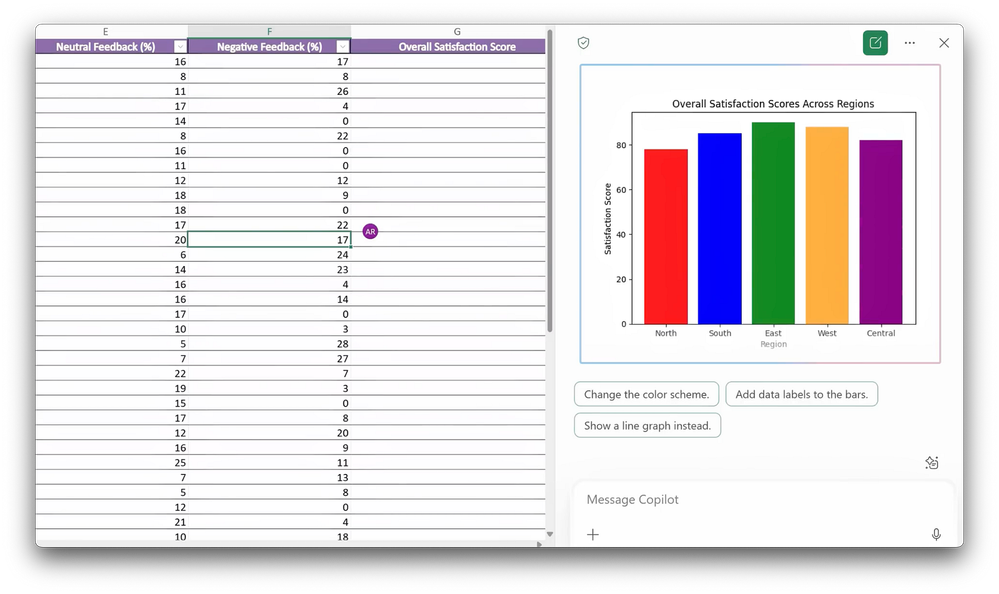
Copilot Chat knows the columns, calculations, & design you need in Excel. See it in action.
Build presentations fast.
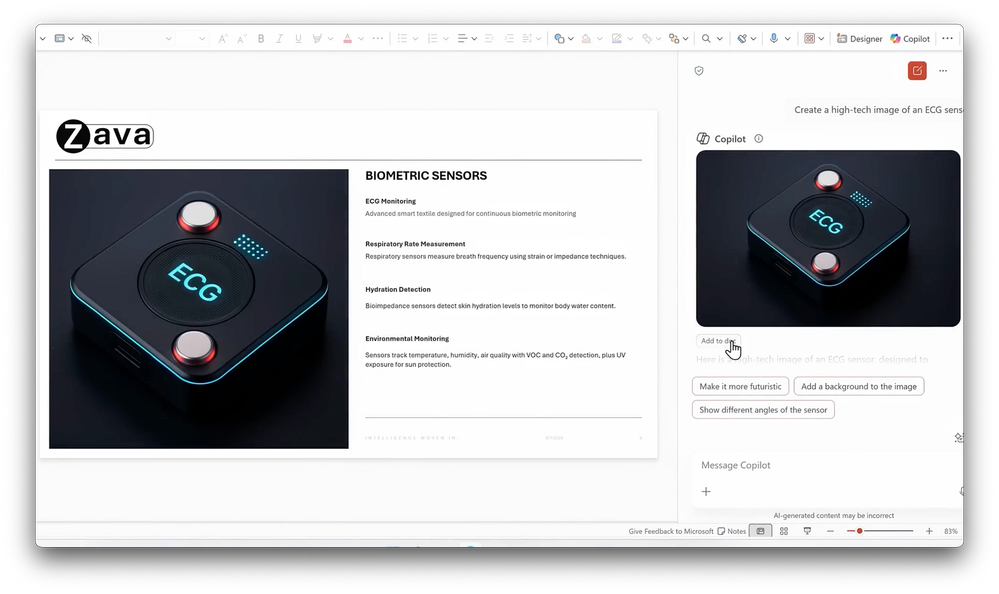
Bring summaries, charts, and visuals from other apps directly into PowerPoint slides with Microsoft 365 Copilot Chat. Watch here.
Source:
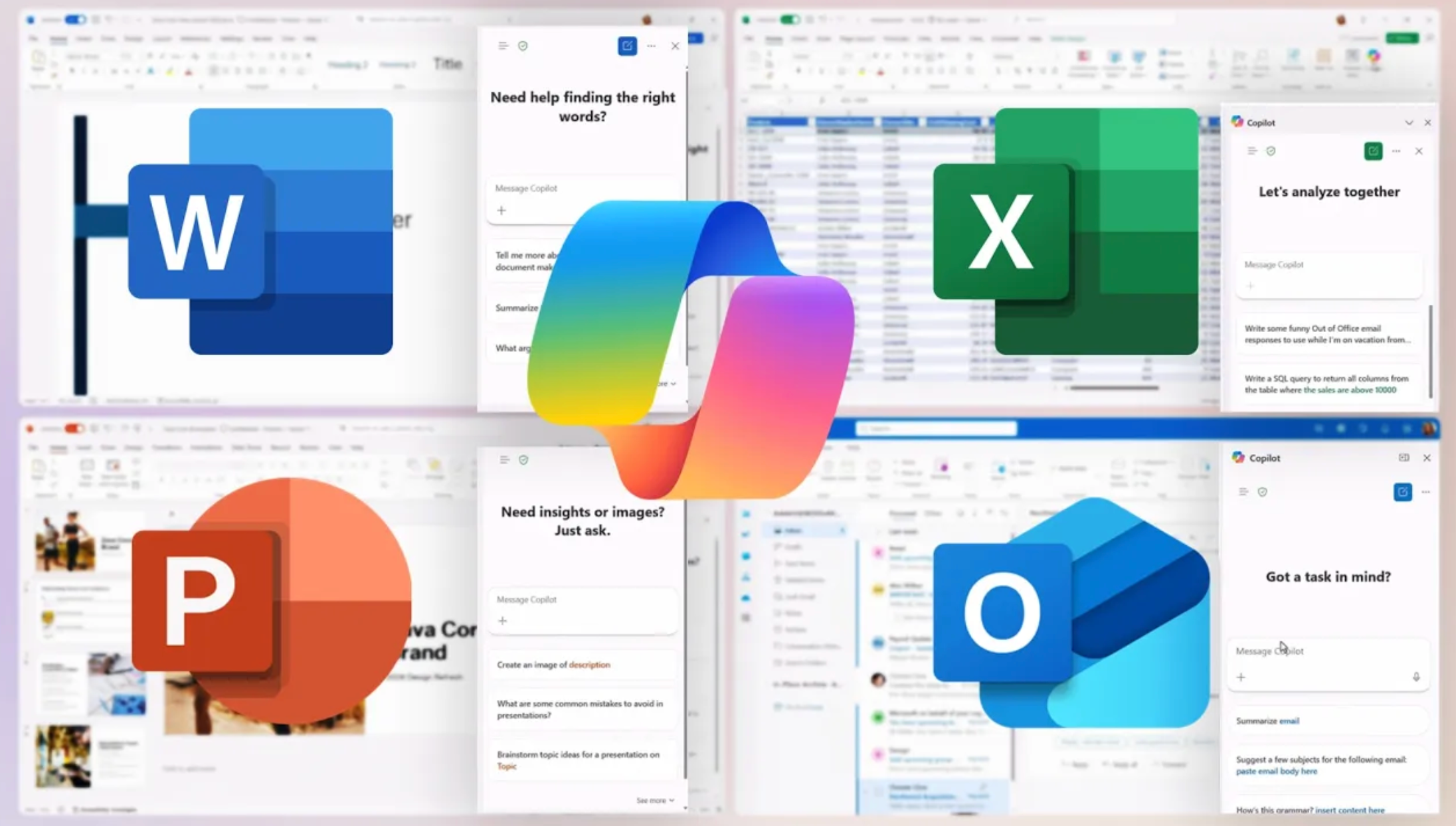
Copilot now included with Word, Excel, PowerPoint, Outlook & OneNote | Microsoft 365 & Office 365 | Microsoft Community Hub
Summarize long email threads, generate bullet-point executive summaries, create charts, and update presentations — all without leaving your familiar apps....
 techcommunity.microsoft.com