biscuitedi
New member
- Local time
- 8:53 PM
- Posts
- 1
- OS
- Windows 11
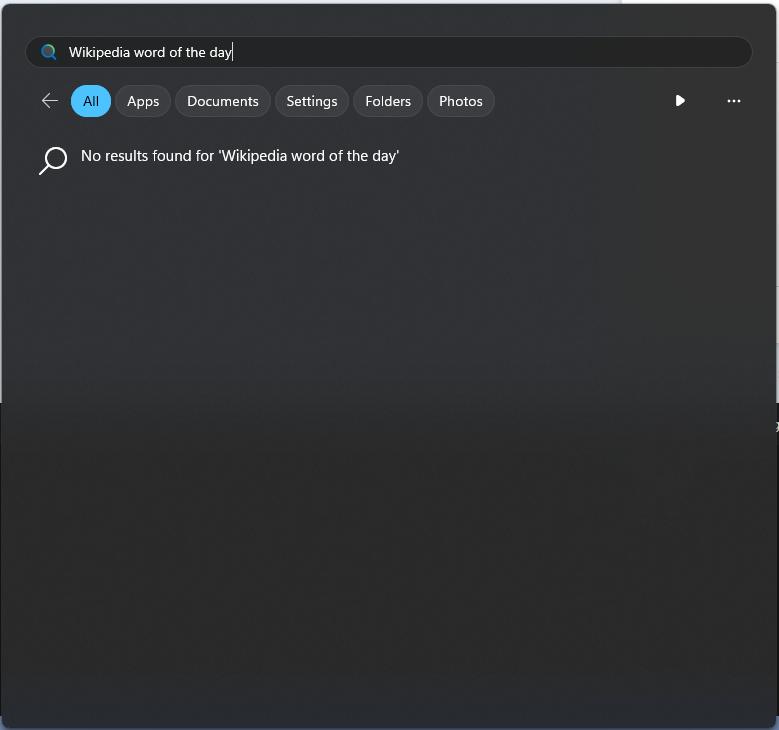
Disable Windows Search With Group Policy
Code:
1. Computer > Administrative Templates > Windows Components > Cloud Content > All Enabled
2. User > Administrative Templates > Windows Components > Cloud Content > All Enabled
3. User > Administrative Templates > Windows Components > Turn off display of recent search entries > Enabled
4. User > Administrative Templates > Windows Components > Windows Copilot > Turn off Windows Copilot > Enabled
Haven't seen this and tried to help a friend so I'm sharing here hoping it will catch on.
My Computer
At a glance
Windows 11
- OS
- Windows 11
- Computer type
- PC/Desktop