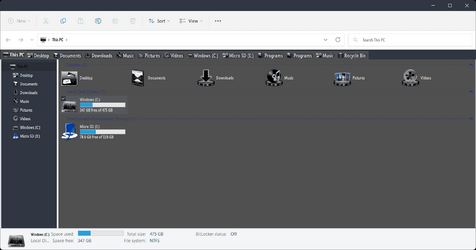
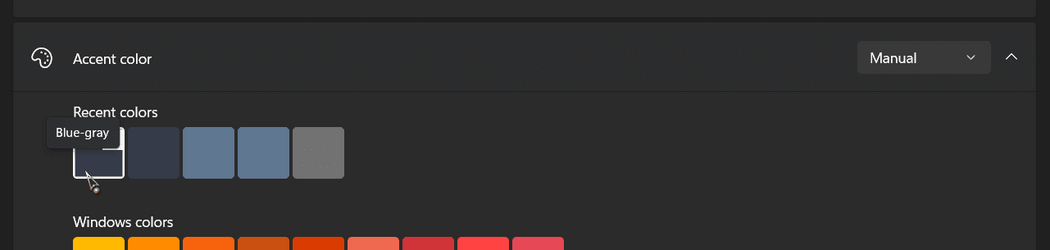
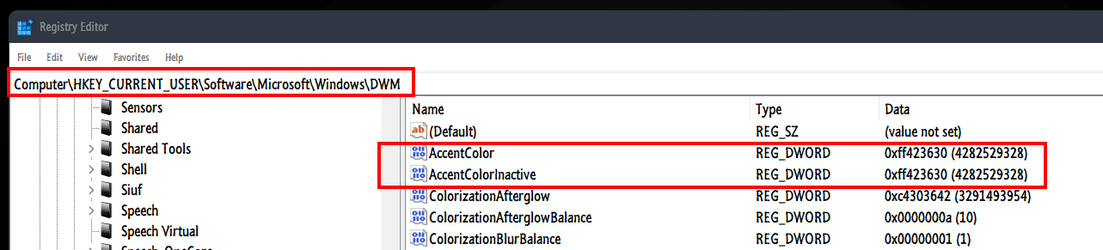
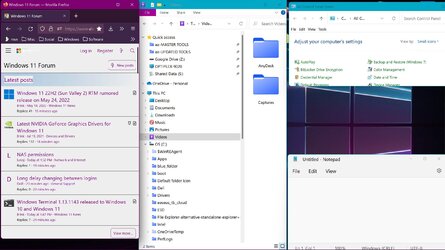
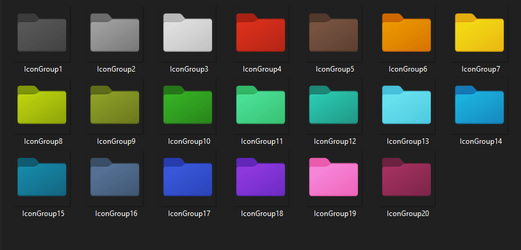
a mid to dark green; second row up, 4th from left
My Computers
-
At a glance
Win 11 x 64 HomeAMD Ryzen 5 7600 6-Core ProcessorDDR 5. 32GB (2 x16GB)GeForce RTX 5060i- OS
- Win 11 x 64 Home
- Computer type
- PC/Desktop
- Manufacturer/Model
- pc specialists build (updated various times)
- CPU
- AMD Ryzen 5 7600 6-Core Processor
- Motherboard
- Gigabyte Technology Co., Ltd. Product:B650M K
- Memory
- DDR 5. 32GB (2 x16GB)
- Graphics Card(s)
- GeForce RTX 5060i
- Sound Card
- 2 channel HD Audio + Mic/Hphone jack
- Monitor(s) Displays
- coolermaster 27 inch
- Screen Resolution
- 1920 x 1080
- Hard Drives
- three external 3TBs, 4 TBs and 5tb. (Storage) Samsung SSD 970 (C).
- Case
- Coolermaster
- Cooling
- internal fans
- Keyboard
- Logi K270 & Logitech gamer G213
- Mouse
- M310 and Logi Gamer G203
- Internet Speed
- 530.85mbps download. 52.70 upload
- Browser
- Opera, Vivaldi, Chrome & Firefox
- Antivirus
- Kaspersky Premium
- Other Info
- win 11 home 64 Build: 26100.ge_release 240331-1435
-
At a glance
Android- Operating System
- Android
- Computer type
- Tablet
- Manufacturer/Model
- Samsung
- Keyboard
- logi K270, when in use.
- Mouse
- Logi M220
- Internet Speed
- 500
- Browser
- Opera.Edge. Chrome.Vivaldi
- Antivirus
- Kaspersky Premium