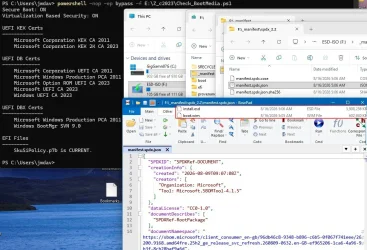
There's two methods for determining an image's version.(There was a little discrepancy when I checked the winre- image with the -winre switch - your scripts reported 5247, the version read with DISM was 7548, but after having manually updated Winre.wim I no longer can reproduce that)
DISM will write a version number to the WIM's index when the image is captured; or you can extract the image's SOFTWARE reg hive and parse the data. I choose the 2nd method because it's more accurate in reflecting the actual patch level. Sometimes the WIM's reported version is a level lower than the final patch level.
This is why the script needs offlinereg.exe to extract the "Microsoft\Windows NT\CurrentVersion" key.
1. For a normal Windows image, the 2nd is more accurate.
2. For a WinRE, MS doesn't apparently update the UBR and pretends it's still .1
Here's a fixed script.
Attachments
Last edited:
My Computer
At a glance
Windows 7
- OS
- Windows 7




 (120GB SSD with patch-cord to USB)