Google Blog:
Every month, people translate around 1 trillion words across Google Translate, Search and in visual translations in Lens and Circle to Search. Now, thanks to AI, we’re making it even more effortless to overcome language barriers. Using the advanced reasoning and multimodal capabilities of Gemini models, we’re bringing two new features to Translate to help with live conversations and language learning.
Live conversations translated in real time
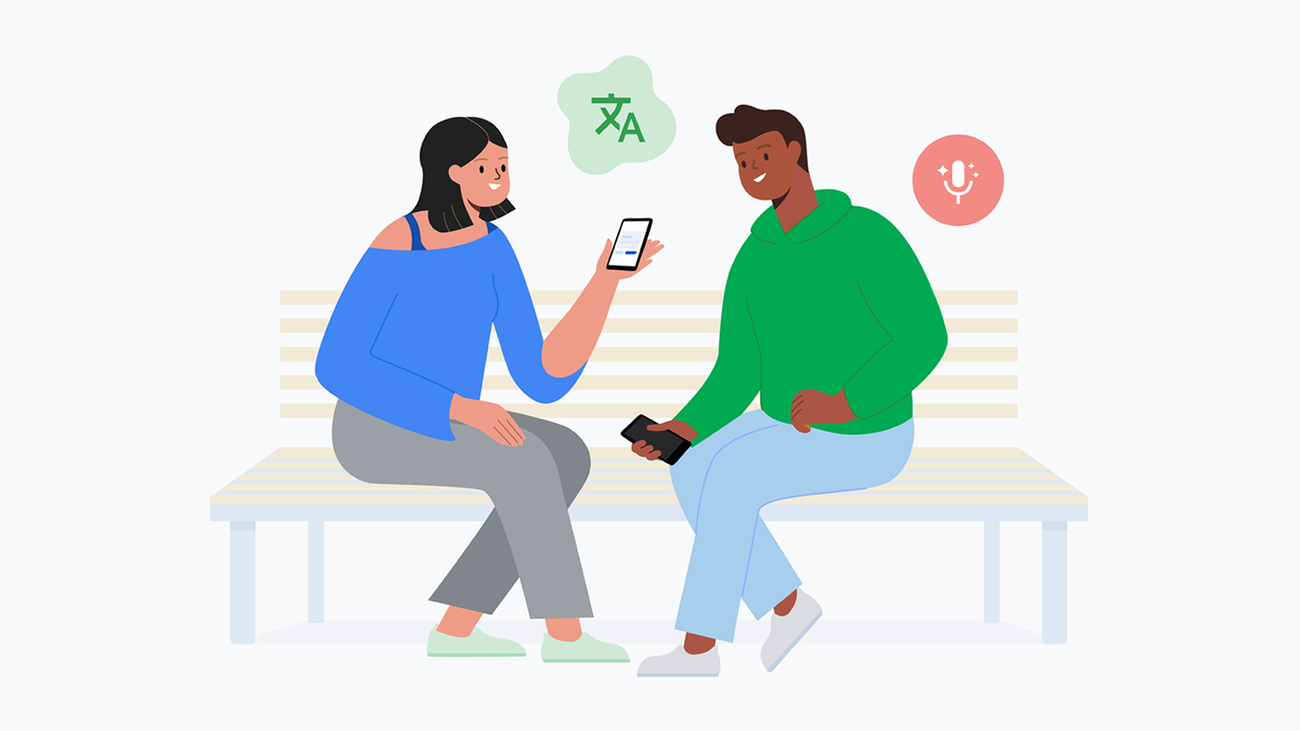
Exploring the world is more meaningful when you can easily connect with the people you meet along the way. To help with this, we’ve introduced the ability to have a back-and-forth conversation in real time with audio and on-screen translations through the Translate app. Building on our existing live conversation experience, our advanced AI models are now making it even easier to have a live conversation in more than 70 languages — including Arabic, French, Hindi, Korean, Spanish, and Tamil.To try it out, open the Translate app for Android or iOS, tap on “Live translate,” select the languages you want to translate and simply begin speaking. You’ll hear the translation aloud and see a transcript of your conversation in both languages on your device. Translate smoothly switches between the two languages you and your language partner are speaking, intelligently identifying conversational pauses, accents and intonations. This allows you to have a natural conversation with just a single tap.
Google Translate’s live capabilities use our advanced voice and speech recognition models, which are trained to help isolate sounds. This means you get a high-quality experience in the real world, like in busy airports or at a noisy cafe in a new country. These new live translate capabilities are available starting today for users in the U.S., India and Mexico.
Customized language learning capabilities
Google Translate is already a powerful tool for learning a new language. But we’ve heard from our users that the toughest skill to master is conversation — specifically, learning to listen and speak with confidence on the topics you care about. So today we’re piloting a new language practice feature designed to help you meet your unique learning goals.Whether you’re an early learner looking to begin practicing conversation or an advanced speaker looking to brush up on vocabulary for an upcoming trip, Translate can now create tailored listening and speaking practice sessions just for you. These interactive practices are generated on-the-fly and intelligently adapt to your skill level.
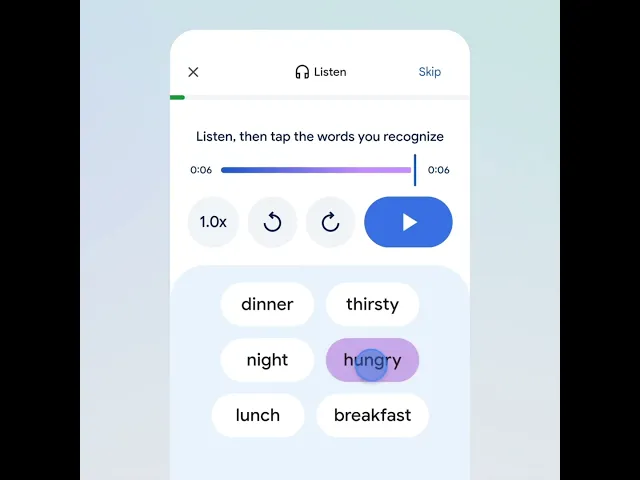
To start, just tap “practice” in the app, set your skill-level and goals, and Translate will generate customized scenarios for you to dive into. In each scenario, you can either listen to conversations and tap the words you hear to build comprehension, or you can practice speaking with helpful hints available when you need them. Developed with learning experts based on the latest studies in language acquisition, these exercises track your daily progress and help you build the skills you need to communicate in another language with confidence.
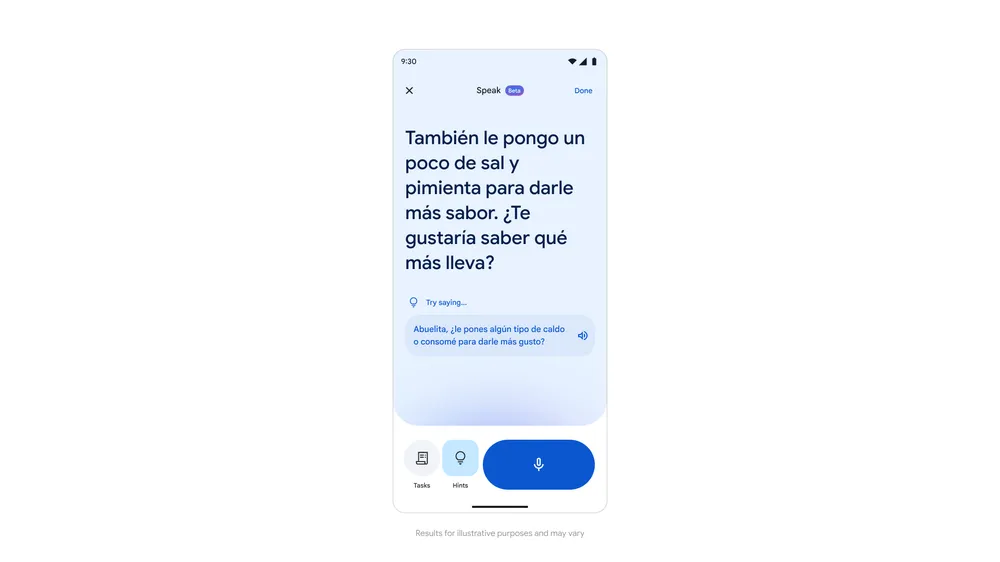
Following positive feedback from early testers, we're excited to start rolling out this beta experience more broadly in the Translate app for Android and iOS this week. It’s available first for English speakers practicing Spanish and French, as well as for Spanish, French and Portuguese speakers practicing English.
AI advancements for translation
These updates are made possible by advancements in AI and machine learning. As we continue to push the boundaries of language processing and understanding, we are able to serve a wider range of languages and improve the quality and speed of translations. And with our Gemini models in Translate, we've been able to take huge strides in translation quality, multimodal translation, and text-to-speech (TTS) capabilities. We're going far beyond simple language-to-language translation, and delivering an experience that helps you learn, understand and navigate conversations with ease. Source:
New AI-powered live translation and language learning tools in Google Translate
Google Translate is using AI to make live translation and language learning even more helpful.