

- Local time
- 6:28 PM
- Posts
- 3,544
- OS
- Win 11 Pro, Win 10 pro, Win 13.7 Pro Chinese Ver
- Last month’s Patch Tuesday update can break File History in Windows.
- A fix is available through a new optional preview update.
- But the fix doesn’t apply to Windows 11 23H2 or Windows 10.
The KB number will vary depending on your Windows 11 edition. Users of Windows 11 26H1 will find KB5124006 waiting for them. Those who run Windows 11 25H2 or 25H2 will discover KB5124010. Just click the Download & install link to run it. Even though this is a preview update, which can be buggy, this is your only option for now if you depend on File History. If not, you can wait until the October Patch Tuesday rollout, which will carry the same fix.
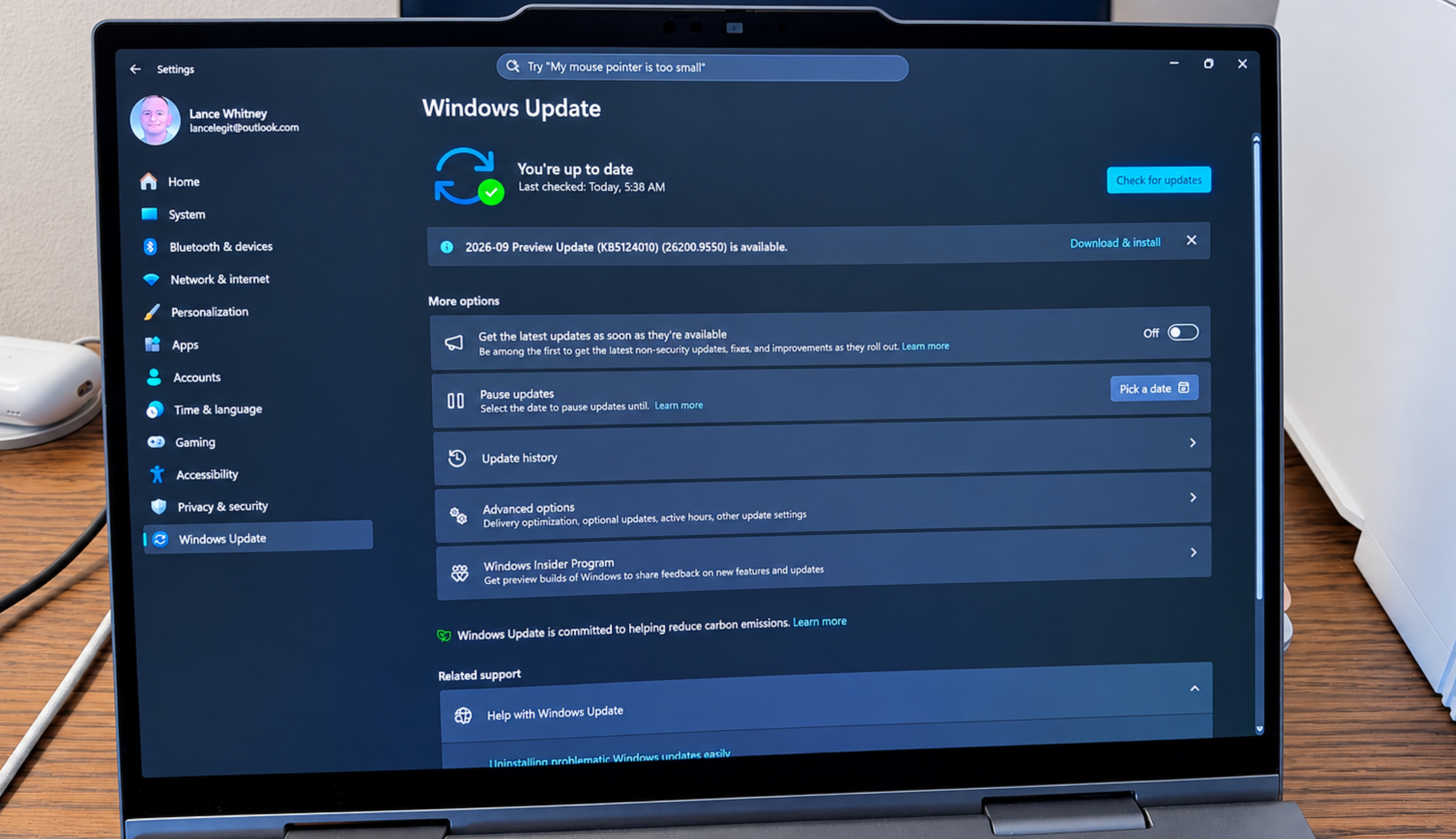
How to fix your Windows File History if the September update broke it - ZDNET
A bug in the Windows Sept patch Tuesday update may stop File History from working. But a new optional update fixes it.
 www.zdnet.com
My Computer
At a glance
Win 11 Pro, Win 10 pro, Win 13.7 Pro Chinese Ver12th Gen Intel(R) Core(TM) i9-12900 2.40 GHz64.0 GB of transcendental dimensional RAMNVIDIA GeForce RTX 3070 Ti
- OS
- Win 11 Pro, Win 10 pro, Win 13.7 Pro Chinese Ver
- Computer type
- PC/Desktop
- Manufacturer/Model
- It's a Dell Dude
- CPU
- 12th Gen Intel(R) Core(TM) i9-12900 2.40 GHz
- Motherboard
- Father is bored too...
- Memory
- 64.0 GB of transcendental dimensional RAM
- Graphics Card(s)
- NVIDIA GeForce RTX 3070 Ti
- Sound Card
- N/A
- Monitor(s) Displays
- 27" Samsung Monitor/Alternative Dimensional Viewing Portal
- Screen Resolution
- Fuzzy after a couple drinks
- Hard Drives
- 2 or 3, depending on if it's a night they're arguing about having a "split personality crisis" because I partitioned the drive.
- PSU
- Shockingly active
- Case
- Don't get on my case....man
- Cooling
- Scotch on the rocks on the weekends.
- Keyboard
- Steel Series Lighted Glow in the dark something or another
- Mouse
- Currently being stalked by the cat...
- Internet Speed
- DSL
- Browser
- Defeated by Mario...wait...OH...BRowser...
- Antivirus
- Yep






