edoWin11Forums
Well-known member
- Local time
- 10:18 PM
- Posts
- 23
- OS
- Windows 11
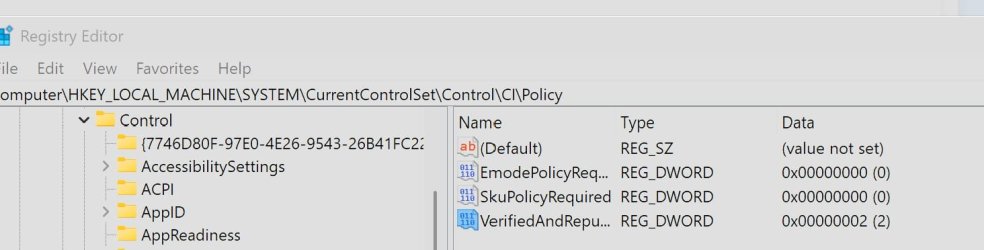
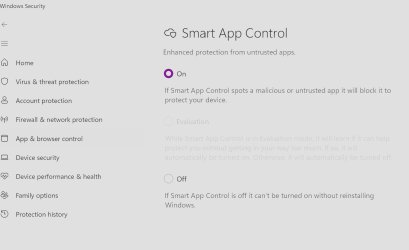
Hi, I disabled Real Time protection to install a "broken" Software. However even though Defender's Real Time Protection is off, I still get items being quarantined during installation. How can I actually disable Defender temporarily?
My Computers
-
At a glance
Windows 11AMD Ryzen 9 9950X3DCrucial Pro Overclocking 32GB CL36 6000MHzAsus TUF RTX 4090- OS
- Windows 11
- Computer type
- PC/Desktop
- Manufacturer/Model
- Gigabyte x870e Aorus Elite Wifi 7 Ice
- CPU
- AMD Ryzen 9 9950X3D
- Motherboard
- Gigabyte x870e Aorus Elite Wifi 7 Ice
- Memory
- Crucial Pro Overclocking 32GB CL36 6000MHz
- Graphics Card(s)
- Asus TUF RTX 4090
- Screen Resolution
- 3840x2160
- Hard Drives
- Samsung 990 Pro 4 TB, SK Hynix Gold P31 1TB, Samsung 870 QVO 2TB, ADATA SU800 1TB, 2 x Seagate Exos X24 24GB, 2x Ultrastar DC HC530 14TB
-
At a glance
Windows 11Ryzen 7 6800H16 GB LPDDR5-5200MHzRadeon 680M- Operating System
- Windows 11
- Computer type
- Laptop
- Manufacturer/Model
- Asus Zenbook 14 Flip OLED UN5401RA-DB74T
- CPU
- Ryzen 7 6800H
- Memory
- 16 GB LPDDR5-5200MHz
- Graphics card(s)
- Radeon 680M
- Screen Resolution
- 2880x1800
- Hard Drives
- 1 TB SSD M.2 2280 PCIe Gen4 TLC