Excel Blog:
Pull trusted data directly into your workbook with the Model Context Protocol
Earlier this month, we announced Microsoft 365 Copilot federated connectors were coming to Copilot in Excel. Built on the emerging industry standard Model Context Protocol (MCP), federated connectors pull data into Microsoft 365 Copilot live at query time, helping bring institutional data sources into the tools customers already use every day. Starting today, Copilot can now pull the latest data from LSEG and Moody’s directly into your Excel workbook. This is the first set of trusted data providers we’re bringing into Excel, with more on the way.For many finance teams, the work starts before the analysis even begins: finding the right market data, copying values into a model, and making sure nothing got lost along the way. With federated connectors in Excel, Copilot helps bring that information into the workbook where the real work is already happening. Because these connectors query source systems at the moment a request is made, responses reflect the latest available data, helping with scenarios such as checking a deal’s current status or a company’s stock rating. That means less time stitching together inputs and more time analyzing, modeling, and making decisions with the most current data.
How it works
In Copilot, open the Sources menu, connect to LSEG or Moody’s with your provider credentials, and turn the source toggle on. From there, when you specify a data provider in the prompt or your request references specific data sources such as credit ratings or spot rates, Copilot will retrieve the relevant data and ask you to confirm the data source before incorporating it into responses or results inserted into the sheet.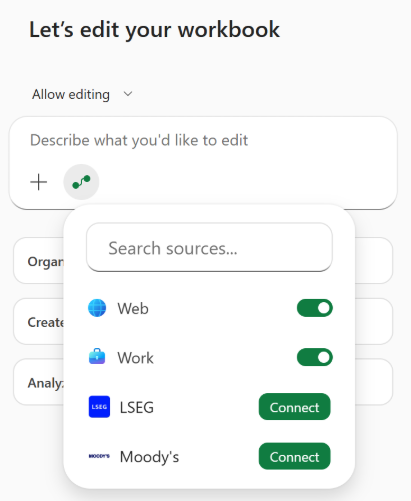
LSEG
The LSEG connector brings institutional market data — including foreign exchange rates, equities, and pricing — straight into Excel. This makes LSEG data and services available through a standardized, AI-ready interface and enables both users and agents to access trusted LSEG context inside the workflows they already use, while preserving governance, entitlements and control.For a treasury team updating a hedging model or preparing a leadership readout, that means less exporting, less manual copy-paste, and faster analysis with current market inputs already in the workbook. For a wealth advisor reviewing a client portfolio, it means easier access to current pricing, performance, risk and market context to support faster, more informed client conversations.
Prompts to try:
- Pull current FX spot rates for EUR/USD, GBP/USD, and JPY/USD from LSEG into a new sheet.
- What would it cost to roll our six-month forward hedges on EUR/USD out another six months? Pull the forward points from LSEG and show the all-in rate.
- Bring in the USD swap curve from LSEG so I can model the impact of issuing 10-year debt at current levels.
Moody’s
The Moody’s connector brings credit ratings, research, entity data, and news into Excel so teams can work with decision-grade credit intelligence alongside the rest of their model. Whether you’re evaluating an issuer, pressure-testing exposure, or building a credit view for internal stakeholders, you can bring trusted credit context directly into the workbook instead of piecing it together across systems.Prompts to try:
- Pull the latest Moody’s rating, outlook, and recent research for each company in the portfolio, then summarize the key credit considerations in a new column.
- For each issuer in column B, pull the Moody's company profile, 5-year financial summary, peer group, and sector outlook — then flag any peers where the sector outlook is negative.
- For the issuers in this portfolio, bring in Moody’s sector outlook, recent news, and any notable credit risks so I can compare exposures across the list.
Availability
LSEG and Moody’s connectors are available starting today in Excel for Web, Windows, and Mac for commercial customers with a Microsoft 365 Copilot license.MCP servers and agentic solutions are available through a Bring Your Own License (BYOL) model, with customers licensing directly from partner services. Commercial marketplace availability will follow.
Learn more
- Learn more about LSEG
- Learn more about Moody's
- Learn more about federated Copilot connectors
- Learn more about Copilot in Excel
Source:
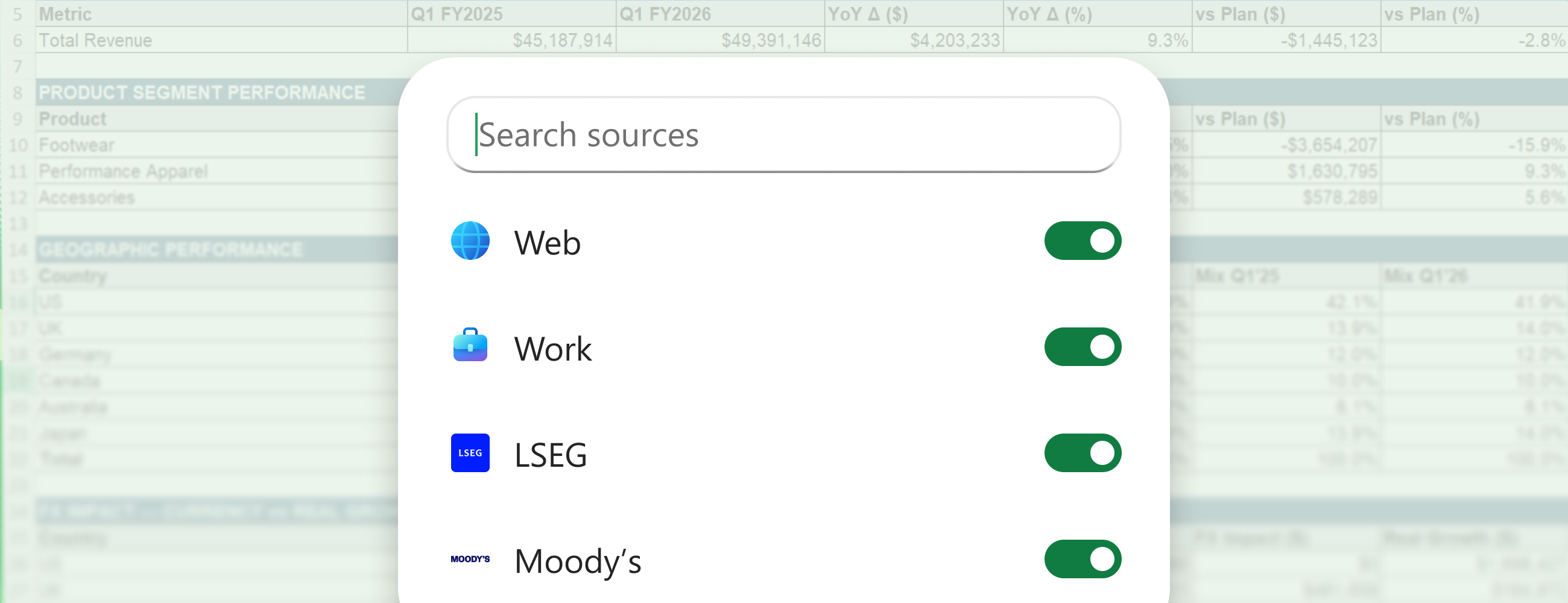
Introducing federated Copilot connectors for LSEG and Moody's in Excel | Microsoft Community Hub
Earlier this month, we announced Microsoft 365 Copilot federated connectors were coming to Copilot in Excel. Built on the emerging industry standard...
 techcommunity.microsoft.com