Microsoft Copilot Blog:
Microsoft Office has defined productivity for the PC era, driving the shift from desktop software to cloud computing and collaboration-based work. Now, we’re defining productivity in the AI era with Microsoft Copilot. The Copilot app is where you can move from intent to outcome. start with an idea, and work with AI to bring it to the finish line.
Today, we’re bringing the full power of Office into the Copilot app, combining the rich creation and collaboration capabilities of Word, Excel, and PowerPoint with an AI-first way of working. You can start in either Chat or Cowork to explore an idea, or create a first draft, then continue editing and collaborating directly within the same experience. Office in Copilot allows you to move from an idea to a finished document, spreadsheet, or presentation without losing context - within Office in Copilot or if you switch to the standalone apps.
That continuity matters because work is often complex: documents have multiple contributors, presentations are built from branded templates, and spreadsheets power important business decisions. By bringing Office into Copilot, people can use the editing, fidelity, and collaboration capabilities they already rely on without leaving their AI-powered workflow.
Copilot also gives users flexibility within that workflow: they can select the model that best fits the task at hand or let Auto choose the right model automatically.
Built for teamwork
Great work rarely happens in a single prompt. A launch brief becomes a working document, a budget model changes as assumptions shift, and a presentation takes shape through rounds of feedback. The Copilot app is designed for that full journey—not just the first draft.Give Copilot a prompt, like “Turn these research notes into a customer-ready launch brief with an executive summary, key messages, risks, and next steps.” Copilot creates a Word document, which opens side by side with your Copilot conversation.
Your conversation history is retained, and you can continue to iterate on the document with follow-up prompts like “Make the opening more direct,” or “Add a table comparing the three rollout options.” You also have full editing capabilities, so you make direct edits using familiar controls available in the canvas itself.
When it’s time to bring others in, you can work with teammates in the same view with built-in sharing, comments, coauthoring, and presence. Any changes that you or others make are visible in real time. Copilot retains everything in the same file with no separate drafts to reconcile. The result is a connected experience where creating, editing, and collaborating happen in one place, in real time.
A home for your work
Sometimes the next step starts by building on work you’ve already created. Library in the Copilot app brings your recent files across the Word, Excel and PowerPoint as well as pages and AI generated images, whether they were created in Copilot or in the Office apps. You can quickly find and reopen an existing file, continue editing it alongside Copilot, or even start a new document, spreadsheet, or presentation directly from Library.Because every file is stored in OneDrive, the work remains connected wherever you pick it up next. Files retain their formatting, comments, sharing permissions, and version history, while inheriting the security labels, compliance, and governance controls organizations already trust. From a first prompt to the latest team edit, your work stays easy to find, ready to continue, and grounded in the same familiar Office file.
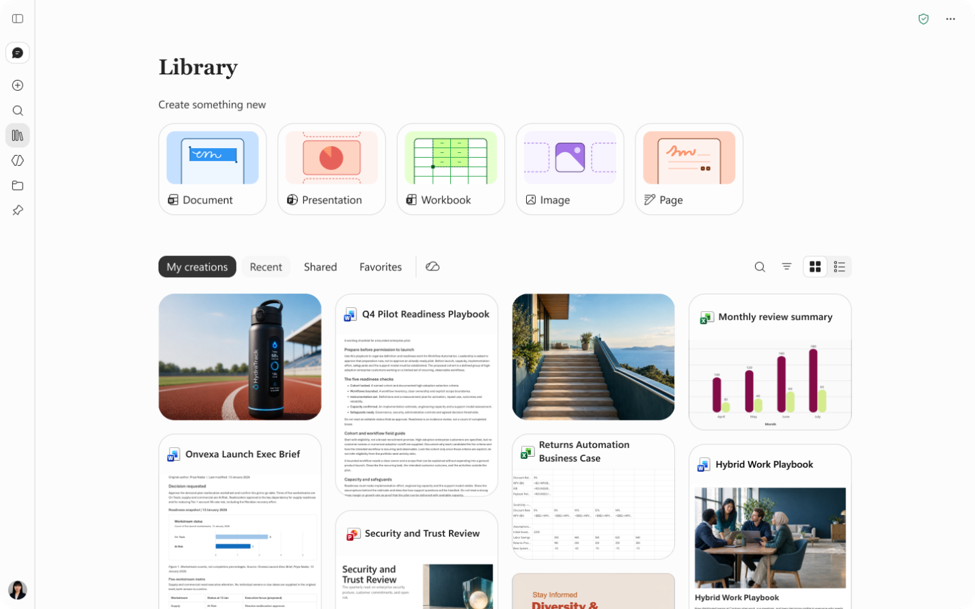
New experiences across Microsoft 365
We're also continuing to improve Copilot across Microsoft 365, ensuring the latest is coming to Office in Copilot.In PowerPoint, Copilot helps keep presentations on-brand automatically, makes it easier to refine slides and images, and quickly apply custom templates. In Excel, users can review edits made by Copilot, understand what changed, and create visualizations with chart recommendations. Across Microsoft 365, Skills and connectors bring specialized expertise directly into the flow of work, from financial analysis in Excel to legal workflows in Word, while enabling organizations to scale best practices through reusable, role specific experiences. The result is a work experience that connects specialized AI assistance with the tools people use every day.
Office, wherever work happens
For decades, Office has helped people turn ideas into documents, data into decisions, and presentations into action. As Copilot becomes a new way to work, we're bringing familiar Office creation and collaboration experiences directly into that environment.This is another step toward a more unified experience where AI and productivity tools work together seamlessly. From the first idea in the Copilot app to the final deliverable the Office apps, people can move from intent to outcome with less friction and more momentum.
Office in Copilot is rolling out today for Frontier customers in Chat and Cowork.
Source:
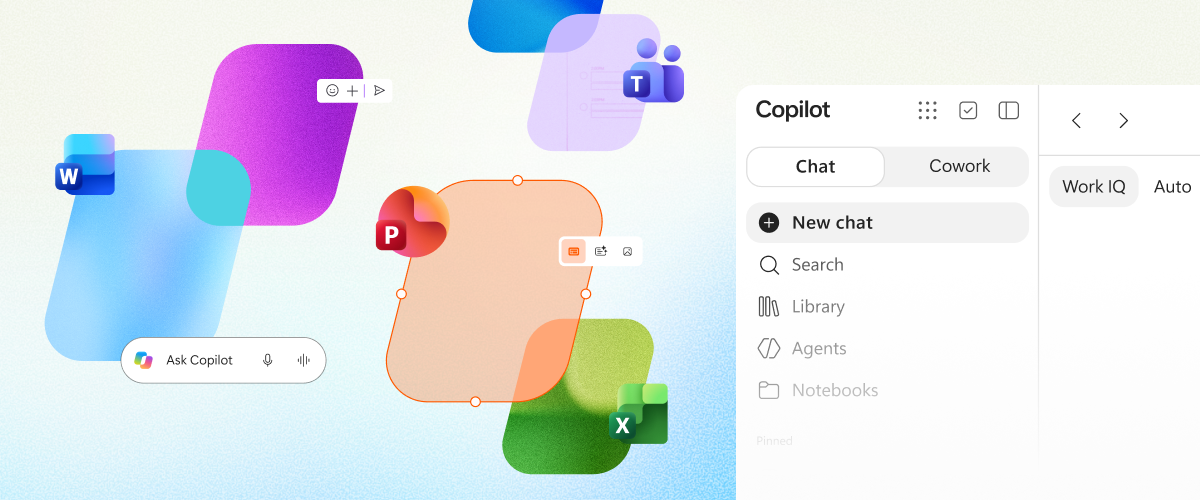
Introducing Office in the new Microsoft Copilot app | Microsoft Community Hub
Create, edit, and collaborate with Word, Excel, and PowerPoint directly in the new Copilot app
 techcommunity.microsoft.com