Outlook Blog:
We’re excited to announce that the new Outlook for Windows, Outlook for Mac, and Outlook for iOS and Android now support easier iCloud Mail, Calendar, and Contacts access.
You no longer need to create and enter app-specific passwords to access your iCloud data in Outlook apps. Now using the OAuth 2.0 authentication protocol, simply sign in with your Apple Account to access your iCloud Mail, Calendar, and Contacts in Outlook.
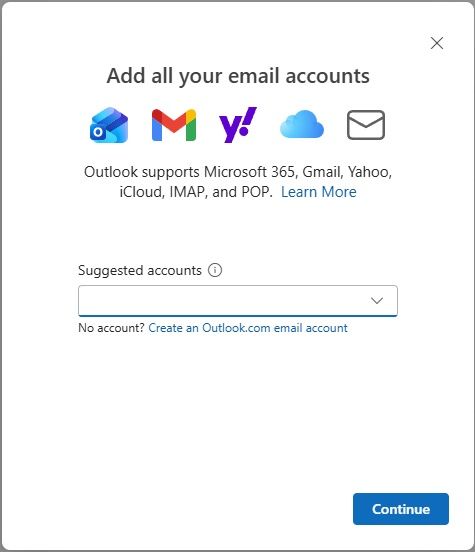
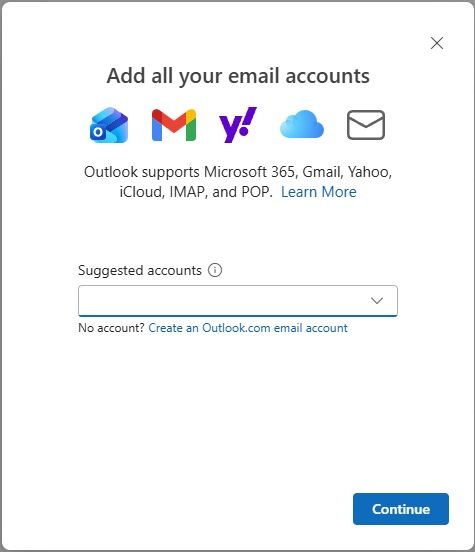
Add email account, shown in the new Outlook for Windows
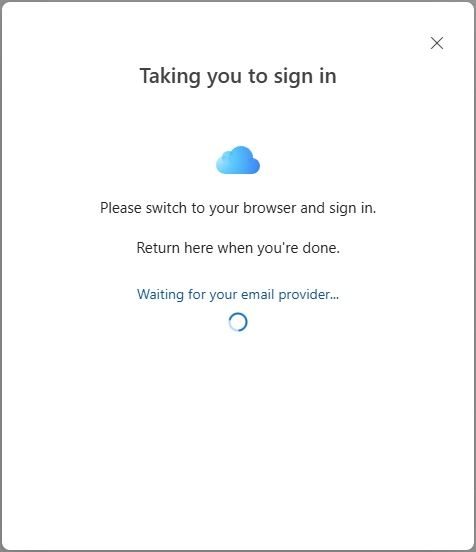
Taking you to your browser to sign in
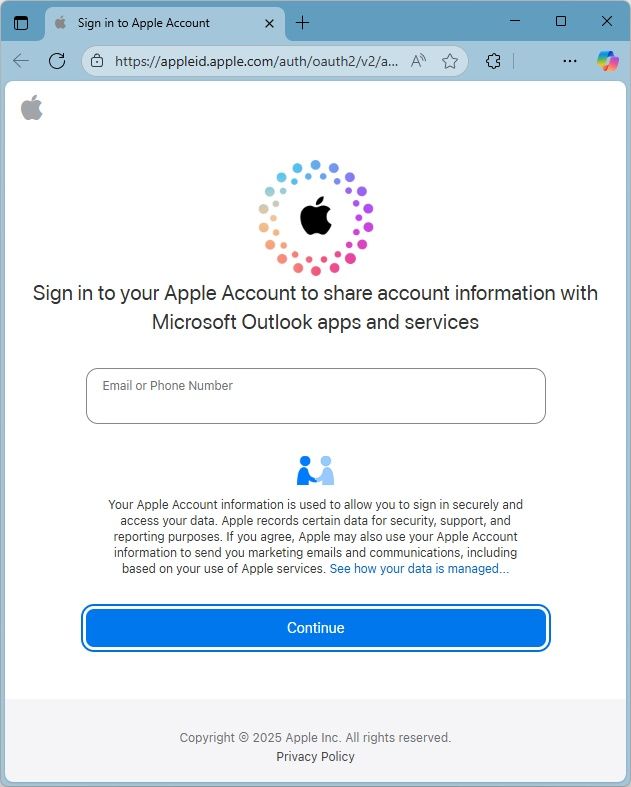
Sign in to your Apple Account in your browser
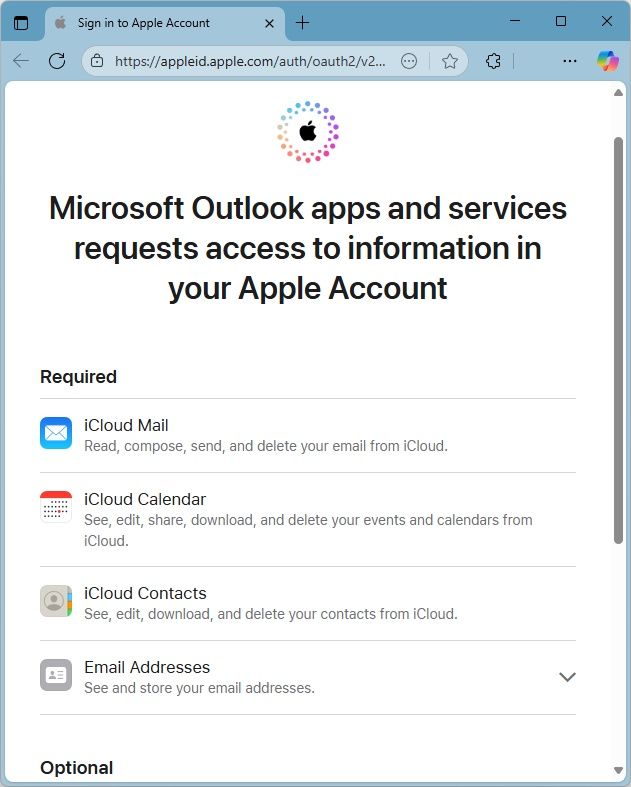
Allow Microsoft Outlook apps and services access to your Apple Account
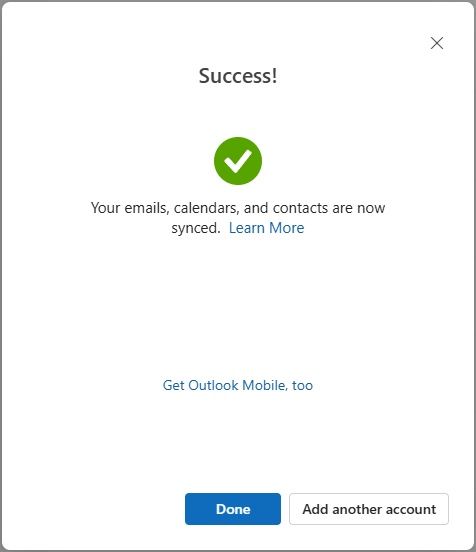
Email account setup success in the new Outlook for Windows
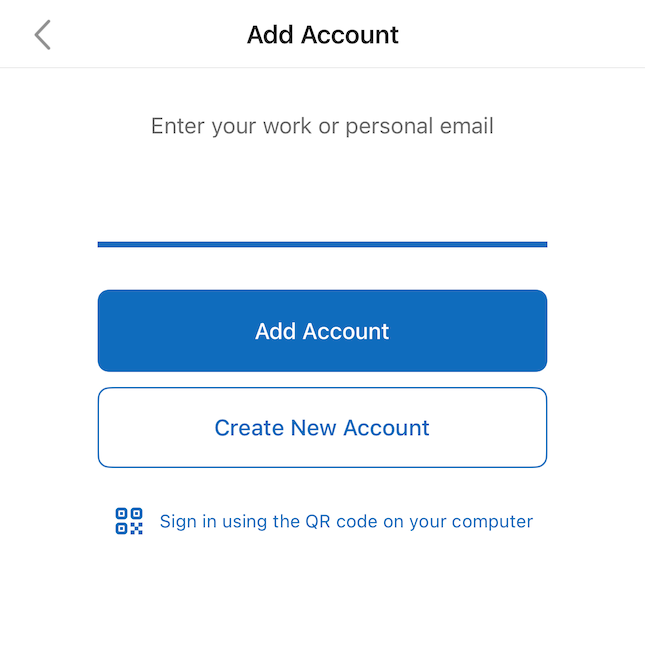
Add email account, shown in Outlook for iOS
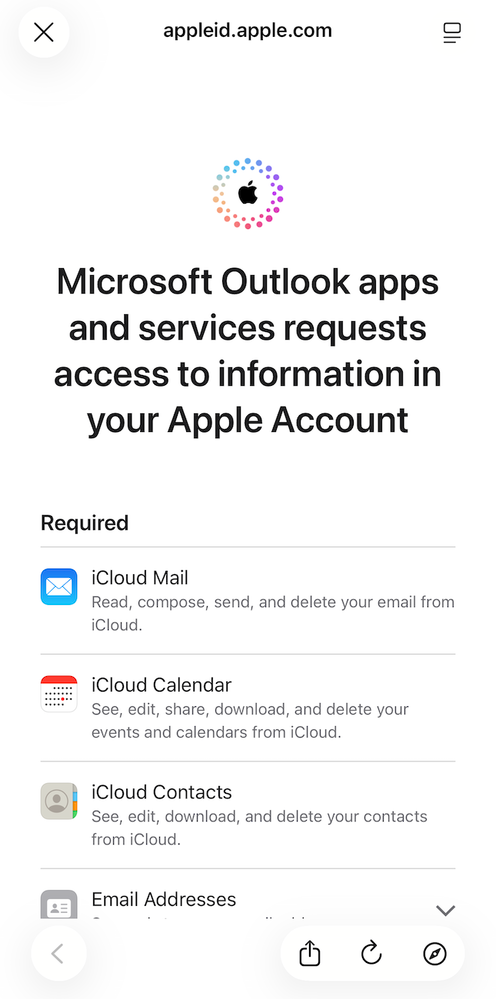
Allow Microsoft Outlook apps and services access to your Apple Account
If you already have iCloud set up in Outlook, in the coming months you will be asked to sign in, which will reauthenticate using the new OAuth 2.0 flow.
Availability
The ability to access iCloud Mail, Calendar, and Contacts using the new authentication flow is rolling out across the new Outlook for Windows, Outlook for Mac, and Outlook for iOS and Android. If you attempt to access iCloud data and are presented with the previous Basic Authentication flow (prompting for an app-specific password), ensure you’ve updated to the latest Outlook app version and restart Outlook.For classic Outlook for Windows users, we recommend trying the new Outlook for Windows, which provides both the new authentication flow and built-in support for iCloud Mail, Calendar, and Contacts without the need for an Outlook add-in.
Feedback
We would love to hear from you. To submit your feedback, select:- Help > Feedback in the new Outlook for Windows and Outlook for Mac
- Settings > Help & Feedback > Send Feedback in Outlook for iOS and Android
Source:
It’s now easier to access iCloud Mail, Calendar, and Contacts in Outlook | Microsoft Community Hub
We’re excited to announce that the new Outlook for Windows, Outlook for Mac, and Outlook for iOS and Android now support easier iCloud Mail, Calendar, and...
 techcommunity.microsoft.com