Google Blog:
Say hello to the June Pixel Drop, with new features and updates that make your devices more personalized and helpful, plus Android 17 and Wear OS 7. These features start rolling out today and will continue over the next few weeks.
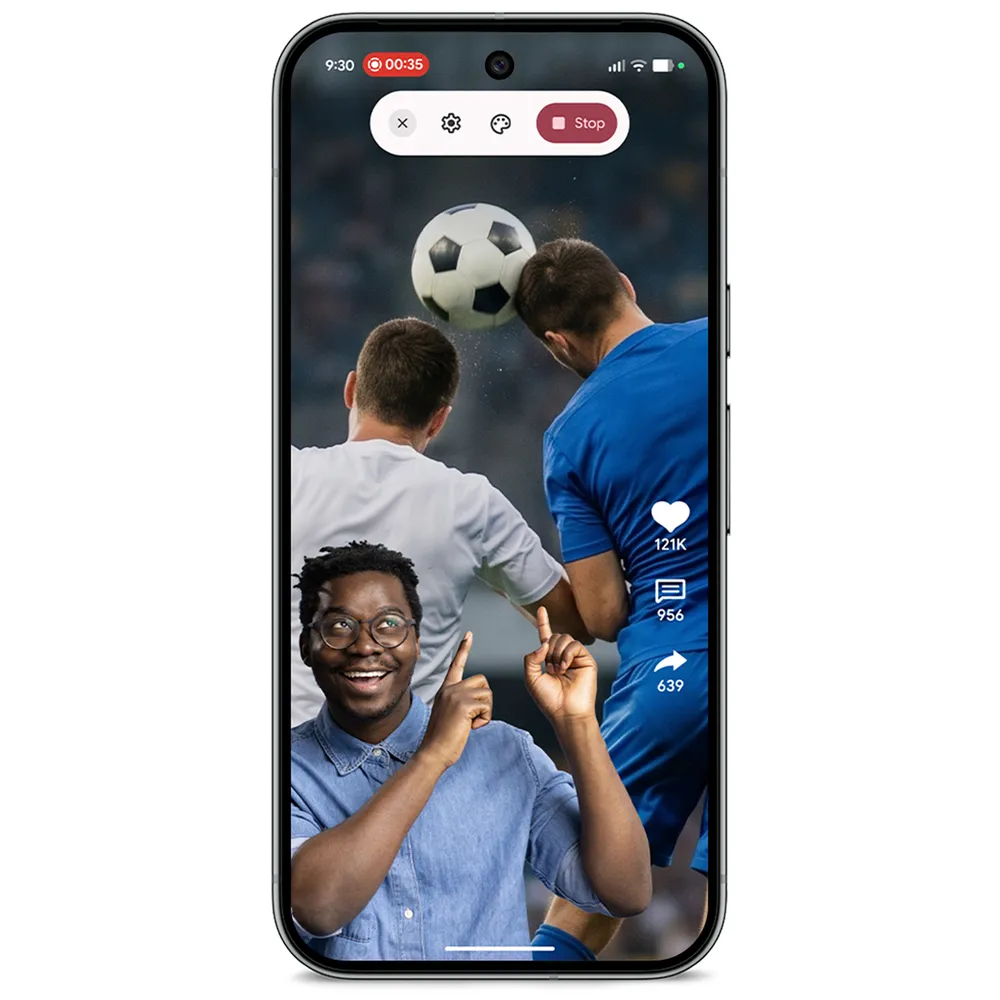
React in real-time with Screen reactions
Have you ever tried to record a reaction video on your phone, only to end up frustrated with needing to use multiple apps? With new Screen reactions, a Pixel-first experience, selfie videos are now built into screen recordings, so you can create your very own green screen. 1Whether you’re filming a “one-take” reaction for your social media feed or creating a personalized, step-by-step tutorial, Screen reactions makes it effortless. To get started, swipe down twice on the Quick Settings menu and select the recording icon. Then toggle “Show selfie camera” and tap start. You’ll have full, real-time control over your screen while your front-facing camera captures your reactions, with the capability to tap, drag and resize yourself.
Reimagine video editing with Gemini Omni
Easily create and edit videos with Gemini Omni 2 on Pixel. It’s as simple as chatting with Gemini naturally to watch your ideas come to life. Blend any combination of text, images and video to create your own high-quality video. You can start from scratch, remix photos and videos from your camera roll, or try out a premade template. You can even make a custom AI avatar that looks and sounds like you and drop yourself right into the action.Create your own custom soundtrack in Gemini
Use music generation with Gemini 3 on your Pixel to create original tracks. Just describe an idea or upload a photo, and it’ll be transformed into a high-quality audio track with lyrics. It’s designed for you to customize, so you can prompt Gemini with the style, vocals, and tempo you want. To start creating, just open the Gemini app, tap the tools menu and select “Create music.”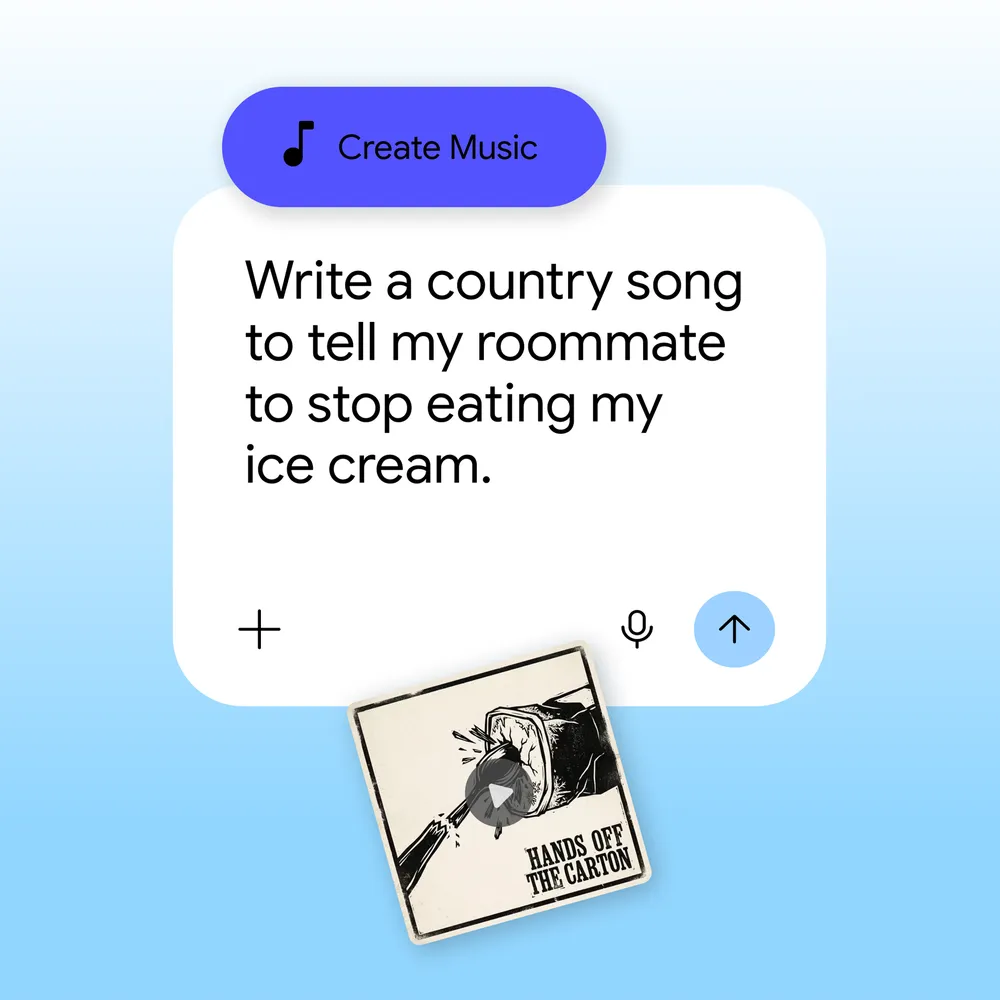
Multitask with Bubbles
Jumping back and forth between apps shouldn’t slow you down. To make multitasking smoother and more customizable, we’re giving you the power to turn any app into a compact, floating window. 4 Just long-press any app icon on your phone to convert it into a bubble that floats on top of other apps.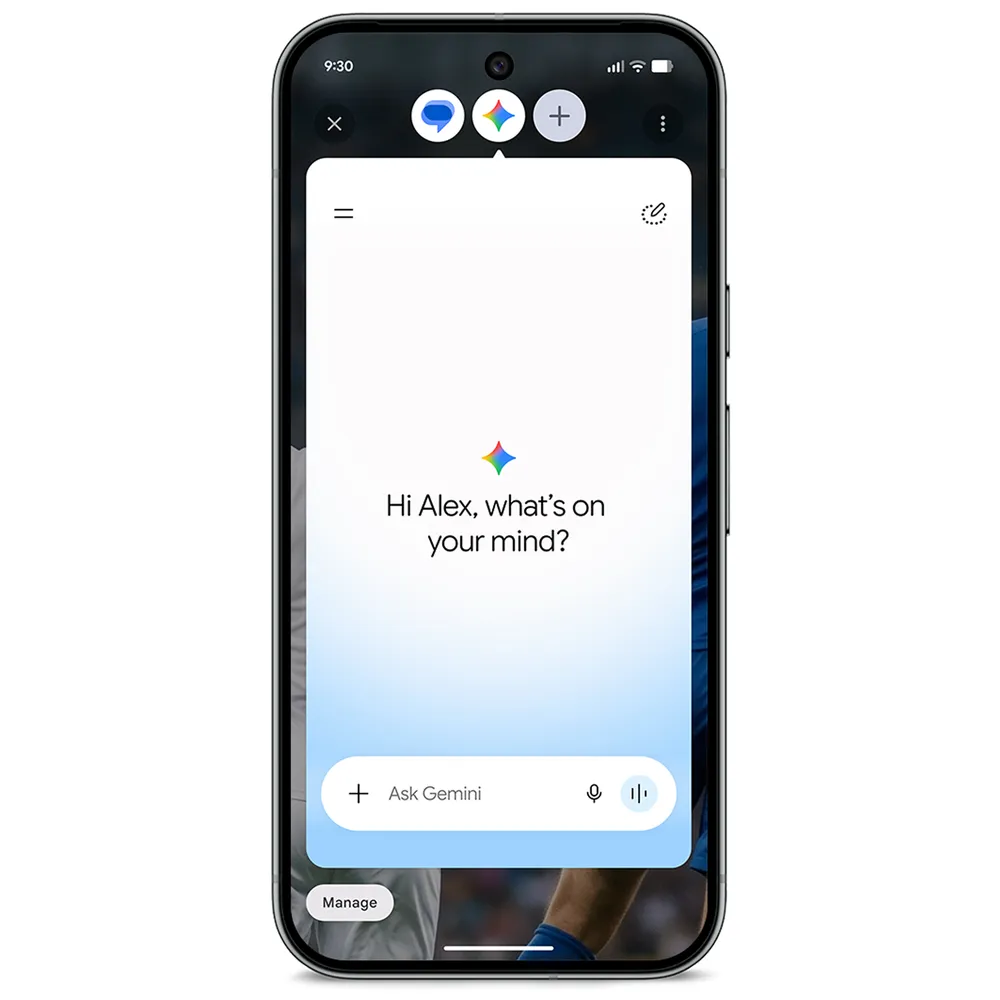
On Pixel 10 Pro Fold, you’ll see bubbles docked in a dedicated bubble bar at the bottom of your screen. You can easily switch between apps with one tap for quick multitasking – perfect for travel, work or even watching tutorials.
Try Pixel features on more devices
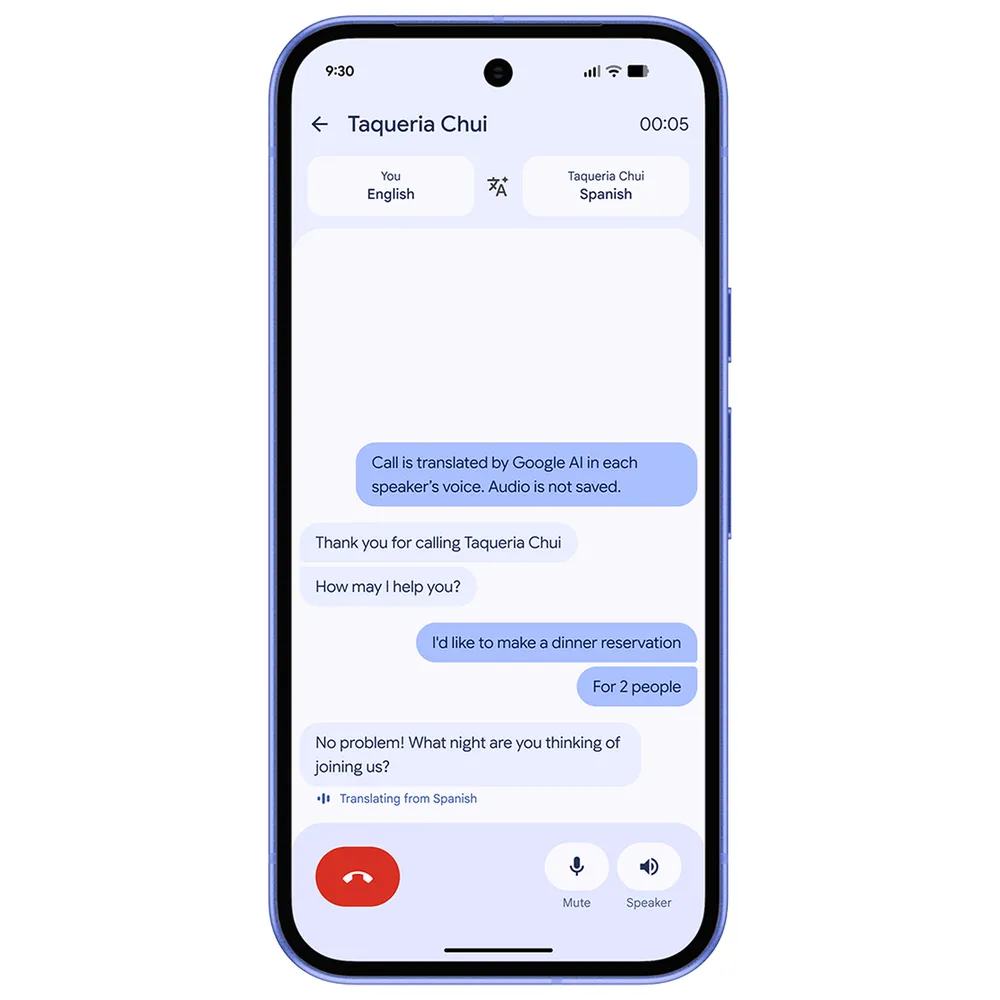
We’re bringing Voice Translate to Pixel 10a. 5 Using advanced speech-to-speech translation, Voice Translate works in real-time during your phone calls to translate what each caller says using the sound of their voice.Voice Translate on Pixel 10a currently supports translations between English and German, Spanish, French, Italian, Portuguese and Hindi (in preview). To get started, open the Phone by Google app, head to Settings, tap Voice Translate and download your preferred language models.
Plus, Quick Share now works with AirDrop on Pixel 8a and 9a.
Chat smarter in more of your favorite apps
Magic Cue is coming to your Snapchat conversations. In just a few weeks, you’ll see Magic Cue’s contextual, time-saving suggestions seamlessly appear right where you need them, making it easier than ever to keep up with your favorite chats. 6Use call features in more regions
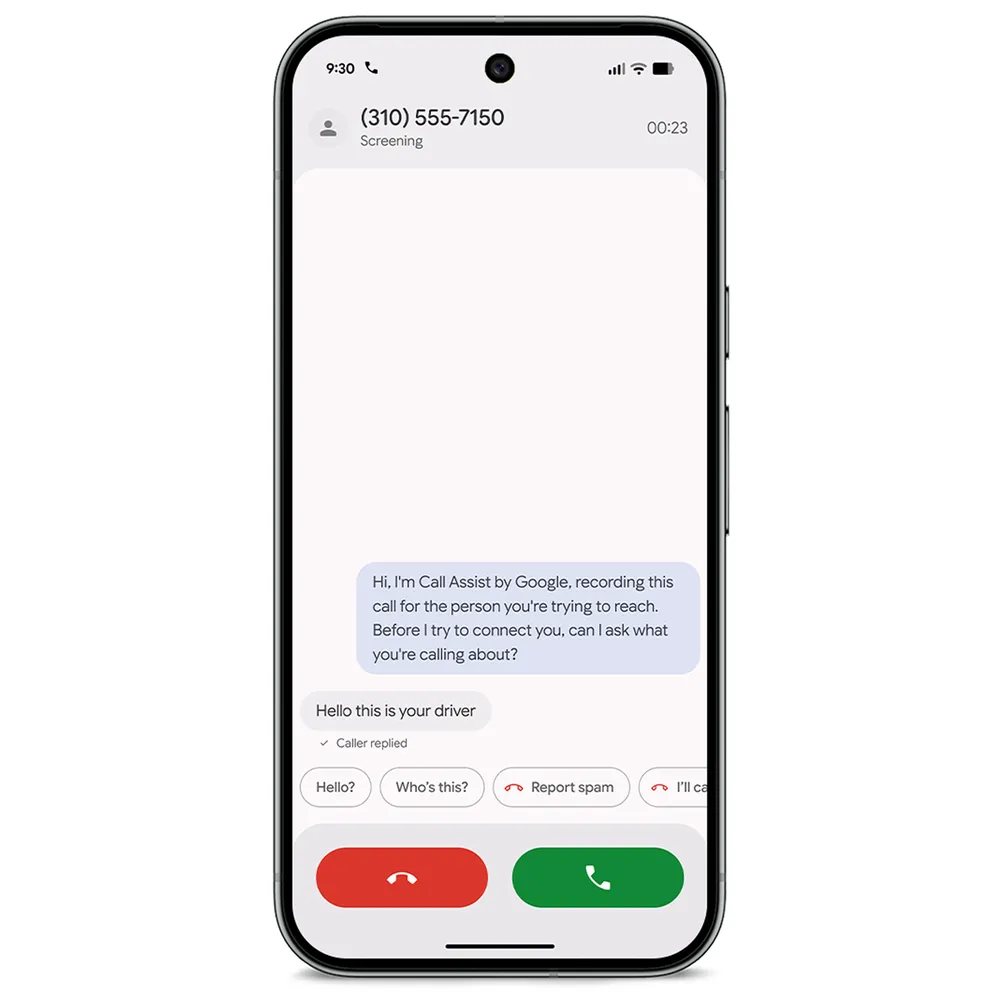
When we introduced Take a Message at Made by Google 2025, it changed the way Pixel users handle missed or declined calls. Getting a real-time text transcript of a voicemail, along with helpful AI-generated next steps after the call, made following up easier. 7 We’re now expanding Take a Message to even more markets and introducing Custom Greetings. Now, you can record a personalized outgoing audio message. Your callers get a much warmer, personalized experience when you can’t come to the phone and you still get to see their message transcribed in real-time.And Manual Call Screen is now available on Pixel phones in India, 8 so when an unknown number pops up, you can just tap “Screen call” and Google’s Call Assist will politely ask the caller to state their name and reason for calling.
Automatically notify your loved ones in an emergency
To give you and your loved ones an added layer of reassurance, we’re integrating Emergency Sharing directly into our core Emergency Detection features, including Car Crash Detection, Fall Detection and Loss of Pulse Detection. 9 If your Pixel detects a severe car crash, a hard fall or loss of pulse, it will call emergency services and simultaneously notify your chosen emergency contacts. 10You can customize who gets notified by toggling Emergency Contacts on or off for each specific detection type in your settings.
Edit your photos by simply asking in more regions
Edit with Ask Photos is now available in Google Photos on Pixel phones in the U.K., Germany, France, Spain and Italy. 11 Powered by Gemini models, Ask Photos can help you quickly touch up a photo or take on a more complex, multi-step edit to perfect your images, just by having a natural conversation with your Pixel. For example, you could say “make it better” or ask for multiple changes in one prompt, like “remove the reflections and fix the washed out colors.”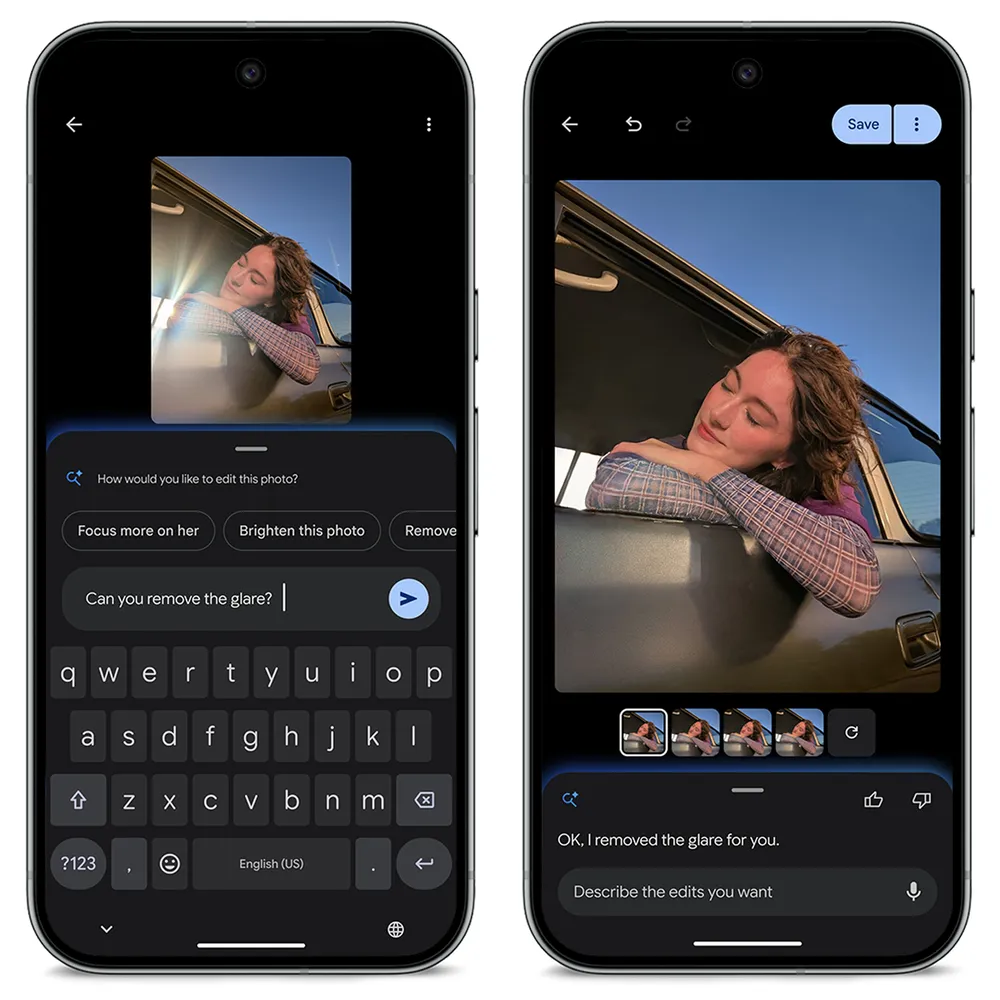
Check out our community forum post for the full list of new features arriving on your Pixel devices this month.
Source:

June Pixel Drop: New features for creators, Gemini upgrades and more
Get new screen recording feature, text-to-video tools with Gemini Omni, and better multitasking on your Pixel devices.