Windows Insider Blog:
Changes and improvements gradually being rolled out
[Taskbar]
- Taskbar customization just got easier. As we continue to make improvements to the Taskbar experience mentioned last month, we've introduced a dedicated Taskbar Size setting, making it simpler to find, understand, and personalize your ideal taskbar experience.

Change Taskbar Size in Windows 11
This tutorial will show you how to change the size of the taskbar for your account in Windows 11. Starting with Windows 11 build 26300.8493 (Experimental 25H2), Microsoft introduced a smaller taskbar for users who want to maximize screen space, especially on smaller devices. While the default... www.elevenforum.com
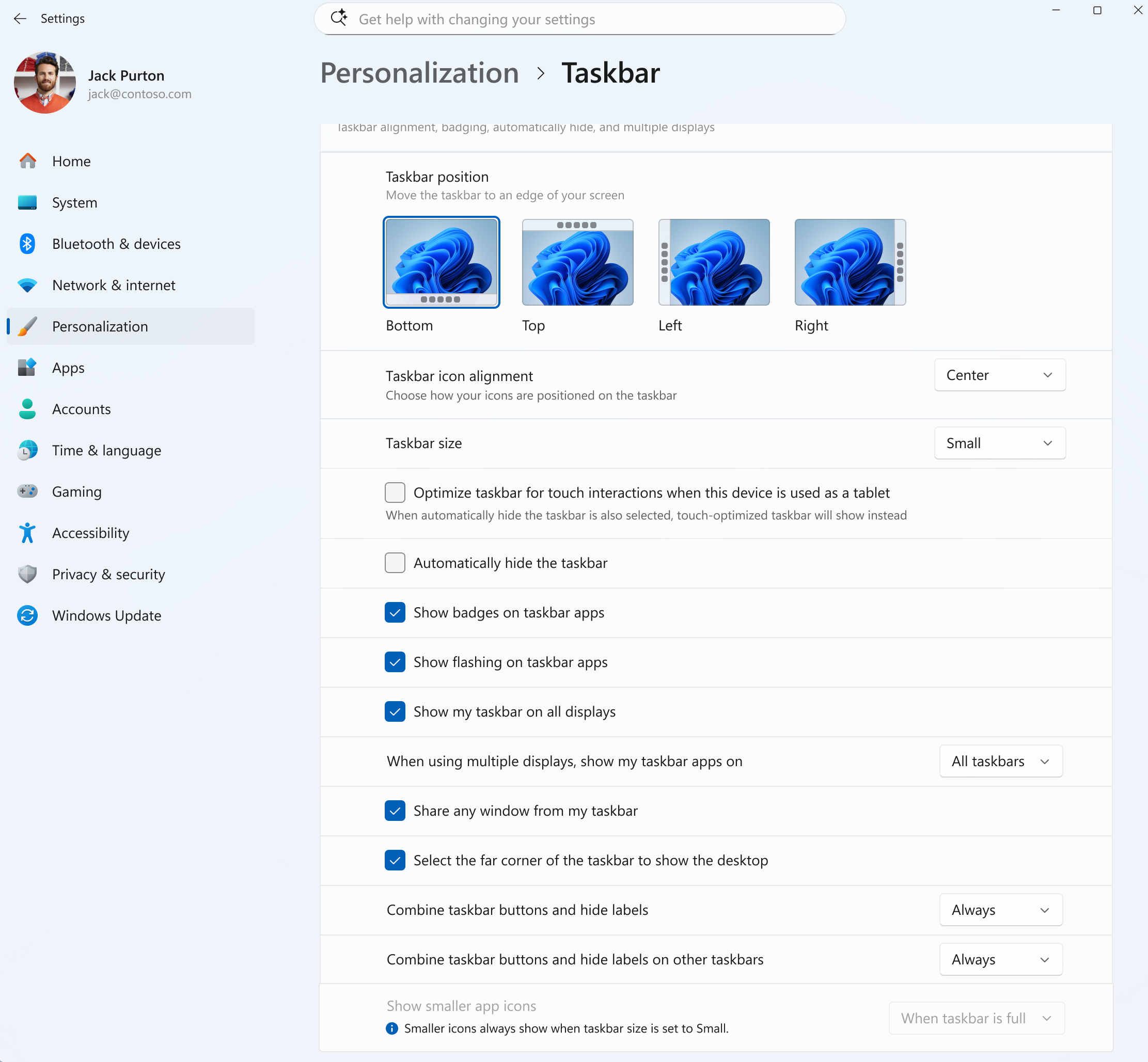
UI showing the new Taskbar Size setting in Settings. - We've also made refinements to the transitions between taskbar sizes for a smoother overall experience.
[File Explorer]
- We've improved the reliability of thumbnail previews for cloud files in the Details pane. The pane has also been reorganized so file properties are easier to find and review at a glance.
- Fixed an issue where the OneDrive shortcut in File Explorer stops working when File Explorer is run in administrative mode.
- Fixed an issue where the confirmation dialog might display an internal Recycle Bin file name instead of the original file name when permanently deleting a file.
[Sounds]
- Improved system sounds when using Windows in dark mode.
Reminders for Windows Insiders in the Experimental channel
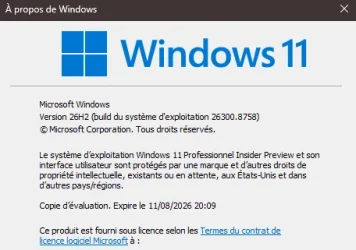
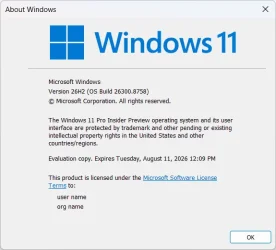
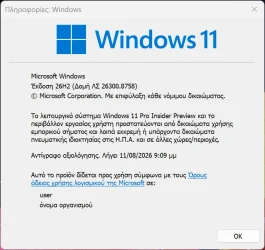
- Updates are based on Windows 11, version 26H2 via an enablement package (Build 26300.8758).
26H2 Enablement packaged (if needed)
Download
- Many features are rolled out using Controlled Feature Rollout technology, starting with a subset of Insiders and ramping up over time. We monitor feedback to see how they land before pushing them out to everyone in this channel.
- For Windows Insiders who want to be the first to try new features, see the available list of features to toggle on at the Feature flags page under Settings > Windows Update > Windows Insider Program.
- The desktop watermark shown at the lower right corner of the desktop is normal for Windows Insider pre-release builds.
- Features and experiences included in these builds might never get released as we try out different concepts and get feedback. Features might change over time, be removed, or replaced and never get released beyond Windows Insiders. Some of these features and experiences could show up in future Windows releases when they're ready.
- Some features in active development we preview with Windows Insiders might not be fully localized, and localization will happen over time as features are finalized. As you see issues with localization in your language, please report those issues to us via Feedback Hub.
- Check out Flight Hub for a complete look at what build is in which Insider channel.
Source:

Windows 11 Insider Experimental Preview Build 26300.8758 - Windows Insider Program
Release notes for Windows 11 Insider Experimental Preview Build 26300.8758
learn.microsoft.com

Announcing new builds for 26 June 2026, retail launch of new WIP improvements
Hello Windows Insiders, We have new releases today with builds across Beta and Experimental, and are excited to begin rolling out the new Windows Insider experience to retail Windows 11 builds this week! New Windows Insider Program changes
 blogs.windows.com
Check Windows Updates
UUP Dump:
64-bit ISO download:

Select language for Windows 11 Insider Preview Feature Update (26300.8758) amd64
Select language for Windows 11 Insider Preview Feature Update (26300.8758) amd64 on UUP dump. UUP dump lets you download Unified Update Platform files, like Windows Insider updates, directly from Windows Update.
uupdump.net
ARM64 ISO download:
Select language for Windows 11 Insider Preview Feature Update (26300.8758) arm64
Select language for Windows 11 Insider Preview Feature Update (26300.8758) arm64 on UUP dump. UUP dump lets you download Unified Update Platform files, like Windows Insider updates, directly from Windows Update.
uupdump.net

UUP Dump - Download Windows Insider ISO
UUP Dump is the most practical and easy way to get ISO images of any Insider Windows 10 or Windows 11 version, as soon as Microsoft has released a new build. UUP Dump creates a download configuration file according to your choices, downloads necessary files directly from Microsoft servers, and...
www.elevenforum.com
Attachments
Last edited: