Microsoft Mixed Reality Link Blog:
New capabilities bring voice, perspective, and presence into Windows.
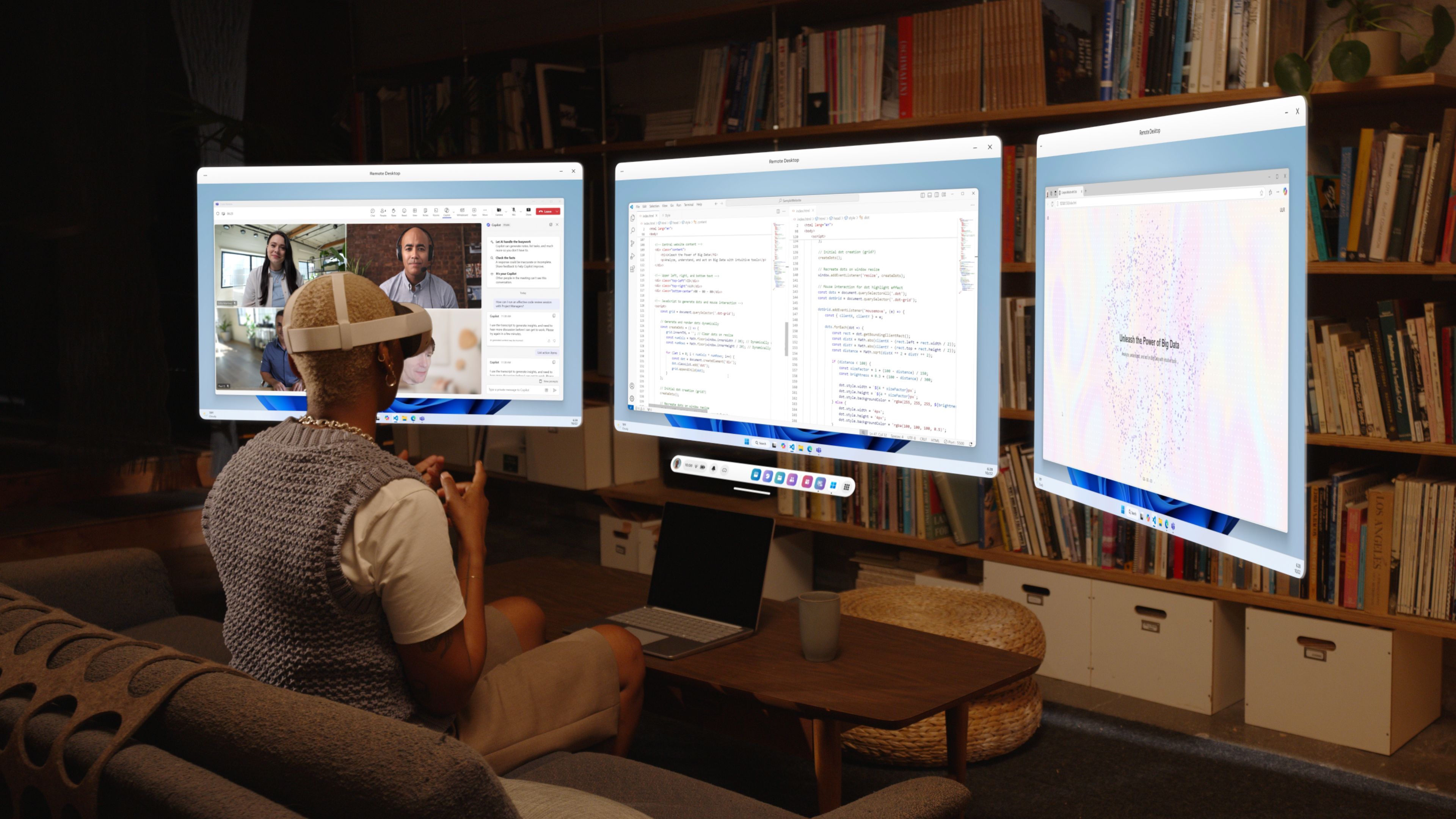
Our latest release of Mixed Reality Link introduces new ways to connect your mixed reality headset with your Windows PC.With this update, your headset becomes more than just a display. You can now use its built-in microphone and cameras directly with Windows, making it easier to communicate, collaborate, and share your perspective with others.
Use Your Headset's Microphone
Whether you're joining a Teams meeting, playing a game, chatting with friends, or speaking with an AI assistant, your voice can now come directly from your mixed reality device. This creates a more natural experience by letting you speak through the device you're already wearing, without needing a separate microphone connected to your PC.Share Your Perspective
Your headset's front-facing camera can now be used by Windows applications, making it easier to share what you're seeing with others. Instead of describing what you're looking at, you can show it directly from your point of view.Appear as Your Meta Avatar
The new Avatar Camera lets Meta Quest users appear as their avatar in Windows. Instead of turning on a webcam, you can use your Meta avatar as a camera source and maintain your presence in meetings and conversations.Getting Started
These features are available in Mixed Reality Link version 26.9105.9070.0 and later.To get started, connect your headset to your PC through Mixed Reality Link. Once connected, you'll find new microphone and camera sources available in Windows that can be selected just like any other input device.
Available sources include:
- Mixed Reality Link Microphone for audio input
- Mixed Reality Link Passthrough for headset camera input
- Mixed Reality Link Avatar Camera for Meta avatar video
Source:
Microphone and Camera Streaming for Mixed Reality Link | Microsoft Community Hub
Our latest release of Mixed Reality Link introduces new ways to connect your mixed reality headset with your Windows PC. With this update, your headset...
 techcommunity.microsoft.com
Microsoft Store:
Mixed Reality Link - Free download and install on Windows | Microsoft Store
Mixed Reality Link enables a seamless connection between your Windows 11 PC and Meta Quest 3/3S headsets. Mixed Reality Link extends your Windows 11 experience by providing a private, high-quality, multi-monitor workstation directly through your headset. Key Features: • Simple Pairing: Easily...
apps.microsoft.com