
Windows 11 PC, latest builds and updates.
When using Edge, the general font is fine but if I right click the mouse, the menu on the right hand side is unreadable by my 90 year old father !
I have tried all the usual settings for Display and Windows font but nothing touches it.
Any ideas, please ?
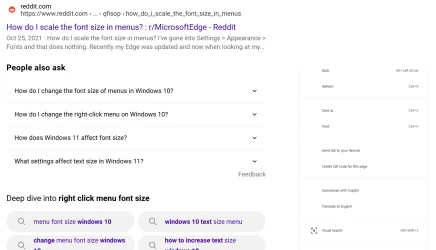
When using Edge, the general font is fine but if I right click the mouse, the menu on the right hand side is unreadable by my 90 year old father !
I have tried all the usual settings for Display and Windows font but nothing touches it.
Any ideas, please ?
My Computer
At a glance
Windows 11
- OS
- Windows 11
- Computer type
- PC/Desktop
- Manufacturer/Model
- Home made








