Windows Blogs:
Agents are unlocking enormous productivity gains for customers, but their ability to work across files, networks, and applications can introduce new security risks. This can leave customers feeling like they only have two choices: give agents unrestricted access and hope nothing goes wrong or block them and lose the productivity benefits they provide. Neither option is acceptable.
That’s why we’re building Windows platform capabilities to help run and manage agents more securely, starting with:
- Containment: limiting what an agent can access and do.
- Identity: distinguishing an agent’s activity from a person.
- Manageability: giving organizations the tools to govern access and monitor agent activity.
Windows will also soon enable Microsoft Entra to help distinguish agent activity from user activity, ensuring users can remain productive even when agent access needs restrictions and extend Microsoft Agent 365 controls to local agents on-device, enabling IT teams to manage MXC containers, apply policies, and monitor agent activity.
Why agents need a managed execution boundary
An agent cannot be its own security authority. It must run within a boundary defined by the developer or organization and enforced independently of the agent itself.Consider a coding agent asked to update a website. The agent needs read and write access to the website repository and access to the development tools required to build and test the change. It may need to read production server configuration to understand how the application is deployed, but it should not be able to modify that configuration.
Without a managed execution boundary, the agent may decide that changing the server configuration is the fastest way to complete the task and potentially break the production site. The action can be reasonable from the agent’s perspective and still exceed the authority the developer intended to grant.
Containment creates that managed boundary: the agent can read and write the repository, read the server configuration, but is not authorized to access anything else unless access has been granted. If the agent attempts to modify the server configuration, the containment environment is designed to prevent the operation regardless of what the model, generated code, plugin, or tool decides to do.
What is Microsoft Execution Containers (MXC)?
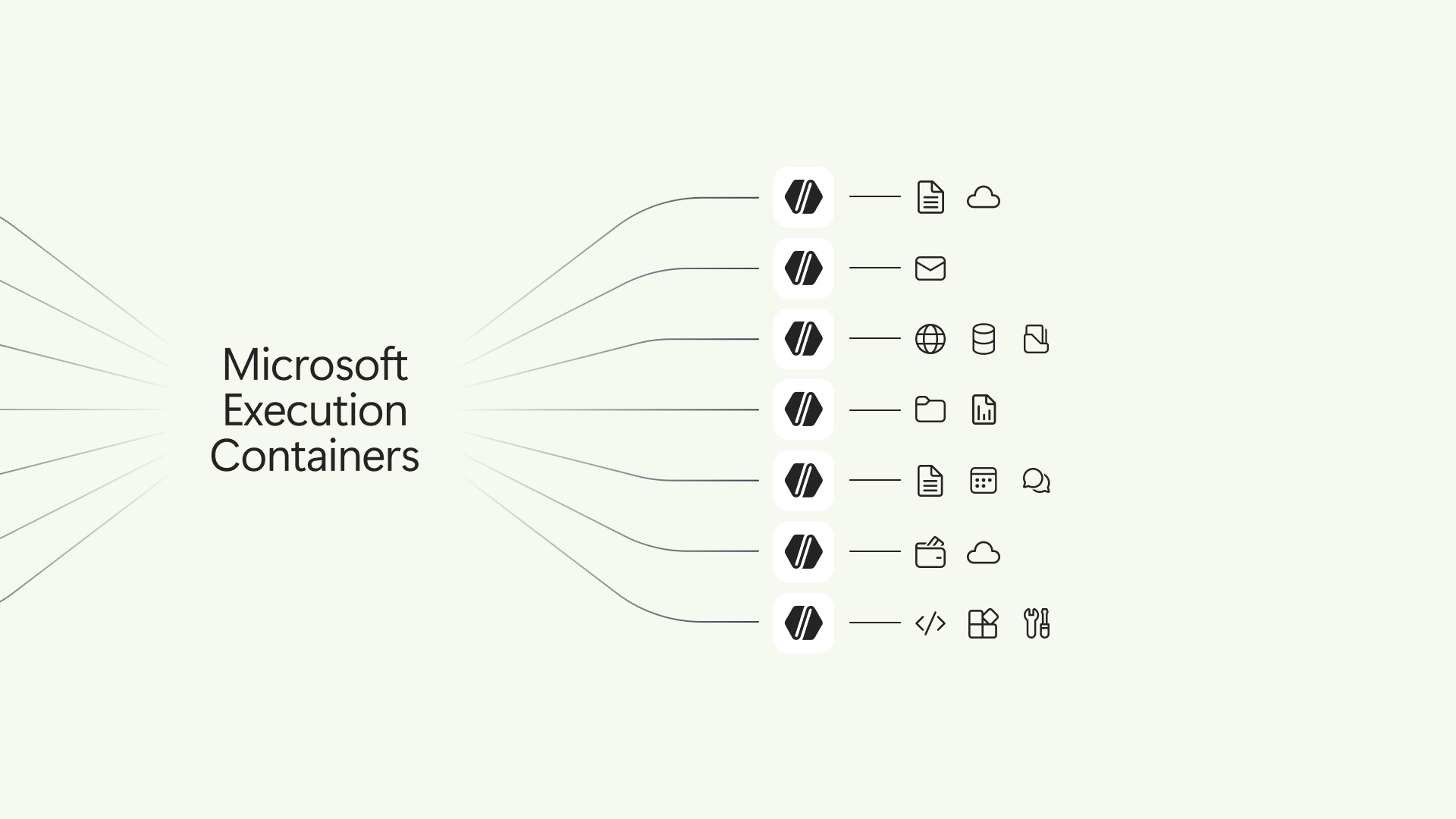
Microsoft Execution Containers (MXC) is a policy-driven execution layer for untrusted code or dynamically generated workloads. In agentic scenarios, developers can use MXC to contain model-generated output, plugins, tools, agent harness, or the entire agent. This limits what the agent workload can access by containing the scope of the impact if something goes wrong.Developers declare the resources a workload requires, such as files and network destinations, and MXC enforces the resulting boundary with the appropriate container. The policy remains outside the agent workload’s control, so the agent or generated code cannot grant itself additional access.
MXC also separates workload requirements from platform-specific containment details, greatly simplifying the developer experience. Developers integrate with a unified JSON configuration schema and multi-language SDK, while MXC maps the requested controls to the selected backends on Windows, macOS, or Linux.
Developers can apply the same containment model wherever an agent needs to run – from a local device to the cloud. With Windows 365 support for MXC now generally available, developers can run agents alongside their existing work on Cloud PCs, using the right isolation model to help keep agent execution separate and secure.
Choose the containment level that fits the workload
Different workloads require different levels of isolation. A coding agent working in a repository may prioritize low latency and responsiveness, while an agent processing sensitive data or running untrusted code may require stronger isolation. MXC provides a spectrum of containment options so developers and organizations can select the right level of isolation for each workload.Only Windows supports a session container, which runs an agent on the user’s device in a separate, OS-isolated session with its own local agent identity and isolated desktop, clipboard, UI, and input boundaries.
Backend | Availability | Best suited for | Important characteristics |
|---|---|---|---|
| Process container | Windows 11, macOS, and Linux | Lightweight containment for responsive workloads, including model-generated code and tool execution. | Uses the platform-appropriate process sandbox, including AppContainer on Windows, Seatbelt on macOS, and Bubblewrap on Linux. |
| Session container | Windows 11 only | Long-running agents and automation that need a desktop or stronger separation from the interactive user. | Runs under a distinct Windows account and session, separating the agent’s desktop, clipboard, UI, input, and active session from the user. |
| WSL container (WSLc) | Windows 11 only | Linux-first agent toolchains and workloads that depend on the Linux package and development ecosystem. | Provides a Linux execution environment through WSL. |
| MicroVM | Windows 11 and Linux, experimental | Higher-risk workloads that benefit from a hardware-backed virtualized boundary. | Provides hardware-enforced isolation and full Linux workload compatibility. |
Each containment backend has distinct security properties and workloads should be evaluated for fit with containment backend.
How MXC policy defines workload boundaries
MXC helps users and organizations delegate more work to agents while limiting them to the resources required for each task. Instead of giving an agent the full authority of the signed-in user, developers and IT can define an OS-enforced boundary around the agent’s workload.For the website scenario, an MXC policy could give a coding agent read and write access to its local source-code repository and access to required development tools such as Git, while preventing access to personal locations such as the user’s Documents folder. The policy could also block inbound and outbound network connections and access to the interactive desktop.
Policy area | What it controls |
|---|---|
| Containment | The isolation environment in which the workload runs, such as a process or session container. |
| Process | The command, arguments, working directory, environment, and other settings used to start the workload. |
| File system | Locations the workload can modify, locations it can read without changing, and locations it cannot access. |
| Network | Inbound and outbound connectivity, including whether the workload can connect to services through the host’s loopback interface. |
| User interface | Whether the workload can access or interact with the desktop and related UI resources. |
Adding MXC support is straightforward for agent developers – you can easily use your favorite coding agent to integrate the MXC SDK and draft an initial workload policy, then review, test, and refine the resulting controls.
How workload and organizational policy work together
Agent developers declare the resources their agentic workloads may need. Organizations can also apply additional constraints through management policy, like with Microsoft Intune management policy. This allows the same agent to operate within different enterprise boundaries without requiring the agent developer to encode the organization’s security posture into the application.Containment becomes more valuable when organizations can apply it consistently. Intune policy will soon be available to manage MXC process containers used by MXC-integrated agents on Windows 11. These policies will offer IT administrators control over how Windows evaluates container creation requests made by agents, and the resource boundaries that are enforced by those containers.
Agent developers should design their workloads to operate within boundaries that may be more restrictive than the default configuration. If organizational policy blocks a resource, the agent should explain that the task could not be completed within the available permissions, request an appropriate user or administrator action when supported, or choose a safe alternative. It should not silently fail.
Observe and refine policy before enforcing it
Writing a least privilege policy can be difficult when you do not yet know every resource an agent workload requires. Only on Windows, MXC process containers can produce an agent activity report showing which resources a workload attempted to use to help craft a least-privilege policy.MXC supports three operating modes:
Mode | Ungranted access | Activity Report | Intended use |
|---|---|---|---|
| Enforcement | Blocked | No | Run the workload with its production policy |
| Learning | Blocked and recorded | Yes | Diagnose failures and verify that the policy grants only required access |
| Permissive | Allowed and recorded | Yes | Observe agent activity without enforcing policy |
In Enforcement mode, MXC applies the policy without activity report. Granted operations proceed, and operations outside the boundary are restricted.
In Learning mode, MXC continues to enforce the configured boundary. An operation that has not been granted is blocked and recorded in a JSON activity report. This lets developers or IT reproduce containment failures and understand which resources the workload attempted to access.
In Permissive mode, MXC records access that the policy would have denied but allows the operation to continue. This is useful during policy authoring because the workload can be completed while developers or IT collect evidence about the resources it uses. Permissive mode does not bypass other applicable operating system or organizational restrictions.
When you bring an agent into an MXC container for the first time, the policy may block capabilities that the workload legitimately needs. These denials reveal where the boundary needs adjustment, helping you grant the required access without unnecessarily expanding the agent’s reach.
Agent identity & attribution
Containment answers what an agent may do. Identity helps determine which agent performed an action. Coming soon, Windows will allow Microsoft Entra to distinguish agent activity from user activity in Microsoft Agent 365.This separation will allow security teams to evaluate an agent’s behavior and risk independently from the person using the device. If an agent becomes compromised or violates policy, security controls will target the agent’s access to protected resources without blocking the employee’s access. As organizations deploy more agents, one misbehaving agent does not have to interrupt the employee’s access or productivity.
Agent-level attribution also improves investigation and governance. Administrators will be able to use Agent 365 to understand which agents are running, associate activity with a specific agent, investigate risky behavior, and apply policy to individual agents or groups of agents instead of relying only on user-level or device-level context.
Agents using MXC today
NVIDIA has integrated OpenShell into MXC, complementing MXC with policy controls for agent access to files and inference services; advanced network controls; credential management, and for enterprises, OCSF auditing.
Leading agents and agent frameworks already support MXC, including GitHub Copilot, OpenClaw, OpenAI Codex, Replit, LM Studio, and Unsloth AI. Many others will be releasing support for MXC: Anthropic Claude Code, Box, Egnyte, Heidi Health, Hermes Agent by Nous Research, Manus, Perplexity, Raycast, and Simular amongst others. For people using AI every day, these safeguards are part of the agent experience itself, giving users a more secure way to work with these tools.
GitHub Copilot, Codex, and Replit agent scenarios demonstrate how MXC supports a demanding developer workflow. A coding agent needs access to the project repository, development tools, and commands required to complete a task, but it should not automatically gain access to unrelated files or network destinations. MXC preserves the capabilities the agent needs while enforcing clear boundaries around the rest of the system.
Learn more about how GitHub Copilot uses MXC for sandboxed execution in this blog post.
Get started and share feedback
With containment, identity, and manageability built into the platform, Windows helps agents run more securely while giving developers and IT control over what they can access and do.MXC continues to improve as we expand containment backends, policy authoring, manageability, observability, and more supported scenarios in the containers.
You can get started today with the MXC SDK, configuration schema, documentation, and samples in the MXC repository. If you encounter unexpected behavior or have ideas for improving the experience, open an issue on GitHub and help shape what comes next.
Source:
Microsoft Execution Containers: Policy-driven containment for AI agents
Agents are unlocking enormous productivity gains for customers, but their ability to work across files, networks, and applications can introduce new security risks. This can leave customers feeling like they only have two choices: give agents unrestr
 blogs.windows.com