Visual Studio Blog:
The Visual Studio Hub is here!
Keeping up with the latest Visual Studio updates, features, and resources can feel like a full-time job. We’ve heard it time and time again—you want a simpler way to stay informed without digging through scattered blog posts, release notes, and social media updates.
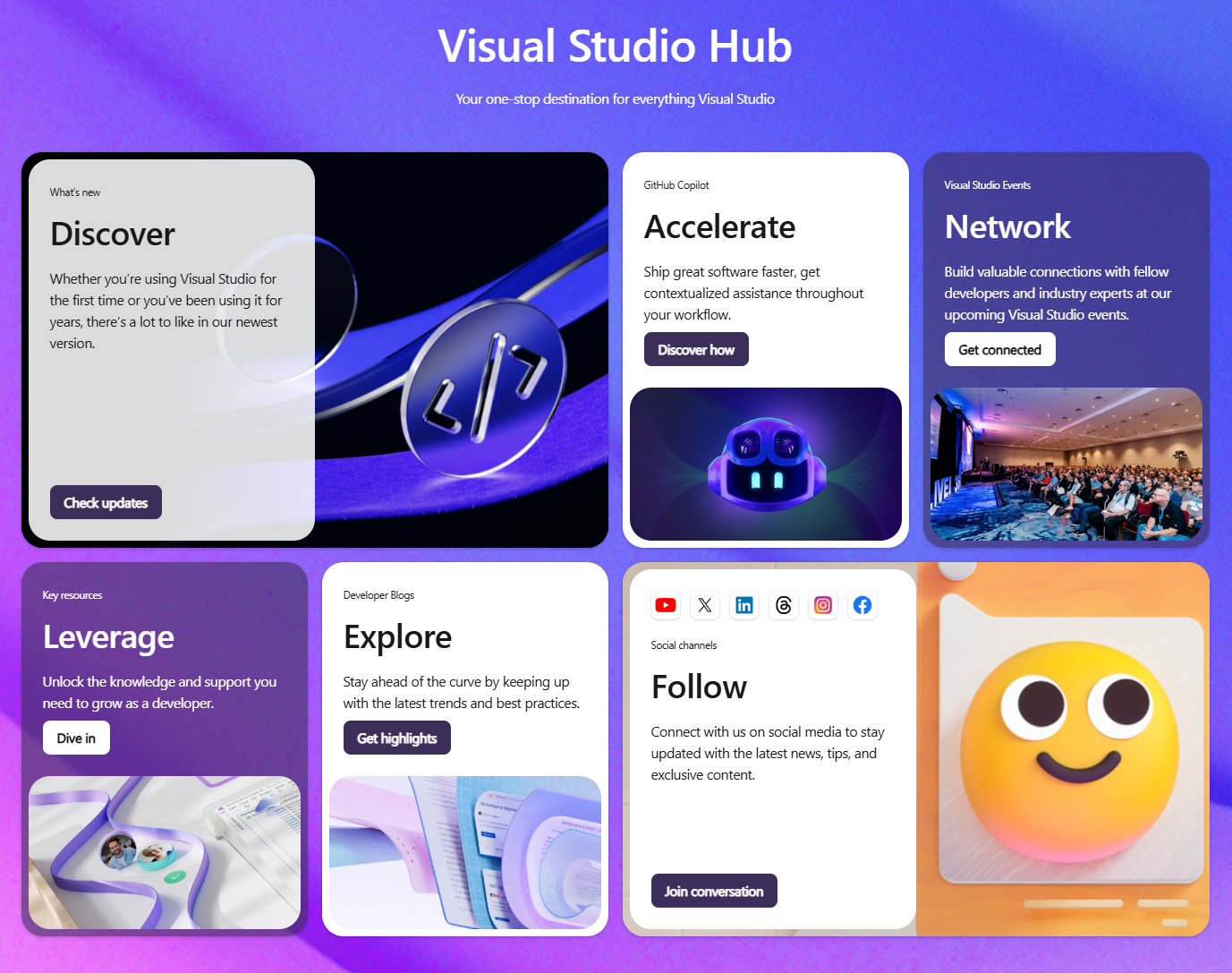
That’s why we created Visual Studio Hub—a single destination to help you quickly find what matters most. Whether you’re looking for the newest features, GitHub Copilot resources, upcoming events, or expert insights from our product teams, the Hub makes it easy to stay connected with everything happening in the Visual Studio ecosystem.
What can you expect from Visual Studio Hub?
Discover What’s New
Stay up to date with the latest features in the new releases of Visual Studio 2022. This section allows users to select which category and features are most relevant to their work. This will update with each new release, so check back often!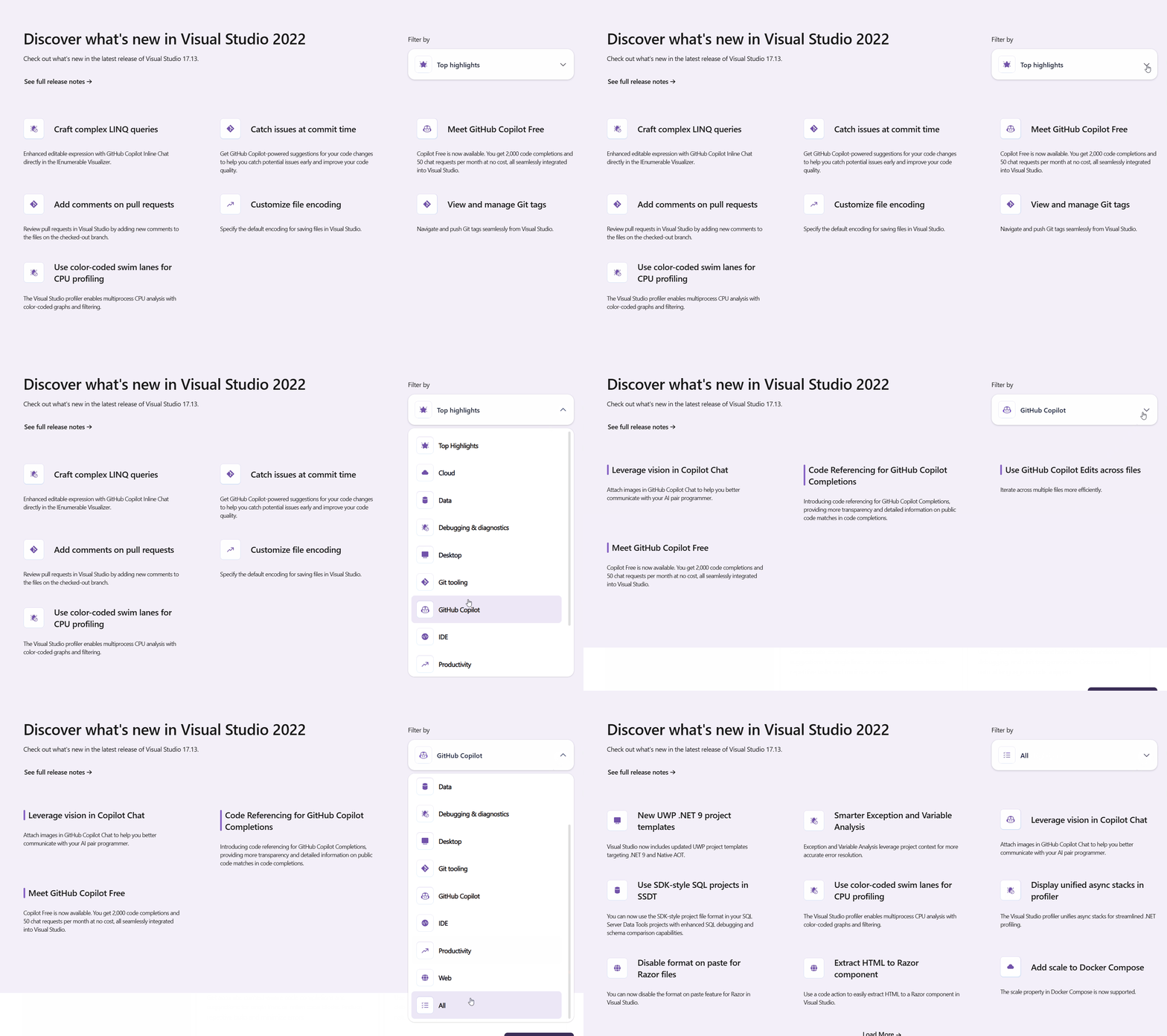
GitHub Copilot Resources
This area provides you with information on how to get started with GitHub Copilot in the Visual Studio IDE. There are tutorials on code completion, AI chat, and prompt tips.
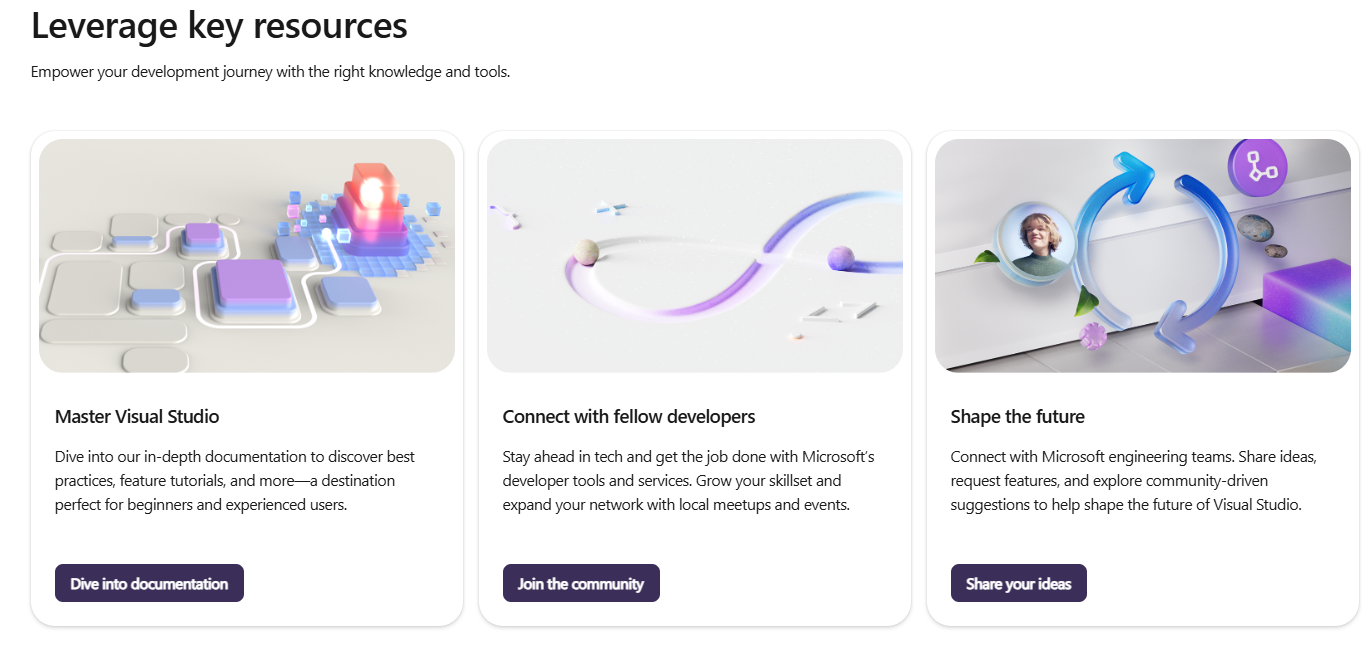
Key Resources
Don’t overlook the key resource section as they will point you to even more opportunities to learn, connect with developers in your community, and give feedback to the engineering teams working to improve the Visual Studio IDE experience.While our Microsoft Learn sites are some of the most popular and you can find the link there, two other gems are nestled in this section. To network with other developers on-line, in person, or through user groups, visit our community site.
In addition, if you are someone with great ideas you would love to see implemented in the Visual Studio IDE or have ideas for improvement, our feedback site should interest you. If you ever forget how to find them, the Visual Studio Hub will show you the way back.
Developer Blogs
Our product teams often publish content on the latest trends, product developments, and best practices. Through the blogs section, you can stay ahead of the curve since the four most recent blogs posted on the Visual Studio Blog will show up in this section.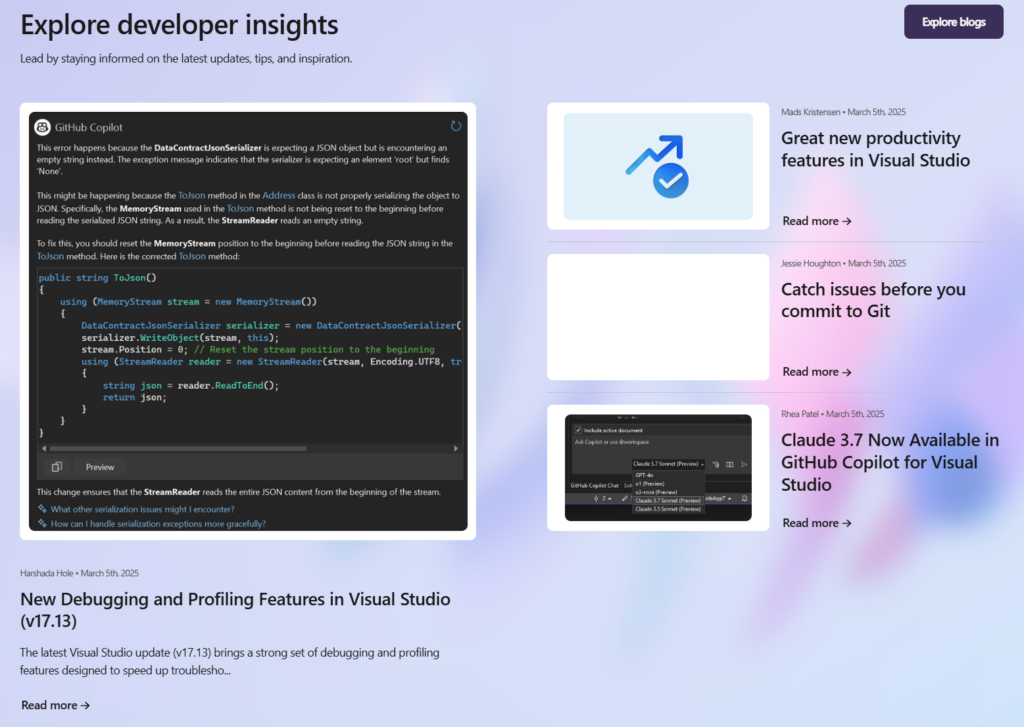
Community Engagement
We know everyone who uses social media has preferences, and we want to help you find our official accounts. Come join the conversation, see the most recent posts, and connect with our engineering teams.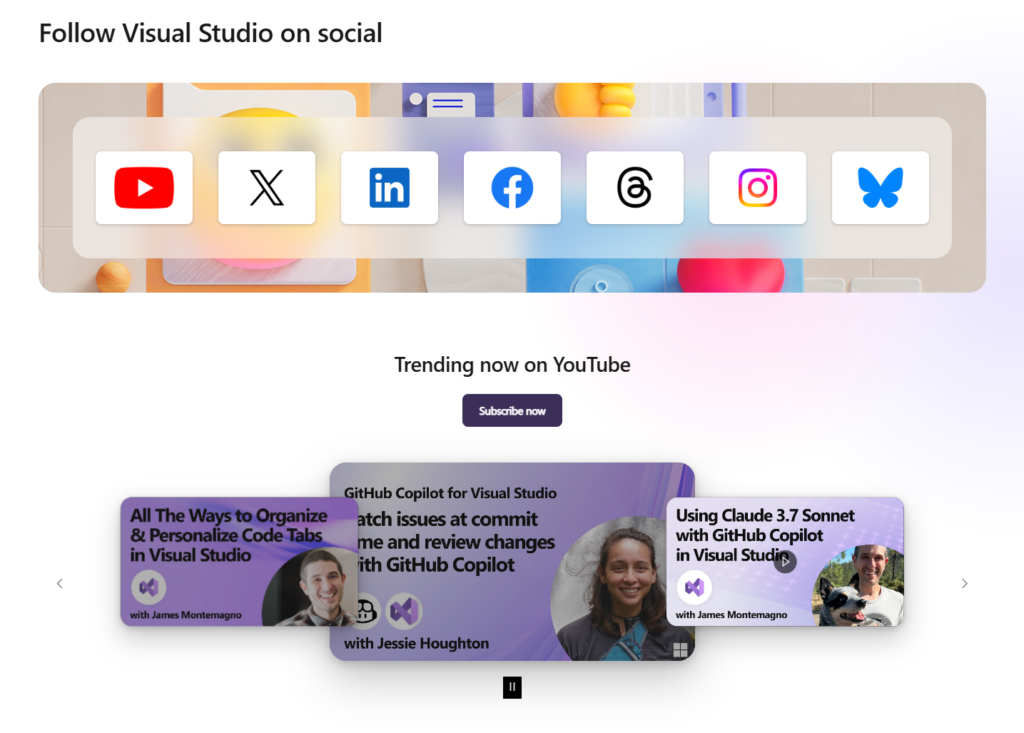
The Visual Studio Hub is here to stay as your go-to resource for everything related to Visual Studio. Still, this is just the beginning! We plan to bring even more relevant content as you continue to share what matters most to you.
 We hope you’ll spend your next coffee break with us!
 Source:
Introducing Visual Studio Hub - Visual Studio Blog
The Visual Studio Hub is here to serve up the most up to date happenings in the Visual Studio IDE ecosystem.
 devblogs.microsoft.com