Today, we’re excited to announce that Microsoft Viva Engage, the newest app within Microsoft Viva, is now generally available for customers worldwide. Viva Engage is an evolution of the Yammer Communities app that brings new capabilities and experiences to help people strengthen their work relationships, find and share knowledge, and feel included all within Microsoft Teams. For users that already use the Communities app, this change will happen automatically and introduces new features designed to connect people, amplify their voice and perspective, and find belonging at work.
People at the Center
The personalized Home shows you a feed of conversations and activity based off your communities, behavior and interests, and learns over time to increase relevance and drive engagement.

The new Viva Engage app.
Discover, join, or create new Communities to share and network with colleagues from across the business. Viva Engage includes a new Communities hub where you can find your communities and a list of recommended communities. New quick navigation provides easy access to your favorite and most frequented communities no matter where you are in the app.
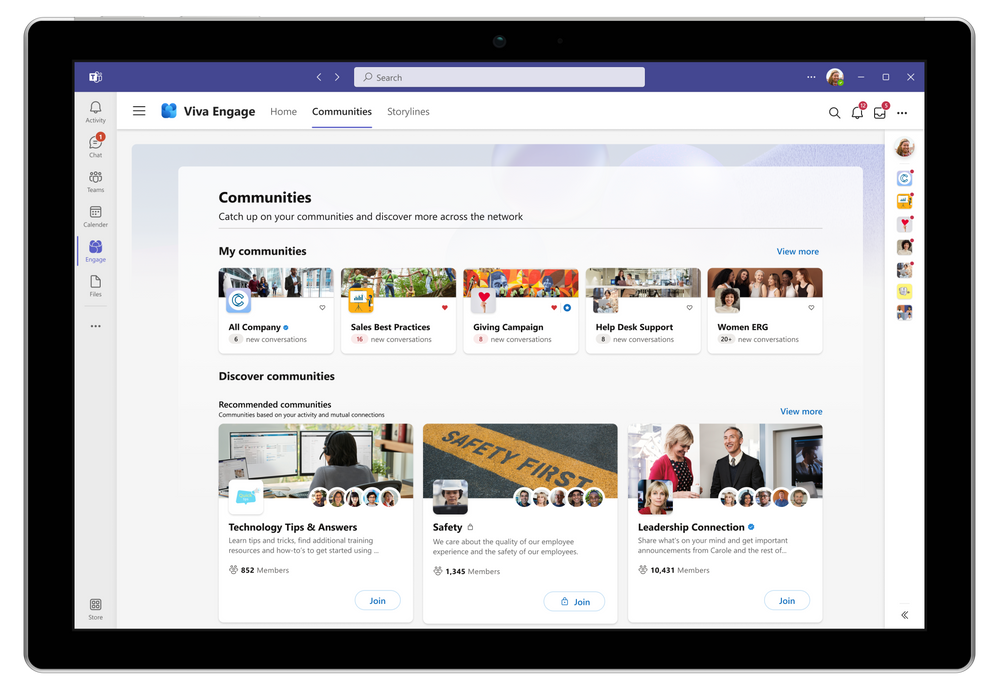
Find a personalized listing of your communities in Communities Hub.
Storyline & stories
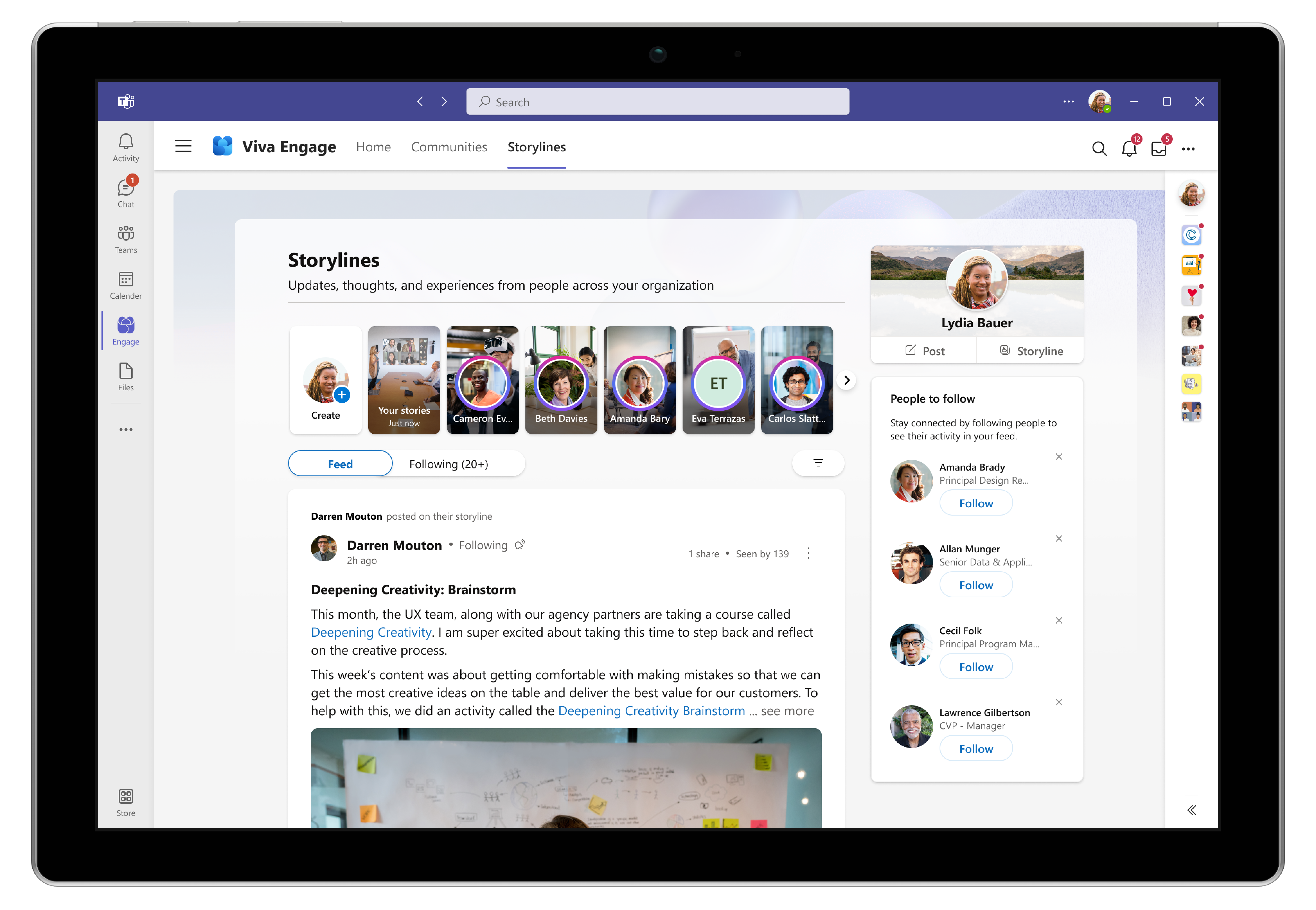
Viva Engage also brings new features—storyline and stories—which enable employees to connect with colleagues by sharing their thoughts, knowledge, and experiences through conversations and videos. On the Storylines tab, the feed shows posts from peers and popular posts from across the network, and the Following feed lets you catch up on updates from people you follow. Storyline will be available in public preview in September. Stories will open for public preview in the coming months.
Community across Viva and beyond
As part of the Microsoft Viva suite, the new Viva Engage app contributes communities and conversations into Viva Connections and Viva Topics and over time will power other experiences in Viva. In the coming months, the Yammer Communities app for Outlook will also evolve to align with Viva Engage. Soon, the Yammer app on web, mobile, and desktop will also add storyline and stories.
Licensing
The new Viva Engage app, storyline and stories, are available to anyone with a Yammer license—which is on by default for all Microsoft 365 commercial customers.
Admins
Viva Engage is rolling out today for current users of the Yammer Communities app, and IT admins can roll out the app today through the Teams Admin Center. With Teams app policies, admins can install the Viva Engage app and pin it to the Teams app bar on desktop and the web. On Teams mobile, the Viva Engage app can be pinned in the app tray. Viva Engage is backed by Yammer and uses the same infrastructure and policies you set for Yammer. Security, privacy, and compliance considerations remain the same.
Get started
Install and pin Viva Engage today to connect your employees and empower everybody. Learn how to get ready for Engage. Check out these adoption resources and this article for common questions and to learn more about Viva Engage and Yammer.
Stay tuned! We’ll have more news to share about Viva Engage and the public preview of storyline in the coming weeks.
- Michael Holste
Michael Holste is a senior product marketing manager for Microsoft Viva
Source:
Microsoft Viva Engage is now generally available
Today, we’re excited to announce that Microsoft Viva Engage, the newest app within Microsoft Viva, is now generally available for customers worldwide. Viva Engage is an evolution of the Yammer Communities app that brings new capabilities and experiences to help people strengthen their work...
techcommunity.microsoft.com