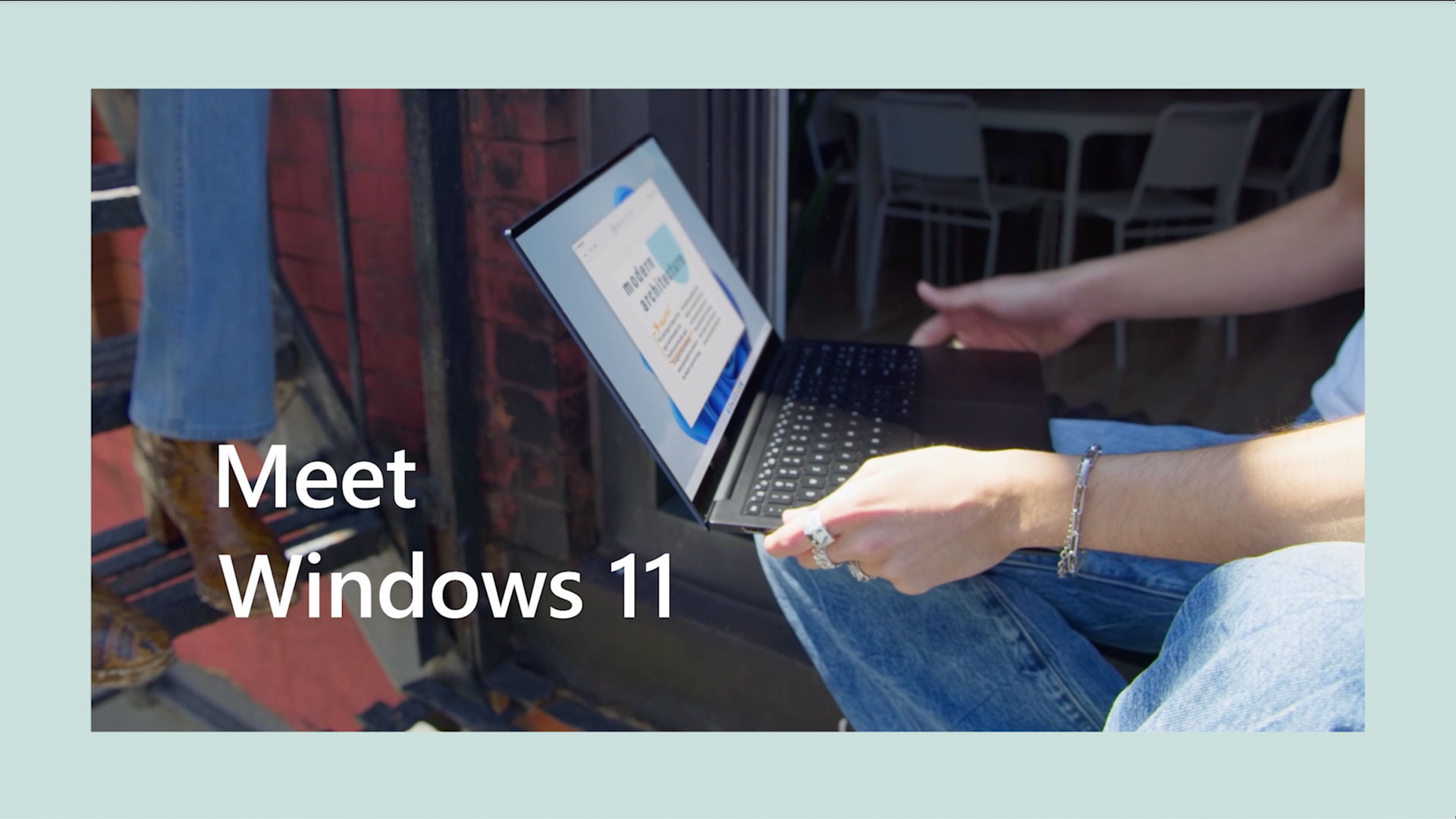
If you’re just starting out with Windows 11 – or looking for refreshers on making the most out of it – there’s a new video series that will help you with staying organized, keyboard shortcuts, personalizing your experience, apps and tools.
“Meet Windows 11” recently debuted with three short videos that will get you up and running on Windows 11. The first one goes over basics such as universal search, desktop groups and Microsoft accounts. The second video helps you personalize your Windows experience by suggesting several features, such as creating collections for websites you browse, choosing desktop backgrounds and using widgets. The third video explores new and refreshed apps, such as the Photos app, Microsoft Store and Phone Link.
Read the accompanying articles through the links above to get more information and help with Windows 11.
Windows help and learning | Microsoft Support
Find help and how-to articles for Windows operating systems. Get support for Windows and learn about installation, updates, privacy, security and more.support.microsoft.com
Change the desktop background in Windows | Microsoft Support
Learn how to change the desktop background in Windows.
Windows help and learning | Microsoft Support
Find help and how-to articles for Windows operating systems. Get support for Windows and learn about installation, updates, privacy, security and more.
Source: