Microsoft Mechanics Blog:
Stay productive without changing how you work with new Microsoft 365 Copilot and AI experiences on any Windows 11 PC.
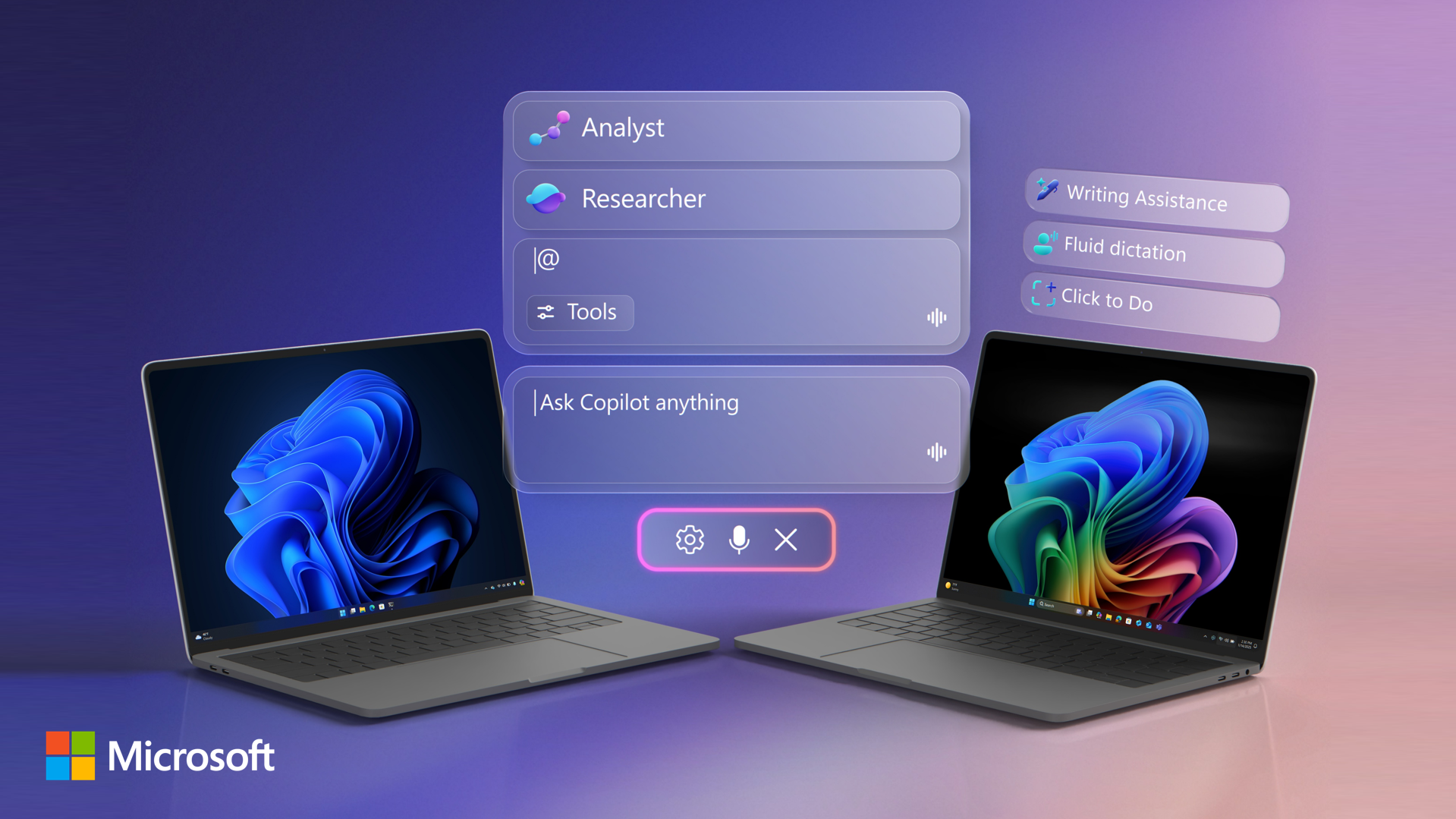
Access Copilot and agents right from the taskbar; find answers across your files, email, and meetings, and turn ideas into polished content using voice or text. AI is right there where you already work, so you can move faster, stay in your flow, and make better decisions without switching context, opening other apps or moving to the browser.
And if you do have a Copilot+ PC, you can use fluid voice dictation across apps, find files with natural language search, take action on anything on your screen, and refine writing anywhere, even offline.
Jeremy Chapman, Microsoft 365 Director, shows how whether you’re planning projects, collaborating with teammates, or building solutions, you can move faster, stay focused, and turn context into real outcomes.
Stop searching across apps.
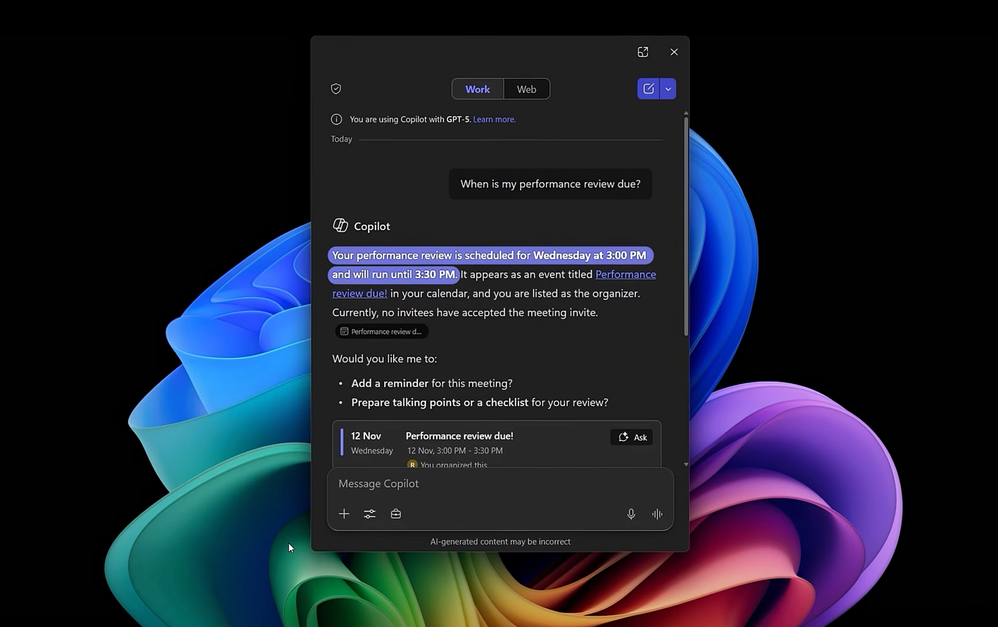
New Copilot capabilities in Windows Search understand your work context and surfaces answers using data from your Microsoft 365 environment. Get started with Copilot experiences in Windows 11.
Run AI tasks without interrupting your workflow.
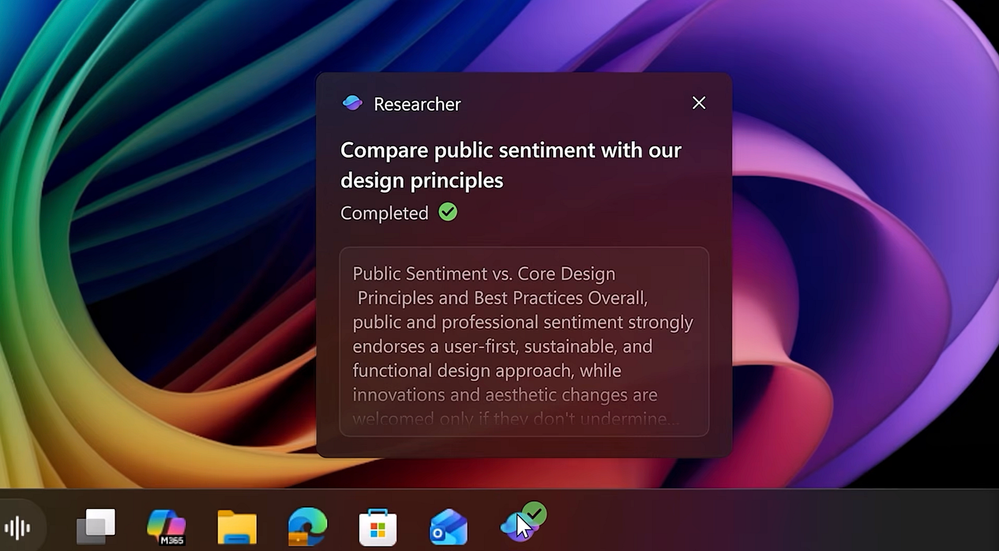
Agents stay visible and trackable in the Windows 11 taskbar. Watch here.
Interact with content on your screen using Click to Do.
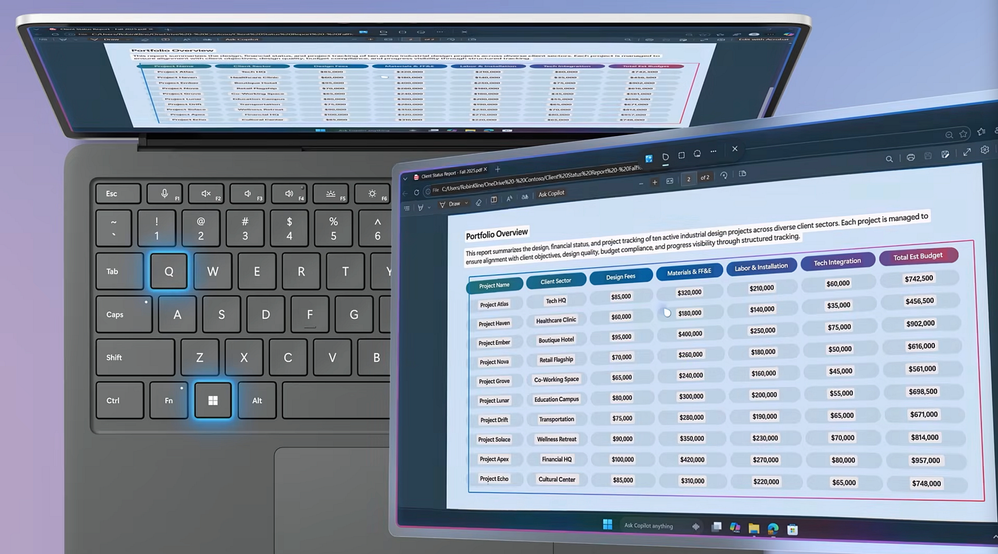
Extract text, send content to Microsoft 365 Copilot, or convert a static table into a usable Excel file. Take a look.
Source:
AI in Windows 11 | Microsoft Community Hub
Access Copilot and agents right from the taskbar; find answers across your files, email, and meetings, and turn ideas into polished content using voice or...
 techcommunity.microsoft.com