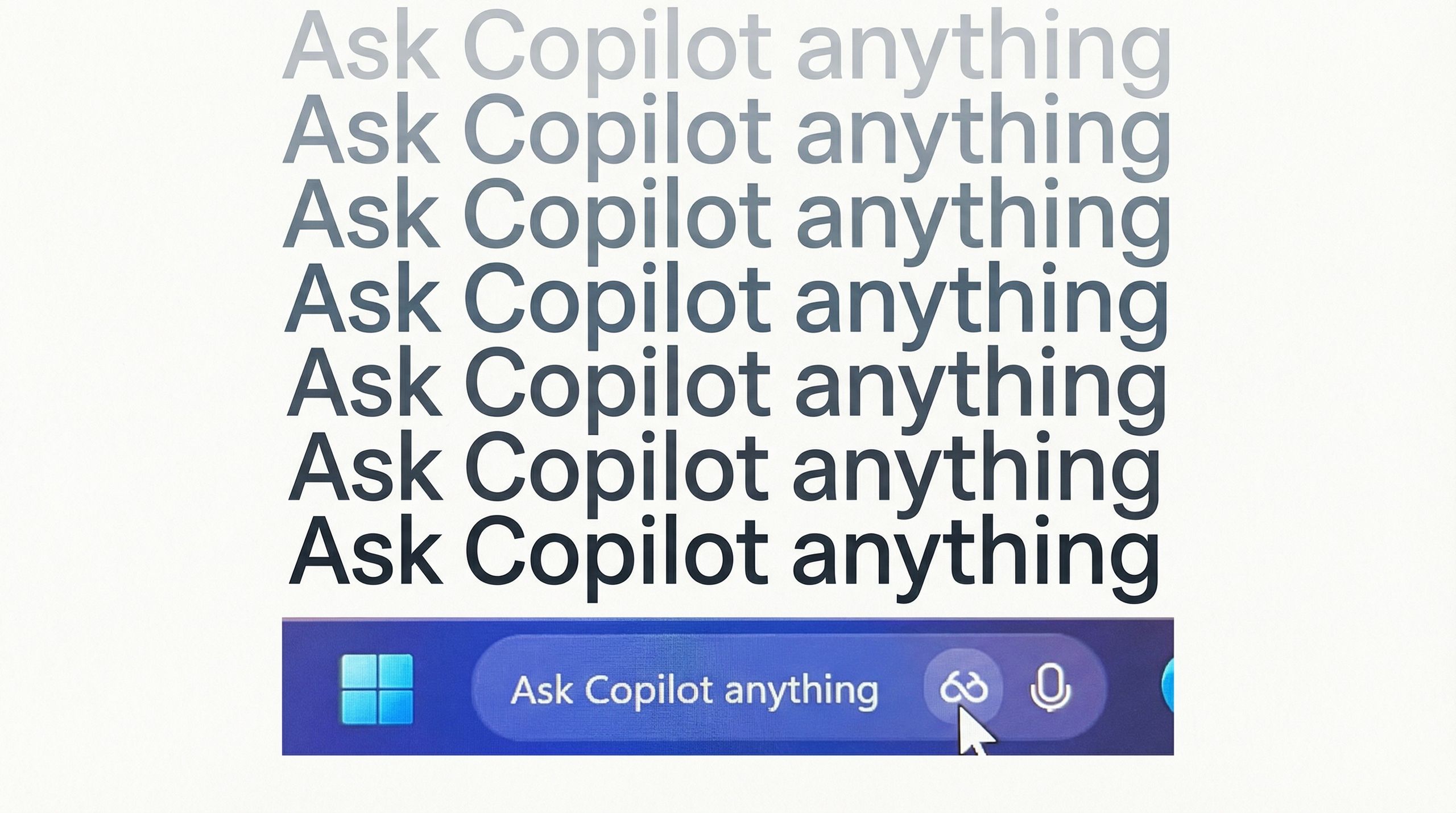
Microsoft Copilot is almost universally disliked due to its forced integration across Windows and Office, which many users find intrusive, distracting, and a disruption to established workflows.
Critics often complain of 'AI slop': poorly executed, generic, or incorrect outputs, along with increased, unnecessary, and unremovable AI presence in daily tasks, making it feel like a forced, premium-cost annoyance rather than a helpful tool.
Copilot is heavily forced into the toolbar, right-click menus, and as a permanent, hard-to-remove icon in Windows 11, disrupting user experience.
Users frequently report generic, inaccurate, or redundant responses, often requiring more time to edit than to write from scratch. Frequent updates constantly change how Copilot works, creating inconsistency and frustrating users who want a stable, predictable environment. It frequently and frustratingly suffers from, or takes a long time for, complex tasks. Serious concerns exist regarding the potential exposure of sensitive documents due to misconfigured SharePoint or OneDrive permissions.
Users report that Copilot can act stubborn, refusing to acknowledge valid user approaches to problems.
Overall, the sentiment is that Copilot is often seen as an unnecessary, premature addition that prioritizes marketing hype over user-centric design.
Now there is NoPilot.
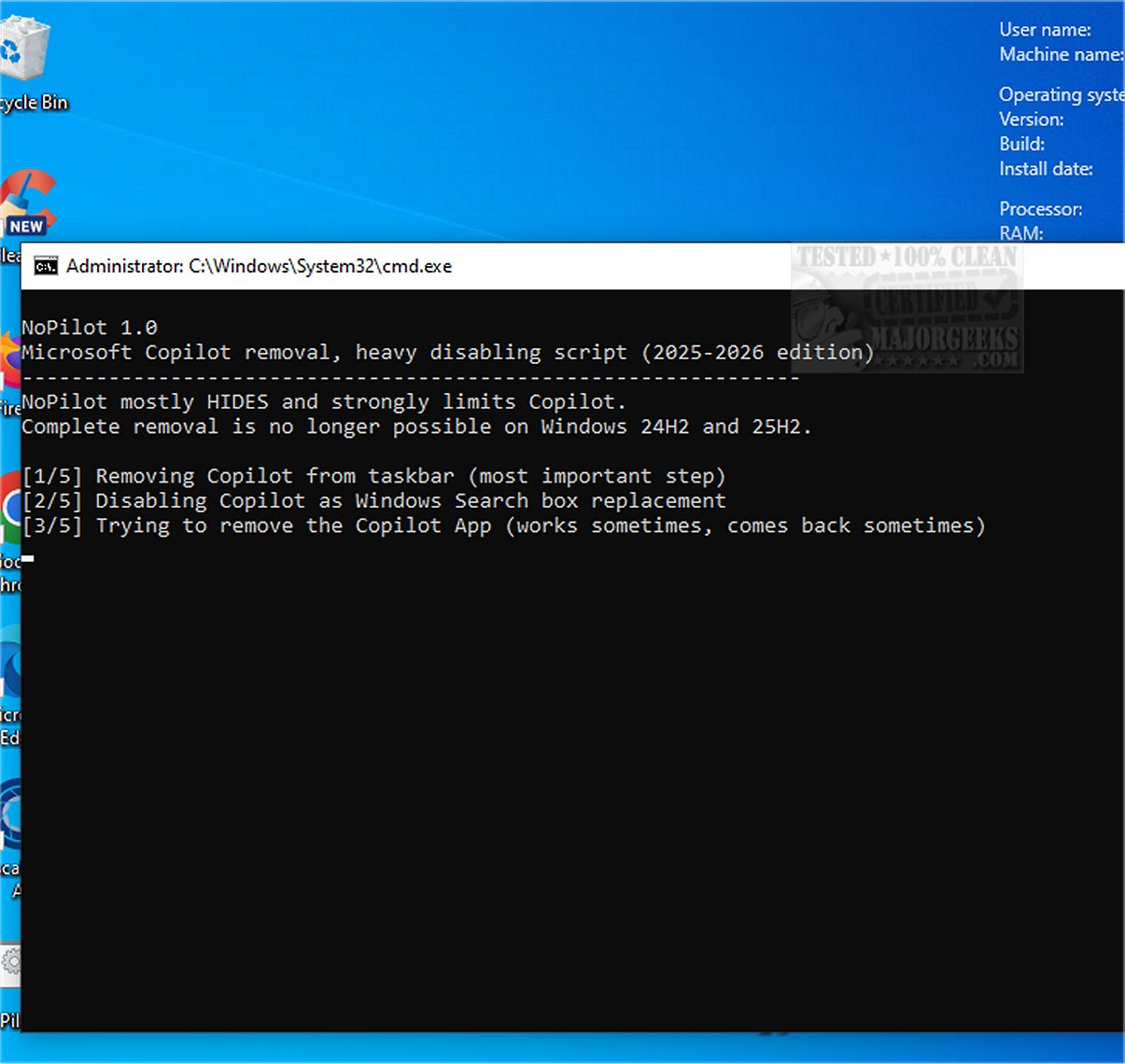
NoPilot mostly hides CoPilot as complete removal is no longer possible. Some visible parts are removed, others are blocked or disabled by NoPilot.
Instructions:

 github.com
Critics often complain of 'AI slop': poorly executed, generic, or incorrect outputs, along with increased, unnecessary, and unremovable AI presence in daily tasks, making it feel like a forced, premium-cost annoyance rather than a helpful tool.
Copilot is heavily forced into the toolbar, right-click menus, and as a permanent, hard-to-remove icon in Windows 11, disrupting user experience.
Users frequently report generic, inaccurate, or redundant responses, often requiring more time to edit than to write from scratch. Frequent updates constantly change how Copilot works, creating inconsistency and frustrating users who want a stable, predictable environment. It frequently and frustratingly suffers from, or takes a long time for, complex tasks. Serious concerns exist regarding the potential exposure of sensitive documents due to misconfigured SharePoint or OneDrive permissions.
Users report that Copilot can act stubborn, refusing to acknowledge valid user approaches to problems.
Overall, the sentiment is that Copilot is often seen as an unnecessary, premature addition that prioritizes marketing hype over user-centric design.
Now there is NoPilot.
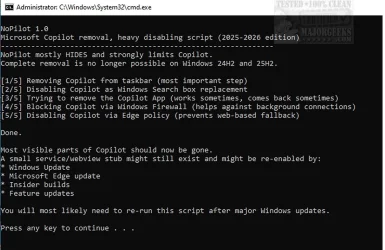
NoPilot mostly hides CoPilot as complete removal is no longer possible. Some visible parts are removed, others are blocked or disabled by NoPilot.
Instructions:
- Download the batchfile to your Desktop
- Run as an Administrator (Right-click > 'Run as admin')
Download NoPilot 1.1 - MajorGeeks
NoPilot Windows batch file helps conceal some of CoPilot's functionality, as a complete uninstallation is no longer available. While certain visible components of CoPilot have been removed entirely, many others have been intentionally blocked or disabled to minimize their impact on the user...
www.majorgeeks.com
GitHub - fredvries/NoPilot: Takes care of Windows CoPilot
Takes care of Windows CoPilot. Contribute to fredvries/NoPilot development by creating an account on GitHub.
github.com
My Computer
At a glance
Windows 11 ProIntel Core i9 12900KFCorsair 64GB DDR5 Vengeance C40 5200MhzASUS GeForce RTX 3090 ROG Strix OC 24GB
- OS
- Windows 11 Pro
- Computer type
- PC/Desktop
- Manufacturer/Model
- Custom Build
- CPU
- Intel Core i9 12900KF
- Motherboard
- ASUS ROG Maximus Z690 Hero
- Memory
- Corsair 64GB DDR5 Vengeance C40 5200Mhz
- Graphics Card(s)
- ASUS GeForce RTX 3090 ROG Strix OC 24GB
- Sound Card
- OnBoard
- Monitor(s) Displays
- Acer Predator XB323UGP 32" QHD G-SYNC-C 144Hz 1MS IPS LED
- Screen Resolution
- 2560 x 1440
- Hard Drives
- 1x Samsung 980 Pro Series Gen4 250GB M.2 NVMe
1x Samsung 980 Pro Series Gen4 500GB M.2 NVMe
2x Samsung 980 Pro Series Gen4 2TB M.2 NVMe
- PSU
- Corsair AX1200i 1200W 80PLUS Titanium Modular
- Case
- Corsair 4000D Black Case w/ Tempered Glass Side Panel
- Cooling
- Noctua NH-U12A Chromax Black CPU Cooler, 4x Noctua 120mm Fans
- Keyboard
- Logitech MK545
- Mouse
- Logitech MX Master 3
- Internet Speed
- Fixed Wireless 150mbps/75mbps
- Browser
- Firefox
- Antivirus
- Kaspersky
- Other Info
- Thrustmaster TS-PC RACER
Fanatec CSL Elite Pedals with the Load Cell Kit
Yamaha Amp with Bose Speakers