

cris2k47
New member
- Local time
- 11:04 AM
- Posts
- 2
- OS
- Windows 11
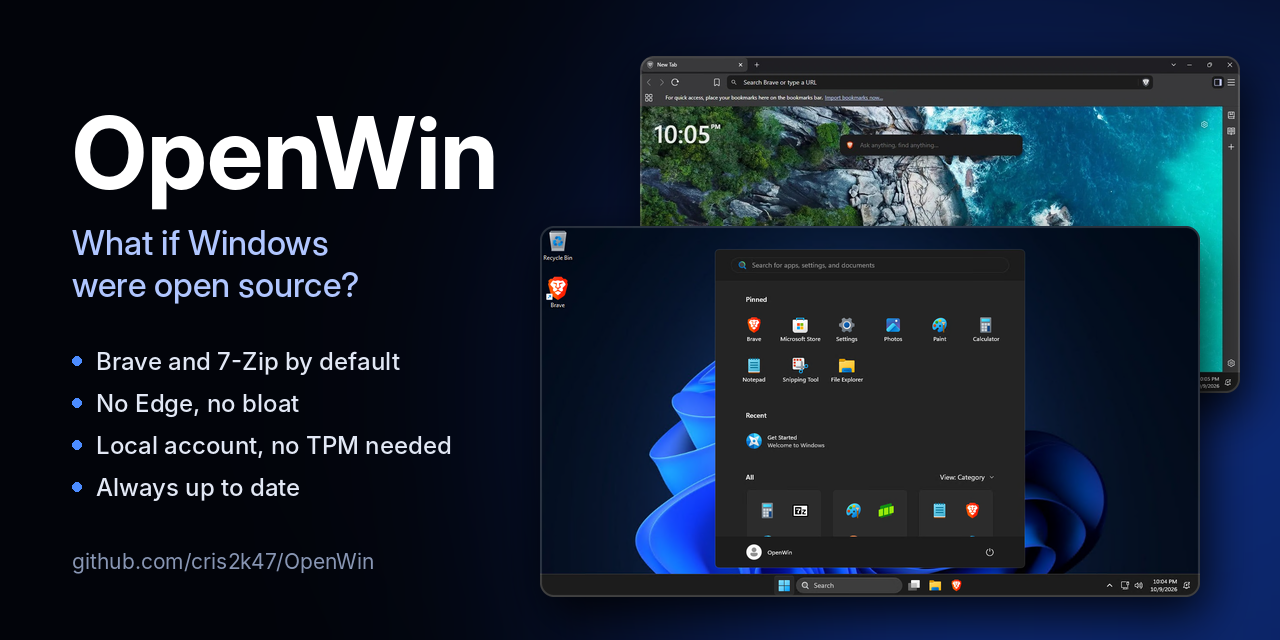
OpenWin is an answer file (autounattend.xml) plus an $OEM$ folder that you add to the official Windows 11 installer from Microsoft. Windows Setup does the rest. It installs Windows 11 Pro with open-source apps by default, without Edge and most of the preinstalled apps, and with a local account.
Downloads
- OpenWin.zip: for a USB drive made with the Media Creation Tool
- autounattend.iso: for a virtual machine
- Source code, instructions and all releases: GitHub - cris2k47/OpenWin: What if Windows were open source? An unattended Windows 11 install with Brave and 7-Zip by default, no Edge, no bloat and a local account. Add autounattend.xml and $OEM$ to the official installer.
What you get
Open-source apps by default
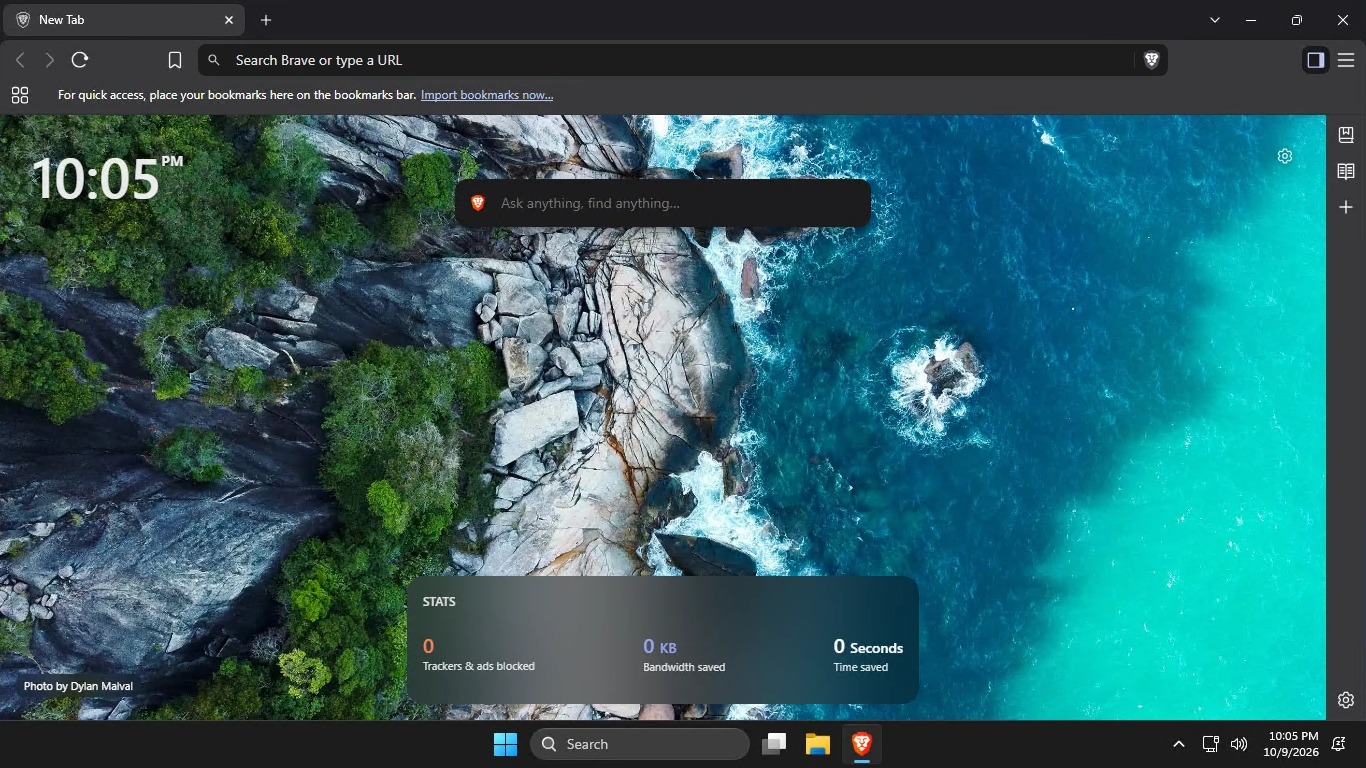
- Brave is the default browser and PDF viewer. It's pinned to the taskbar and follows the Windows display language. New users start without the VPN, Leo AI, Wallet and Rewards buttons, sponsored images, Brave News, the welcome page or P3A usage statistics. They can turn any of these back on in Brave's settings.
- 7-Zip opens archives and disk images: zip, 7z, rar, tar, gz, xz, zst, iso, cab, wim, vhd(x), dmg and more.
- Microsoft Edge is uninstalled.
- These preinstalled apps are removed: Clipchamp, Clock, Camera, Copilot, Dev Home, Family, Feedback Hub, Get Help, News, Outlook (new), Phone Link, Power Automate, Quick Assist, Solitaire Collection, Sound Recorder, Sticky Notes, Teams, Terminal, To Do, Weather, Widgets and Xbox.
- OneDrive isn't set up for new users.
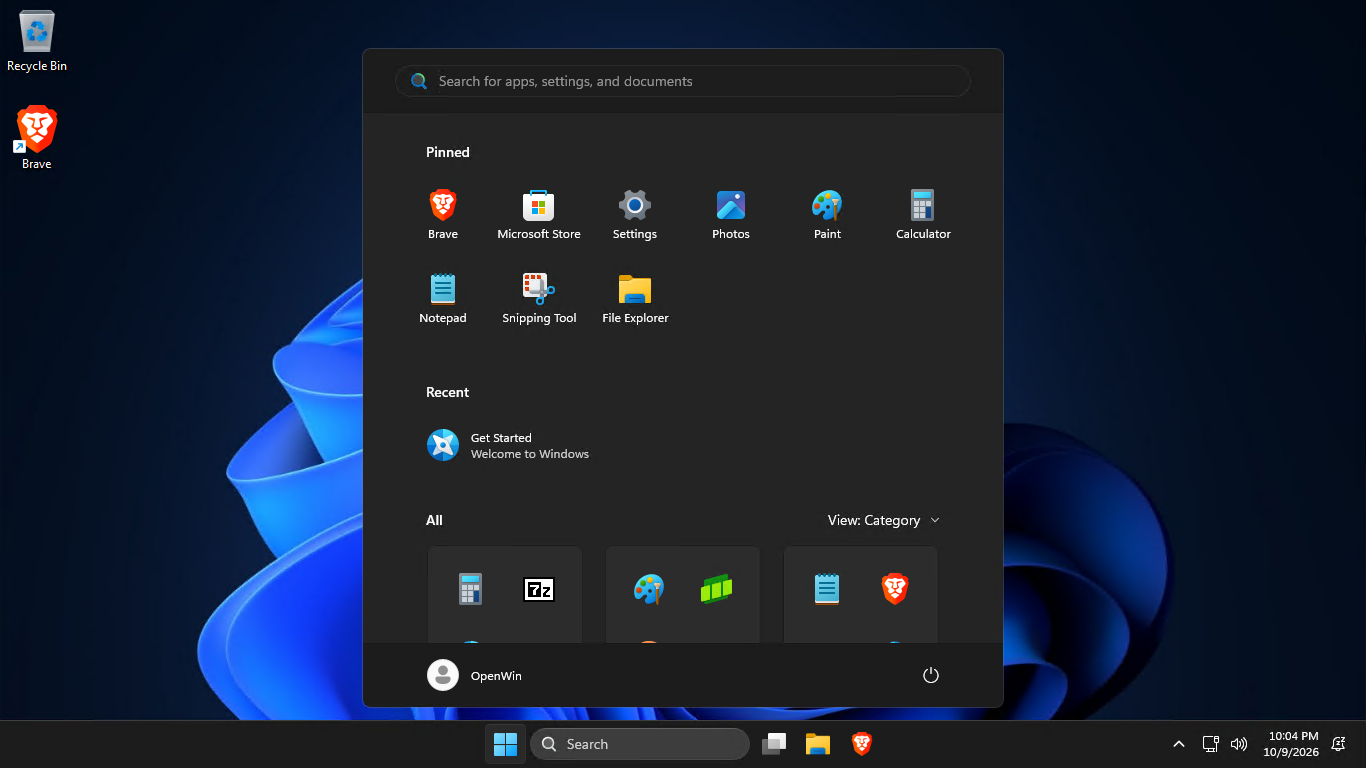
- The Start menu only has Brave, Microsoft Store, Settings, Photos, Paint, Calculator, Notepad, Snipping Tool and File Explorer. The taskbar has File Explorer and Brave.
- No web suggestions in Search.
- Dark theme and the classic right-click menu.
- File Explorer opens to This PC and shows file extensions and hidden files.
- Mouse acceleration is off.
- Windows Update doesn't replace your drivers.
- Works on PCs without TPM 2.0, Secure Boot or 4 GB of RAM.
- Uses a local account: no Microsoft account and no internet connection needed.
- Skips the privacy settings screen, leaving its optional settings off.
How it works
OpenWin doesn't modify install.wim or boot.wim. It only uses Windows Setup's own unattended features:
- windowsPE: skips the TPM, Secure Boot and RAM checks, picks Windows 11 Pro with Microsoft's generic key, and has Setup copy $OEM$ to the new installation.
- specialize: removes the provisioned apps with DISM, uninstalls Edge, installs 7-Zip and Brave silently, and imports the registry tweaks for the machine and the default user profile.
- oobeSystem: hides the Microsoft account screens and the privacy settings screen.
Always up to date
A GitHub Actions workflow checks for new Brave and 7-Zip releases every 5 minutes. When one is out, it verifies the official installer: Brave's against Brave's GPG-signed checksums, and 7-Zip's against the SHA-256 of its GitHub release. It then commits the update and publishes a new OpenWin release. Older releases are kept.
How to use it
USB drive
- Make a Windows 11 USB drive with the Media Creation Tool.
- Extract OpenWin.zip and copy autounattend.xml and the $OEM$ folder to the root of the USB drive, next to setup.exe.
- Boot the PC from the USB drive.
- Create the VM with at least 2 CPUs and the Windows 11 ISO from Microsoft as its boot CD/DVD drive.
- Add a second CD/DVD drive with autounattend.iso.
- Boot from the Windows 11 ISO. Setup finds autounattend.xml on the second drive by itself.
Setup still asks for your language and keyboard, the drive to install to, your region, a Wi-Fi network on PCs without a wired connection, and your account name and password. Setup can erase the drive you pick, so back up first.
Activation
OpenWin installs Windows 11 Pro with Microsoft's generic installation key, which doesn't activate Windows. A PC with a Windows 10 or 11 Pro digital license activates on its own once it's online. Otherwise, enter your own Pro key. No activators are included.
Feedback, bug reports and suggestions are welcome, here or on GitHub.
OpenWin is under the MIT License. Brave is by Brave Software (MPL 2.0) and 7-Zip is by Igor Pavlov (GNU LGPL). Windows is a trademark of Microsoft. OpenWin isn't affiliated with Microsoft, Brave Software or 7-Zip.
- Windows Build/Version
- Windows 11 26H2
My Computer
At a glance
Windows 11
- OS
- Windows 11






