Samsung apps:
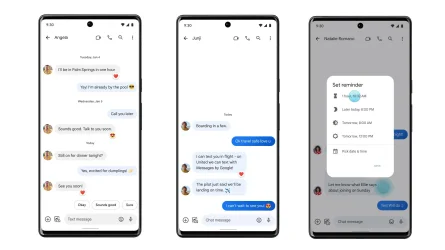
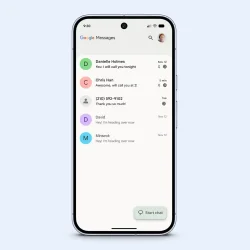
The Samsung Messages application will be discontinued in July 2026. Upgrade to Google Messages as your default messaging app today to maintain a consistent messaging experience on Android.
Switching to Google Messages
Depending on your OS, you may receive an in-app notification from Samsung Messages to help guide you through the process. Follow the on-screen instructions to complete the switch. Please download Google Messages (if needed) from the Play Store for the latest features and best experience.To switch to Google Messages manually, please take the following steps:
1. Open or download Google Messages. The first time you open the app, a message appears: “To use Messages, make it your default SMS app."
2. Tap the ’Set default SMS app’ button.
3. Select Google Messages. Google Messages is the white icon with the blue conversation bubble.
4. Tap ’Set as default’.
5. Google Messages is now your default messaging app.
Read more:

Samsung Messages Discontinued | Switch to Google Messages | Samsung US
Samsung Messages is being discontinued. Learn how to switch to Google Messages and upgrade your messaging experience with RCS, AI features, and better connectivity.
 www.samsung.com