I have just bought an HP All-in-One Desktop, Win 11 v21H2 (OS Build 22000.258).
I want to do a clean install to get rid of all the HP stuff.
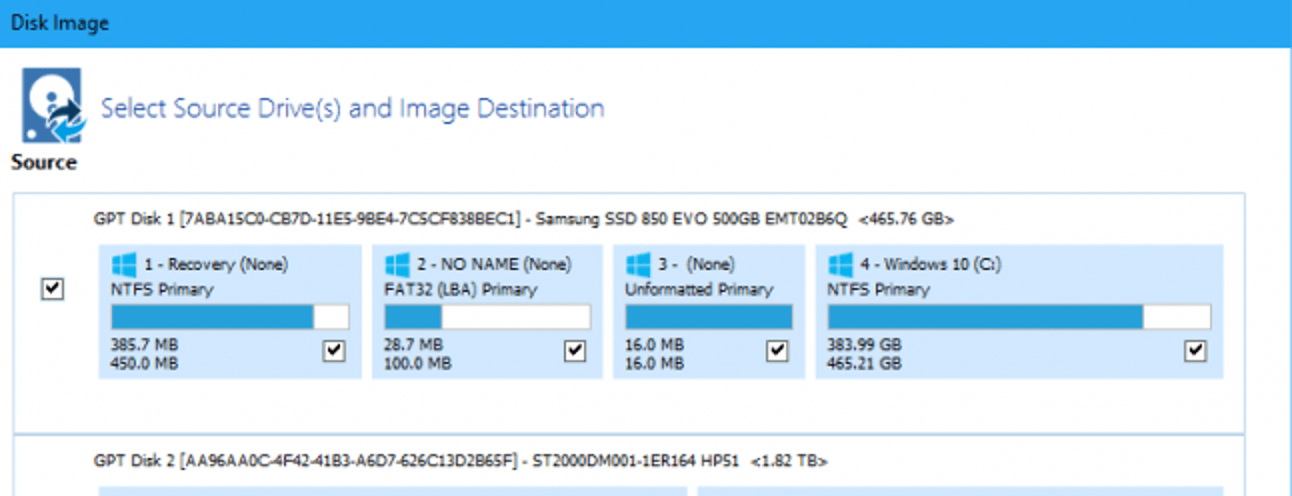
I understand I need to back up the drivers but would like to know if I need a backup of the existing image.
I would also like to know the steps I need to take to carry out the clean install please. I have done this on a previous computer with Windows 10 but it’s a long time ago so I’m a bit nervous now.
I appreciate the help you guys gave me yesterday with a problem and I’m confident you can help again!
Thanks in advance.
I want to do a clean install to get rid of all the HP stuff.
I understand I need to back up the drivers but would like to know if I need a backup of the existing image.
I would also like to know the steps I need to take to carry out the clean install please. I have done this on a previous computer with Windows 10 but it’s a long time ago so I’m a bit nervous now.
I appreciate the help you guys gave me yesterday with a problem and I’m confident you can help again!
Thanks in advance.
My Computer
At a glance
Windows 11 ProIntel(R) Core(TM) i7-9700 CPU@3.00GHZ16 GB
- OS
- Windows 11 Pro
- Computer type
- PC/Desktop
- Manufacturer/Model
- HP EliteDesk
- CPU
- Intel(R) Core(TM) i7-9700 CPU@3.00GHZ
- Memory
- 16 GB




 you can remove some of the junk you don't need but you can do that later on. I would just start installing your programs.