Find out about the all-new Surface Pro 9 on the 10th anniversary of the Surface Pro line. A secured-core PC, we’ll look at the silicon choices from the 12th Gen Intel® processors built on the Intel® Evo™ platform for work-station class power, to the ARM-based Microsoft SQ® 3 powered by Qualcomm® SnapDragon® with 5G, for superior mobility and performance on the go.
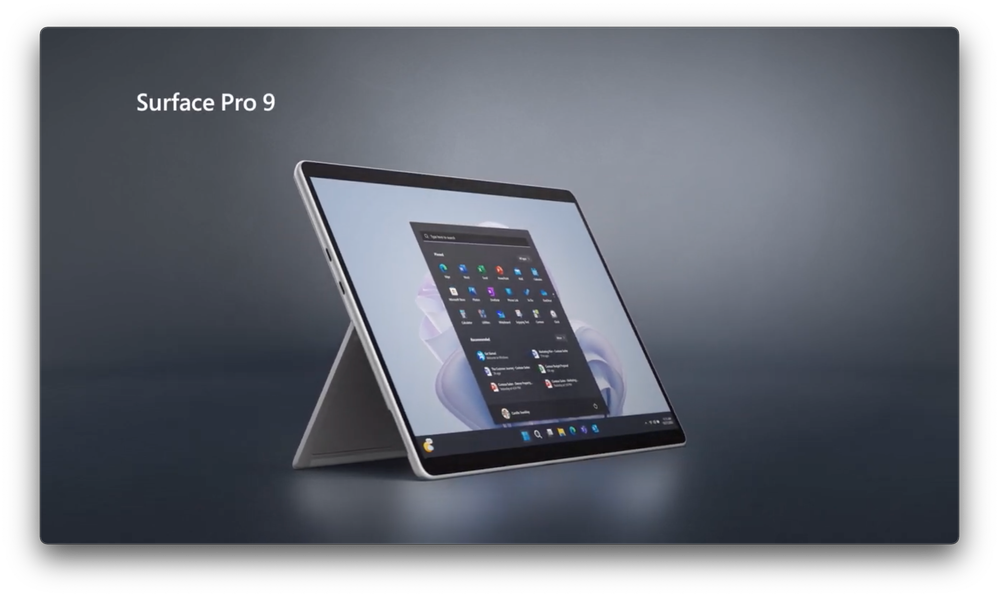
Dave Mitchell, who leads the team that engineers Surface Pro, gives a hands-on review with all the details on performance, hardware options, new capabilities brought to life by the NPU in Surface Pro 9 with 5G, and the new Firmware Attack Surface Reduction (FASR) implementation to meet Secured-core PC standards. We’ll showcase the engineering journey of the Surface Pro line and how it’s influenced the rest of the Surface line along with updates for enterprise device admins, including new, more granular firmware controls from Intune.
Stick around till the end to see the new Surface Laptop 5, also a Secured-core PC with 12th Gen Intel® processors built on the Intel® Evo™ platform, and the new Surface Studio 2+ with its updated internals, including Intel® Core™ i7 processor and Thunderbolt™ 4 ports.
Take the Surface Pro 9 engineering deep dive.
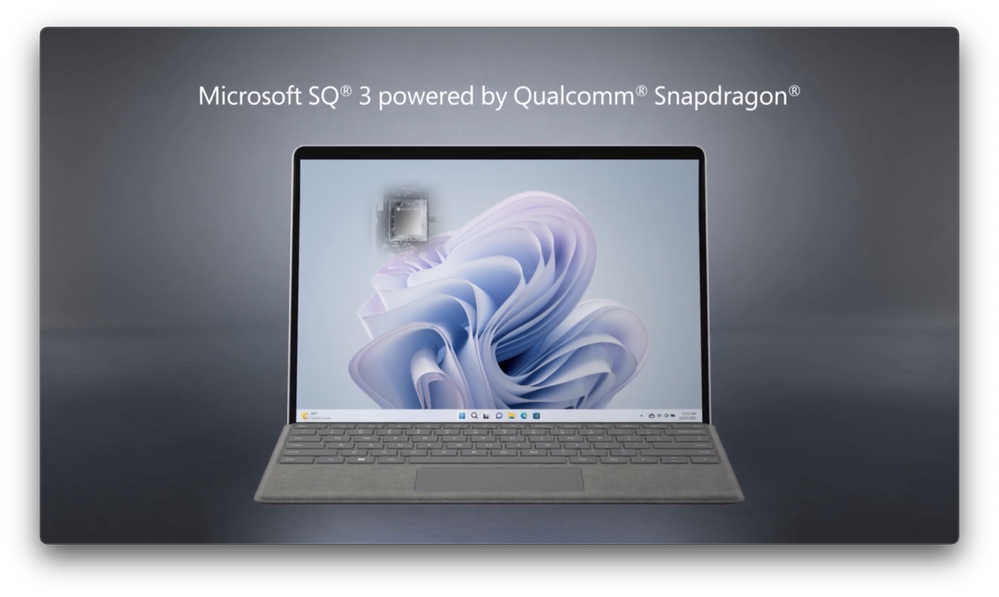
For work-station class power: 12th Gen Intel® processors with Intel EVO.
For superior mobility: ARM-based Microsoft SQ® 3 powered by Qualcomm® SnapDragon® with 5G. See your options here.
Free your CPU.

Offload Audio/Video processing to the NPU using Surface Pro 9 with 5G. DSLR like background blur, automatic framing, eye contact, and voice focus — No CPU tax. See it here.
Secured-core PCs using FASR (Firmware Attack Surface Reduction).

So how does this compare to D-RTM? Find this out along with getting info on the other technical updates.
Watch our video here.
Source:
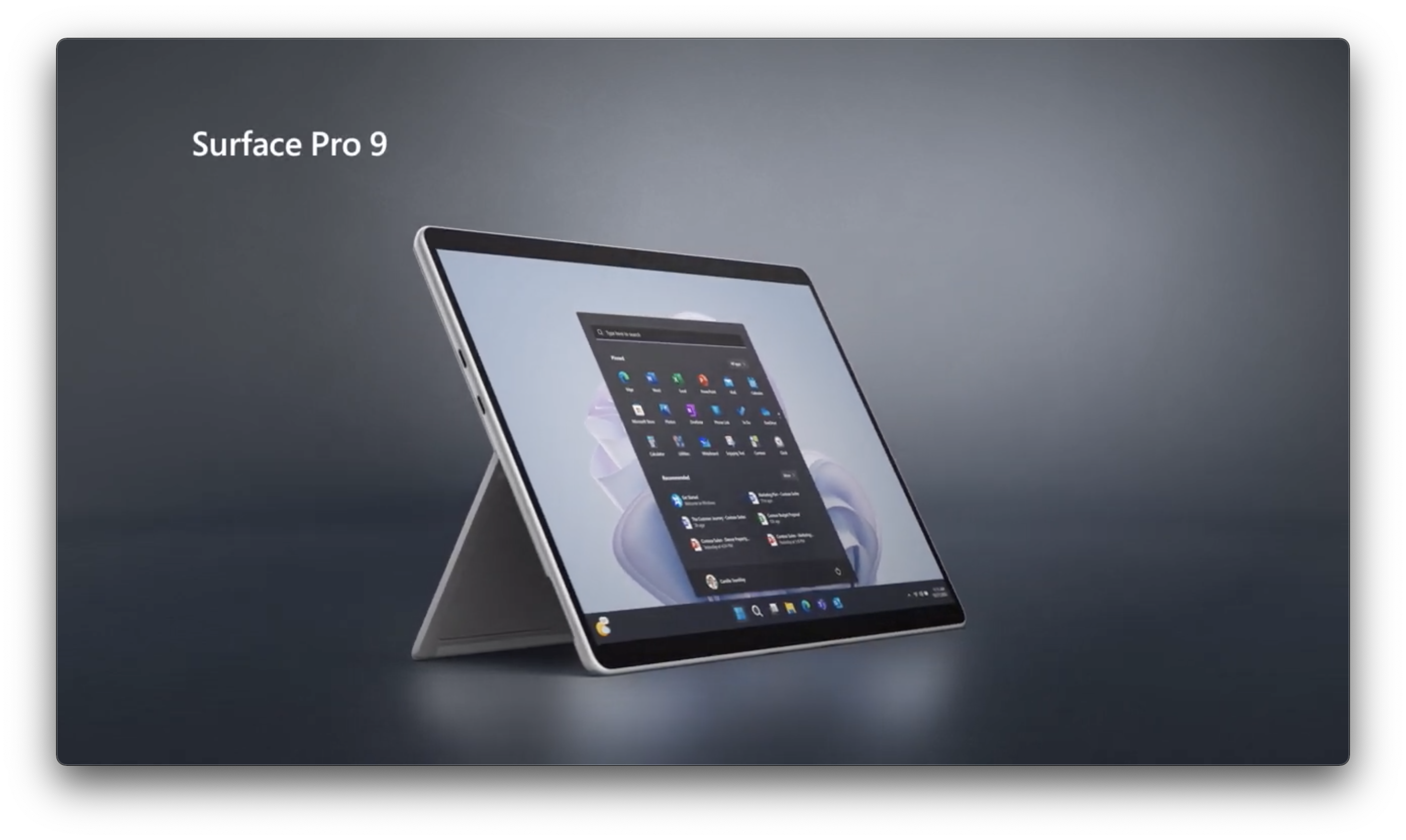
Surface Pro 9 | Hands-on Review from its Lead Engineer
Find out about the all-new Surface Pro 9 on the 10th anniversary of the Surface Pro line. A secured-core PC, we’ll look at the silicon choices from the 12th Gen Intel® processors built on the Intel® Evo™ platform for work-station class power, to the ARM-based Microsoft SQ® 3 powered by Qualcomm®...
techcommunity.microsoft.com