
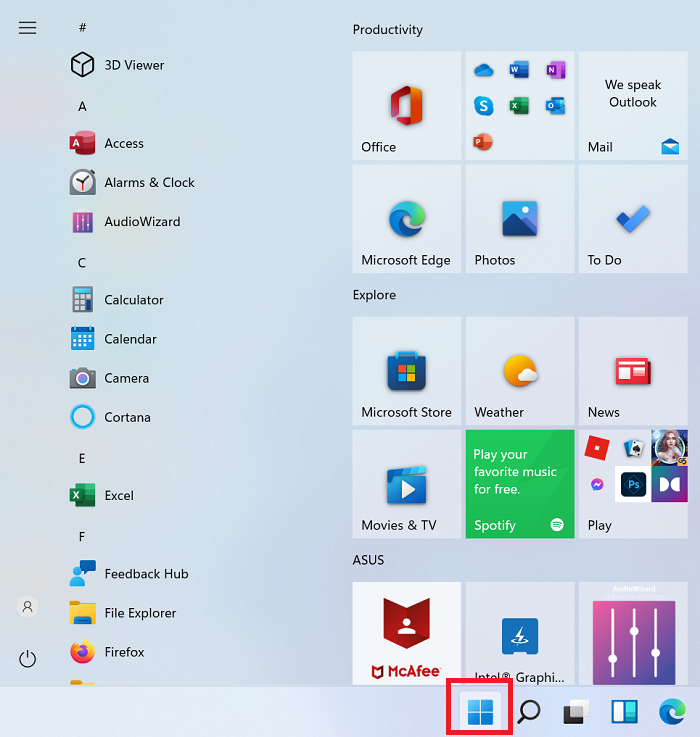
I have read a couple of times about a Win11 built-in solution to switch back from default Win11 START menu to the previous Win10 START menu layout.
See e.g. here:
 www.thewindowsclub.com
User have to create a new registry key "Start_ShowClassicMode" in
HKEY_CURRENT_USER\Software\Microsoft\Windows\CurrentVersion\Explorer\Advanced
and assign value 1
Is this true? I does not work here
Claudia
See e.g. here:
How to switch back to the Classic Start Menu in Windows 11
You can switch back to the Classic Windows 10 style Start Menu in Windows 11 by tweaking the key in the Registry Editor. Learn how.
www.thewindowsclub.com
User have to create a new registry key "Start_ShowClassicMode" in
HKEY_CURRENT_USER\Software\Microsoft\Windows\CurrentVersion\Explorer\Advanced
and assign value 1
Is this true? I does not work here
Claudia
- Windows Build/Version
- 25H2
My Computer
At a glance
Windows 11
- OS
- Windows 11





