
windows 11 can't show the folders on Toshiba model kbg30zmv256gb, you can see ssd harddriver in device manager also in disk manager.
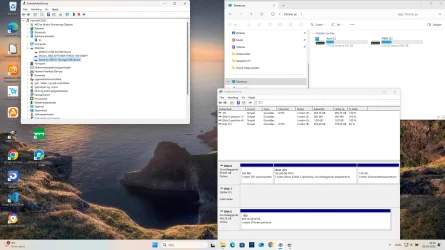
The name is Space ke usb 3.1 storage usb device and it is disk1 removable (F). In disk manager it is gray see photo.
What should I do to fix it
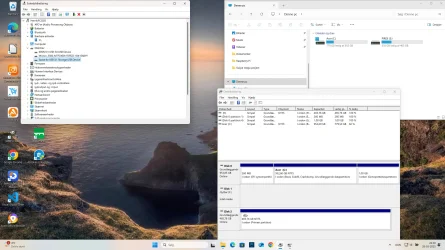
The name is Space ke usb 3.1 storage usb device and it is disk1 removable (F). In disk manager it is gray see photo.
What should I do to fix it
Attachments
My Computer
At a glance
Windows 11AMD Ryzen 716GBNvidia Geforce RTX
- OS
- Windows 11
- Computer type
- PC/Desktop
- Manufacturer/Model
- Acer
- CPU
- AMD Ryzen 7
- Memory
- 16GB
- Graphics Card(s)
- Nvidia Geforce RTX
- Monitor(s) Displays
- AOC
- Screen Resolution
- 2540 x 1440
- Browser
- goggle






