Vivaldi Blog:
Your browser is supposed to help you explore the web. But it’s also kind of always … there. The Tab Bar, the Address Bar, the toolbars, they’re essential, but sometimes they’re taking up space you want for the content. When you’re knee deep in reading about the Roman empire*, the last thing on your mind is opening a new tab.
Vivaldi 7.9 solves this in a way that, once you’ve tried it, will feel completely obvious.
(* Other empires are available)
Make room for the content
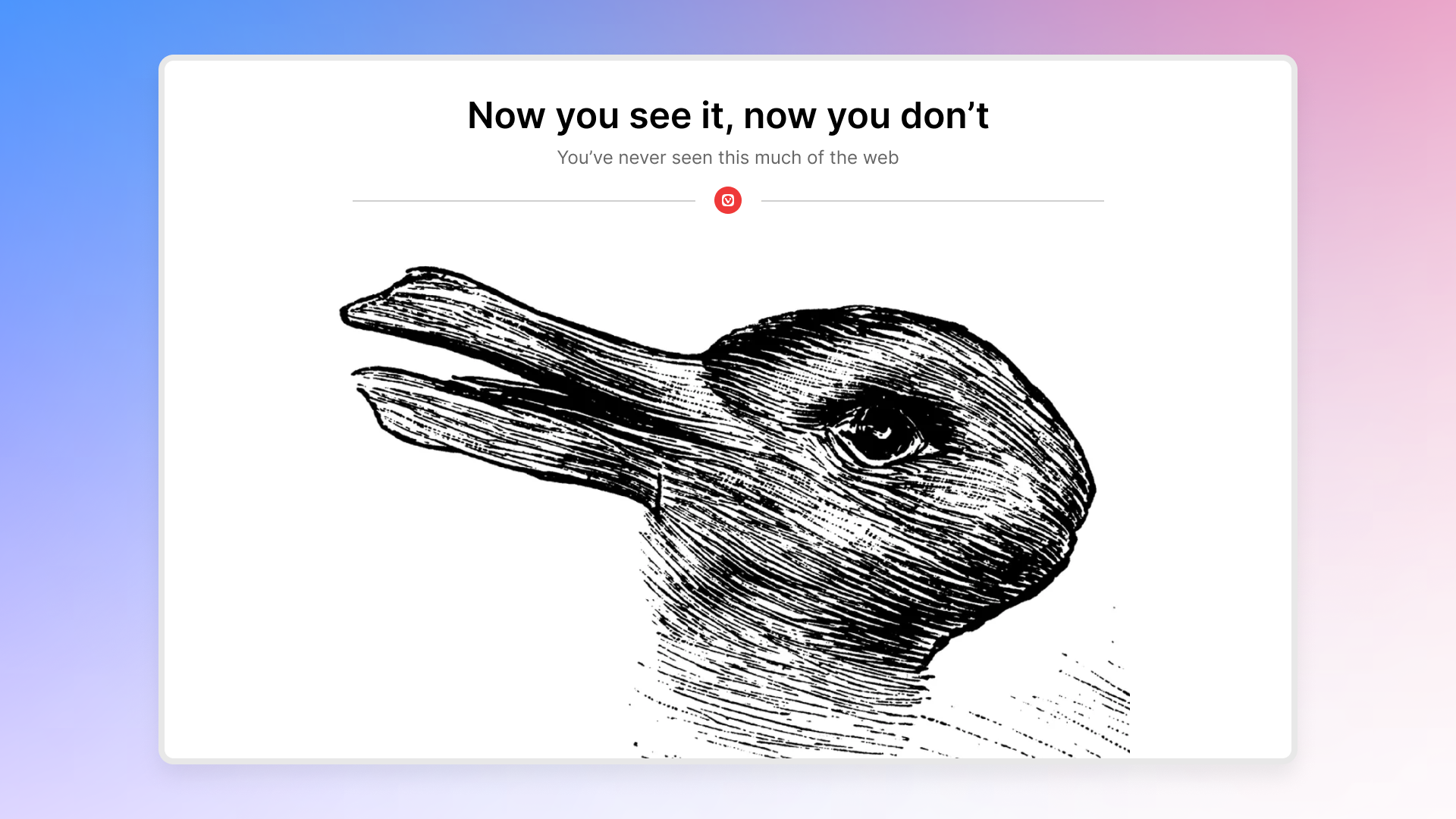
Imagine the web filling your entire window. Edge to edge. Or, rather Vivaldi to Vivaldi. Nothing between you and the page, and yet every part of Vivaldi is still there the moment you reach for it.That’s UI Auto-hide, and it is something else.
To toggle UI Auto-hide, use the keyboard shortcut ⌘ F10/Ctrl F11 or click the arrow icon in the Status Bar.
When enabled, your interface (Tab Bar, Address Bar, Panel and Status Bar) steps aside while you’re reading, watching, or working. The content gets the full stage. Then the moment your cursor moves to any edge of the screen, everything is right there waiting: your tabs, your tools, your panel. Use them, move away, and the page takes over again. It happens fluidly, naturally, like it was always supposed to work this way.
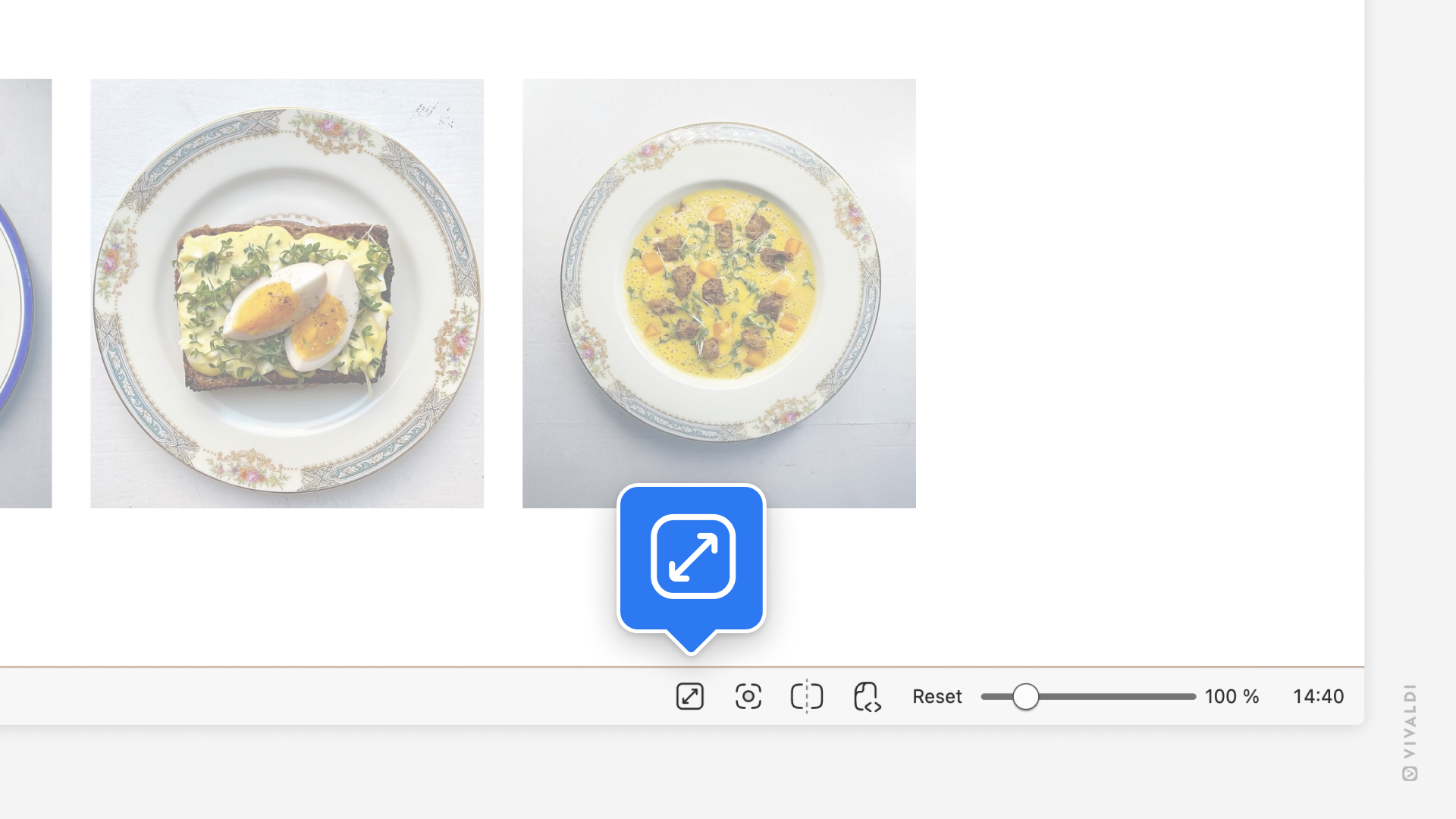
And because this is Vivaldi, you get to decide exactly how it behaves. Hide just the Tab Bar. Or the Address Bar and Bookmarks Bar. Or go all in Tab Bar, Panel, Address Bar, Status Bar, Bookmarks Bar and give yourself a view of the web you genuinely haven’t experienced in a desktop browser before. You’ll find all options under Settings → Appearance → UI Auto-hide.
We’ve also added a setting for users who want easy access to the interface in Fullscreen mode. When you enable “Always use Auto-hide in Fullscreen” in Settings, you’ll be able to access your panel and toolbars while the entire screen is taken by the website you’re viewing.
We’ve been building up to this one for a while. We think it shows.
UI Auto-hide lets me immerse myself in content in ways the Metaverse could only dream of. Like most of the features we’ve launched, we are sure this will see knockoffs.
Haakon Rølmann, Head of Marketing and Communication
Make your tabs work for you
You know that feeling where you’re reading something good, there’s an interesting link, you click it, and twenty minutes later you’ve lost the original thread entirely and have eleven tabs open?Follower Tab is the cure.
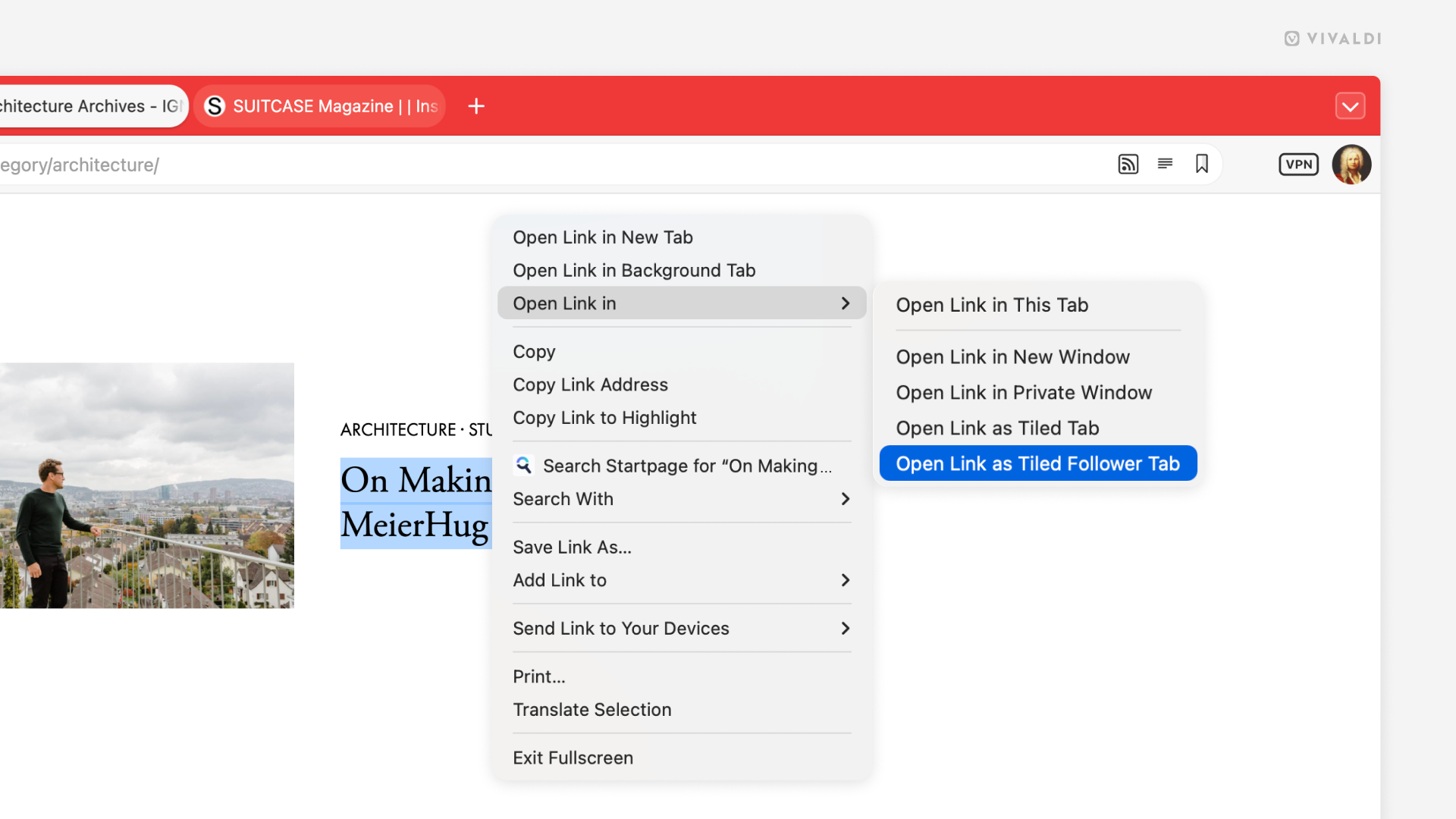
Right-click any link and choose Open Link as Tiled Follower Tab. The page opens in a tiled view right alongside what you’re already reading. Side by side, immediately. And here’s where the magic happens: any further links you click in your original tab will keep loading in the follower tab. Your original page stays exactly where it was. You keep your place and you keep your peace.
The web is built on curiosity. Follower Tab is built on the same idea. You should be able to follow your curiosity without ever losing your thread.
Jon von Tetzchner, CEO
Think about how often this actually comes up. You’re working through a long article with a table of contents. You open each section in a Follower Tab and navigate the whole thing without losing your place in the index. You’re shopping around, scanning a list of options, click a link you find interesting and open in the Follower Tab, scan the info on the page, compare, go back to the list on the left side, click the next. Complete quick preview of everything you want and need to know. You’re researching a topic and the Wikipedia rabbit hole beckons. Now you can easily follow it in the follower tab, while your original source stays right where it was. What all of these have in common is that your main tab becomes an anchor. Just like a home base, you can explore freely because you always know exactly where you are.
It’s beyond satisfying to have this much control and to master your tabs. You stay in control of your reading, but you never have to ignore a link again. Send it to the follower tab, glance over, carry on.
Mail gets some serious love
If you use Vivaldi Mail, this release has been worth the wait. And if you don’t use Vivaldi Mail, now is the time to start.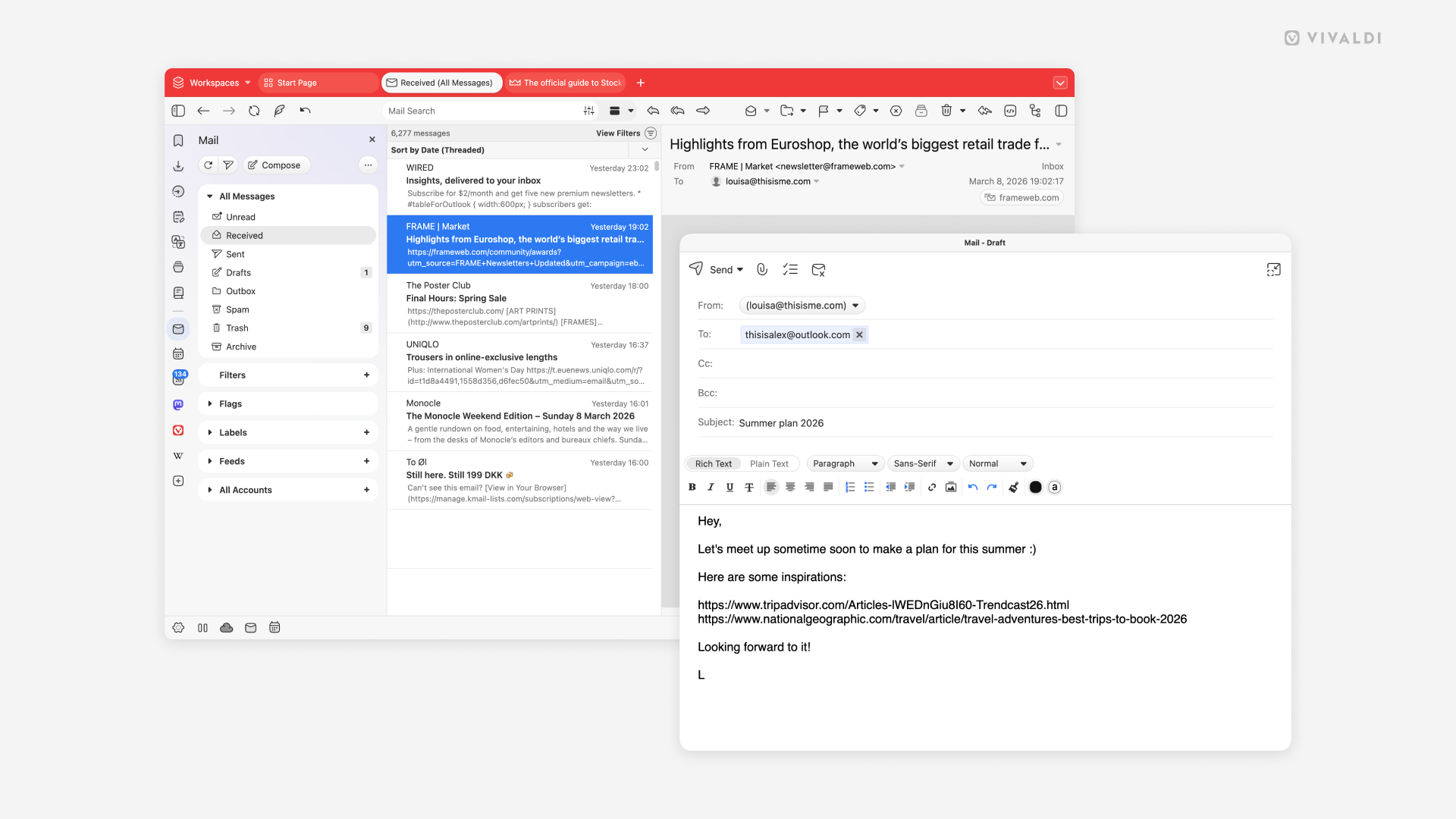
The biggest addition: the mail composer can now be opened in its own window. Write your emails however you want side by side with your inbox, on a different monitor, or fullscreen if you’re drafting something long. Your mail, your layout.
Inside the composer itself, switching between rich text and plain text is now a single toggle. Whether you want full formatting or a clean, no-frills message, flipping between the two is effortless. And behind the scenes, memory usage in the mail list has been reduced so everything feels snappier, especially if you’re managing a large inbox.
Writing to a mailing list? Vivaldi now handles them much more gracefully, so replies go where they should without you having to think about it.
We’ve also added the option to save selected messages to your disk, allowing you to save copies of the message files you deem necessary to another location.
This is your browser, we build it
Every update, big or small, reinforces what makes Vivaldi different. We don’t have investors demanding features that benefit them instead of you. We don’t harvest your data or track your behavior. We’re simply building a browser that serves you. Your choices, your workflow, your privacy.If you’re enjoying Vivaldi, tell someone about it. Help your friend, your colleague or family member to make the switch, they will thank you.
Vivaldi 7.9 is ready today!
Download it now
As always, thank you for being part of the Vivaldi community. Together, we’re fighting for a better web, one release at a time.
Changelog
See all the changes from Vivaldi 7.8 to 7.9 on the changelog. Source:
Vivaldi 7.9: Immerse yourself in the web with every pixel | Vivaldi Browser
Vivaldi launches 7.9 with a genuinely new way to reclaim your screen and a new tab feature that will become part of your daily browsing.
 vivaldi.com