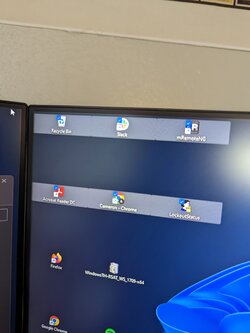
Upgraded from Windows 10 to Windows 11 via Windows Update. After the update all of my desktop icons seem very.... Wide. Is there anything I can do about this? Have tried changing sizes and hiding and showing them. They are just wide.
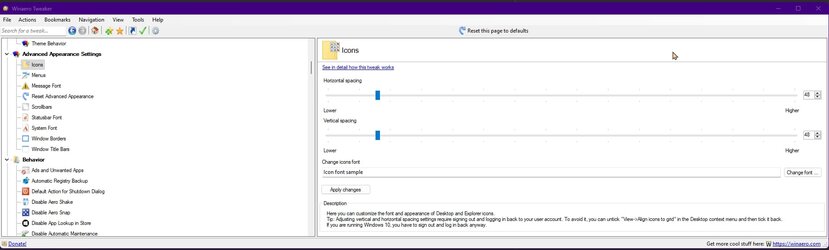
actually the Icons are not "wide", it's the desktop spacing between them that has increased horizontally. Winaero Tweaker can fix this with a GUI, and the good thing with that tool, is it gives a link to the website that tells you how to do the same thing via registry, if you want to learn.
This tutorial will show you how to change the horizontal and vertical spacing of desktop icons for your account in Windows 10 and Windows 11. The desktop (Win+D) is your home screen and working space in Windows that contains the taskbar and any icons (ex: shortcuts, files, folders, etc...) you...