UPDATE 8/08:
 www.elevenforum.com
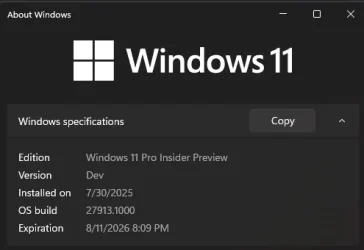
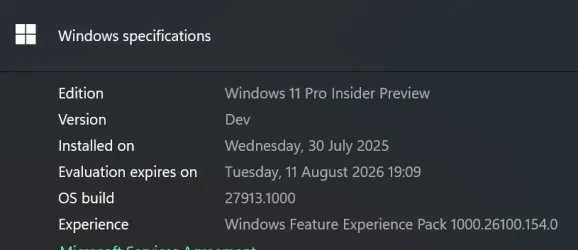
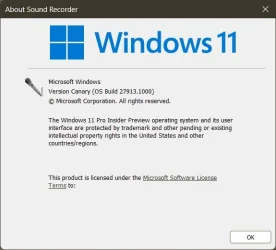
Hello Windows Insiders, today we are releasing Windows 11 Insider Preview Build 27913 to the Canary Channel.
[UPDATE 7/31] The SDK for Build 27913 is now available. We plan to publish SDKs for Canary Channel builds again going forward.
Amanda & Brandon

 blogs.windows.com
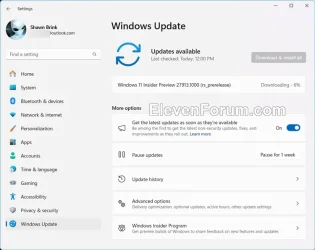
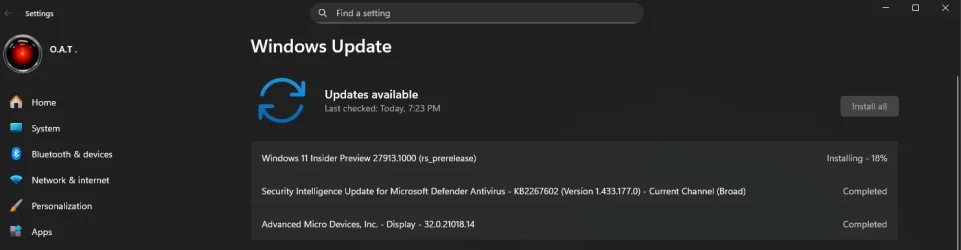
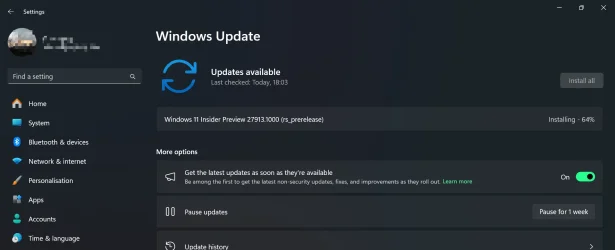
Check Windows Updates
UUP Dump:
64-bit ISO download:

ARM64 ISO download:
 www.elevenforum.com
Windows 11 Insider Canary build 27919.1000 released - Aug. 8
UPDATE 8/14: https://www.elevenforum.com/t/windows-11-insider-canary-build-27924-1000-released-aug-14.38845/ Windows Insider Blog: Hello Windows Insiders, today we are releasing Windows 11 Insider Preview Build 27919 to the Canary Channel. Changes and Improvements [Windows Search] Today, we...
www.elevenforum.com
Windows Blogs:
Hello Windows Insiders, today we are releasing Windows 11 Insider Preview Build 27913 to the Canary Channel.
[UPDATE 7/31] The SDK for Build 27913 is now available. We plan to publish SDKs for Canary Channel builds again going forward.
Changes and Improvements
[General]
- This update includes a small set of general improvements and fixes that improve the overall experience for Insiders running this build on their PCs.
[Input]
- [ADDED 8/1] The new pointer indicator accessibility setting for low vision Windows users that originally rolled out last year is now re-enabled in Build 27913.

Enable or Disable Mouse Pointer Indicator in Windows 11
This tutorial will show you how to enable or disable the mouse pointer crosshair indicator for your account in Windows 11. Starting with Windows 11 build 26100.4202, Microsoft added a mouse pointer indicator feature that allows low vision users on Windows to now easily locate and use their...
www.elevenforum.com
[Settings]
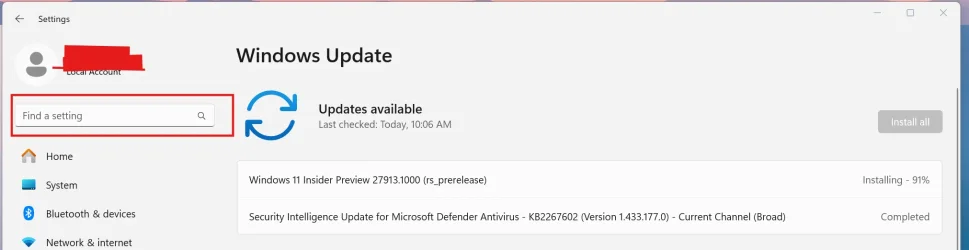
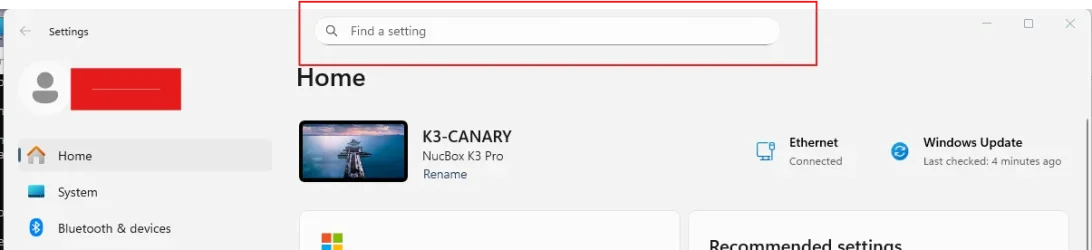
- The search box in Settings will now be located at the top center to deliver a more consistent and better search experience.

Find a Setting in Settings app in Windows 11
This tutorial will show you how to search to find a setting within the Settings app in Windows 11. Microsoft designed Settings to be beautiful, easy to use and inclusive of all your Microsoft experiences in Windows 11. Settings has left-handed navigation that persists between pages, and...
www.elevenforum.com
Fixes
[General]
- Fixed an issue where the Windows Vista boot sound was unexpectedly being used instead of the Windows 11 boot sound.
[Desktop background]
- Did some underlying work to help address issues which could result in the desktop background unexpectedly becoming black rather than displaying the expected wallpaper image. If you continue experiencing issues, please don’t hesitate to report them in the Feedback Hub under Desktop Environment > Background and Wallpaper.
[Settings]
- Fixed an issue in the latest builds which could cause Settings to crash when interacting with the options under Settings > System > Power & Battery.
- Fixed an underlying issue where some of the apostrophes across text in Settings and settings-related dialogs were not displaying correctly and were showing random characters.
Audio
- Fixed an issue which could result in audio not working a few seconds after casting to a TV.
[Other]
- Fixed an issue in the latest builds causing a small number of Insiders to experience repeated bugchecks with KERNEL_SECURITY_CHECK_FAILURE after upgrading. This may occur when connecting to VPN.
- Fixed an underlying issue which could result in acrylic in certain apps unexpectedly being transparent.
- Made another fix for the issue causing Group Policy Editor to not display correctly in certain languages (like Chinese), showing large blank areas.
Known issues
[General]
- [IMPORTANT NOTE FOR COPILOT+ PCs] If you are joining the Canary Channel on a new Copilot+ PC from the Dev Channel, Release Preview Channel or retail, you will lose Windows Hello pin and biometrics to sign into your PC with error 0xd0000225 and error message “Something went wrong, and your PIN isn’t available”. You should be able to re-create your PIN by clicking “Set up my PIN”.
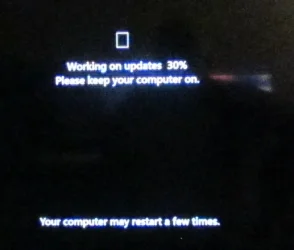
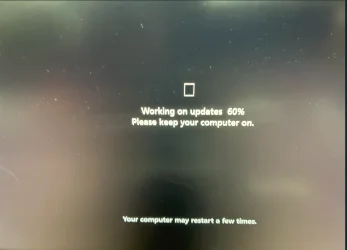
- [NEW] The progress wheel may show as a rectangle glyph instead of rendering correctly when upgrading to this build.
Reminders for Windows Insiders in the Canary Channel
- The builds we release to the Canary Channel represent the latest platform changes early in the development cycle and should not be seen as matched to any specific release of Windows and features and experiences included in these builds may never get released as we try out different concepts and get feedback. Features may change over time, be removed, or replaced and never get released beyond Windows Insiders. Some of these features and experiences could show up in future Windows releases when they’re ready.
- Many features in the Canary Channel are rolled out using Control Feature Rollout technology, starting with a subset of Insiders and ramping up over time as we monitor feedback to see how they land before pushing them out to everyone in this channel.
- Some features may show up in the Dev and Beta Channels first before showing up in the Canary Channel.
- Some features in active development we preview with Windows Insiders may not be fully localized and localization will happen over time as features are finalized. As you see issues with localization in your language, please report those issues to us via Feedback Hub.
- To get off the Canary Channel, a clean install of Windows 11 will be required. As a reminder – Insiders can’t switch to a channel that is receiving builds with lower build numbers without doing a clean installation of Windows 11 due to technical setup requirements.
- The desktop watermark shown at the lower right corner of the desktop is normal for these pre-release builds.
- Check out Flight Hub for a complete look at what build is in which Insider channel.
Amanda & Brandon
Source:
Announcing Windows 11 Insider Preview Build 27913 (Canary Channel)
Hello Windows Insiders, today we are releasing Windows 11 Insider Preview Build 27913 to the Canary Channel. [UPDATE 7/31]
blogs.windows.com
Check Windows Updates
UUP Dump:
64-bit ISO download:
Select language for Windows 11 Insider Preview 27913.1000 (rs_prerelease) amd64
Select language for Windows 11 Insider Preview 27913.1000 (rs_prerelease) amd64 on UUP dump. UUP dump lets you download Unified Update Platform files, like Windows Insider updates, directly from Windows Update.
uupdump.net
ARM64 ISO download:
Select language for Windows 11 Insider Preview 27913.1000 (rs_prerelease) arm64
Select language for Windows 11 Insider Preview 27913.1000 (rs_prerelease) arm64 on UUP dump. UUP dump lets you download Unified Update Platform files, like Windows Insider updates, directly from Windows Update.
uupdump.net
UUP Dump - Download Windows Insider ISO
UUP Dump is the most practical and easy way to get ISO images of any Insider Windows 10 or Windows 11 version, as soon as Microsoft has released a new build. UUP Dump creates a download configuration file according to your choices, downloads necessary files directly from Microsoft servers, and...
www.elevenforum.com
Last edited: