Microsoft 365 Insider Blog:
Hi, Insiders! I’m Bola Soneye, and I’m a Product Manager on the OneNote team. I’m excited to share that you can now paste without formatting in Microsoft OneNote on Windows, OneNote for Mac, and OneNote for the web.
Paste text only in OneNote on Windows, for Mac, and for the web
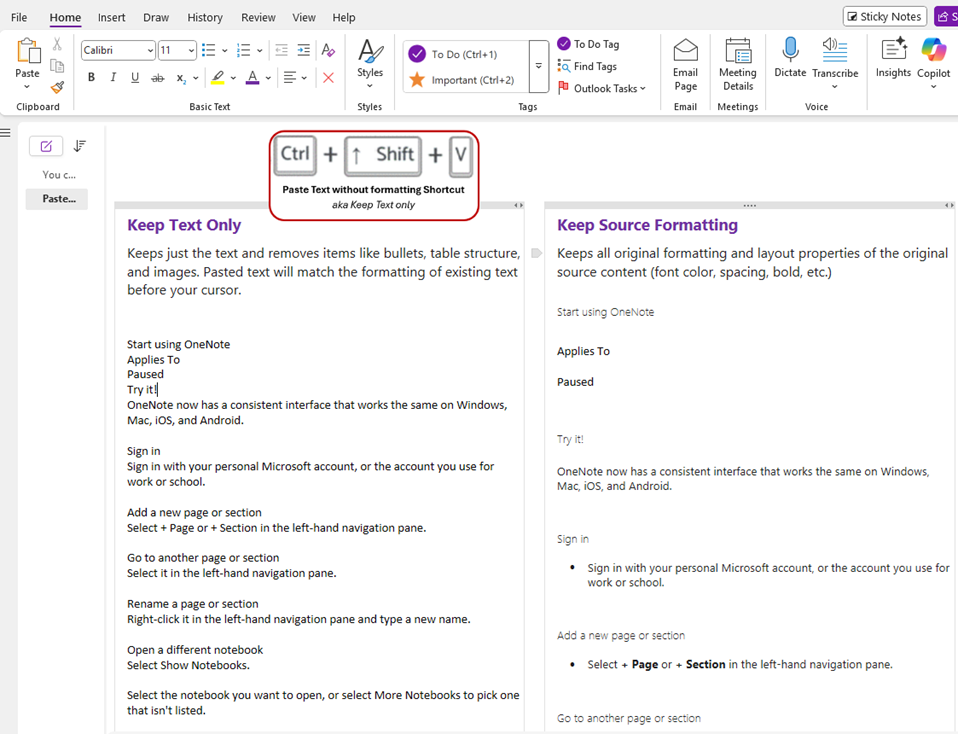
The ability to paste text only was highly requested by many of you, and I’m thrilled to announce this popular shortcut is now supported in OneNote on Windows, OneNote for Mac, and OneNote for the web. No more mismatched fonts, awkward background colors, or unwanted styles when pulling information from other apps – instead, bring content into OneNote as plain text, automatically matching your notebook’s look and feel.Whether you’re capturing ideas from a webpage, an email, or a document, this update helps you keep your notes tidy and distraction-free. It’s another step toward making OneNote the smart, modern workspace you expect!
How it works
- Open a new or existing notebook in OneNote on your Windows or Mac device, or in OneNote for the web.
- Copy text from any source, such Outlook, Teams, or a webpage, by highlighting the text, right-clicking, and selecting Copy. You can also use the keyboard shortcut Ctrl + C on Windows and Command + C on Mac.
- Place your cursor where you want the content to go in OneNote, then right-click and select Paste Options > Keep Text Only, or select Paste > Paste Options > Keep Text Only in the Home tab. You can also use the keyboard shortcut Ctrl + Shift + V on Windows or Command + Shift + V on Mac.
Availability
This feature is rolling out to OneNote for the web users and OneNote users running:- Windows: Version 2508 (Build 19101.10000) or later.
- Mac: Build 16.100 (25080335) or later.
Features are released over some time to ensure things are working smoothly. We highlight features that you may not have because they’re slowly releasing to larger numbers of Insiders. Sometimes we remove elements to further improve them based on your feedback. Though this is rare, we also reserve the option to pull a feature entirely out of the product, even if you, as an Insider, have had the opportunity to try it.
Feedback
We’d love to hear your thoughts! You can provide feedback by selecting Help > Feedback in OneNote. Source:
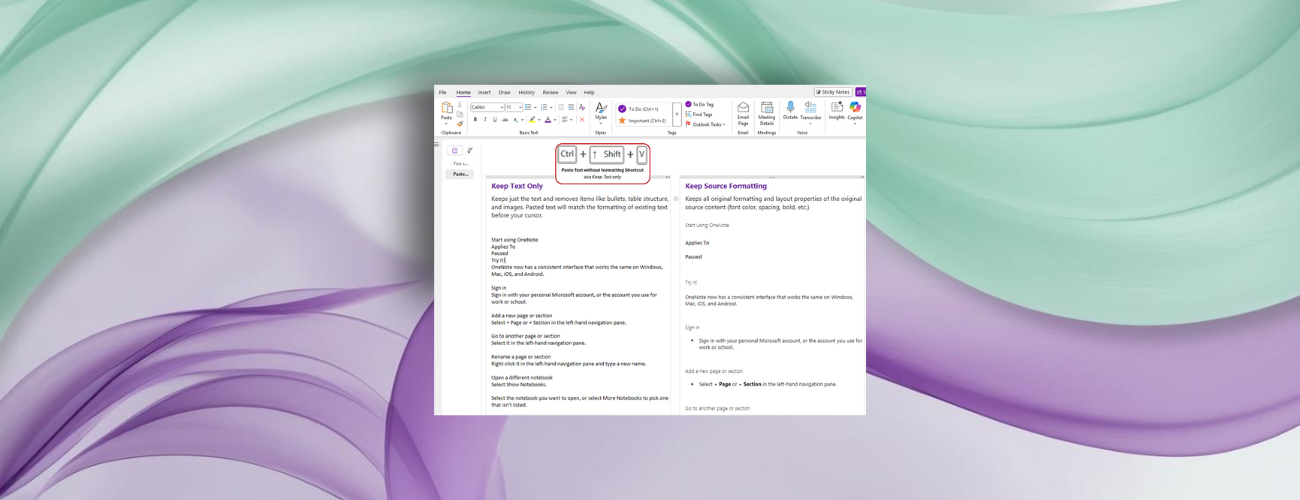
Paste text only shortcut in OneNote on Windows, for Mac, and for the web
In Microsoft OneNote on Windows, OneNote for Mac, and OneNote for the web, you can paste text using keyboard shortcuts from a webpage or app like Outlook...
 techcommunity.microsoft.com