
Ricks_Radio
New member
- Local time
- 11:01 PM
- Posts
- 4
- OS
- Windows 11
I have just upgraded my Win 10 Pro machine to Win 11 (Version 24H2). This required a new motherboard, CPU and memory. I finally have everything working as I feel it should but I have an issue with the partitions on Disk 0. The shop that did the upgrade/transition to Win11 seem to have given me a 501MB unallocated partition on Drive 0? In the grand scheme of things it's only 501 MB but it's not right!
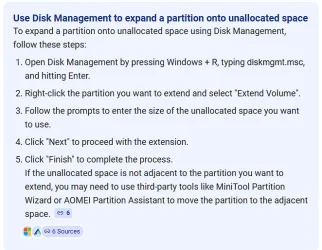
Using the Win11 Disk Management tool I'm unable to incorporate this space into my C drive?

I'm not sure how to proceed to gain back the unallocated area? If I make it into a "New Simple Volume" can that then be used to expand my C: drive?
Thoughts appreciated. Thanks,
Rick
Using the Win11 Disk Management tool I'm unable to incorporate this space into my C drive?
I'm not sure how to proceed to gain back the unallocated area? If I make it into a "New Simple Volume" can that then be used to expand my C: drive?
Thoughts appreciated. Thanks,
Rick
- Windows Build/Version
- Version: 24H2 & build: 26100.4652
My Computer
At a glance
Windows 11Intel i3-1210016GB
- OS
- Windows 11
- Computer type
- PC/Desktop
- Manufacturer/Model
- Home Build
- CPU
- Intel i3-12100
- Motherboard
- MSI PRO H610-G WiFi DDR4
- Memory
- 16GB
- Hard Drives
- 1 TB SSD
500 GB HDD
- PSU
- Antec
- Case
- Antec
- Cooling
- Intel



 Apple 13" Macbook Pro 2020 (m1)






