Yes, there’s some truth to the concern—Windows 11 does collect a significant amount of user data by default, but most of it can be limited or disabled.
Here’s a breakdown of what’s really going on:
What Windows 11 Collects
- Telemetry data: This includes system diagnostics, app usage, and performance metrics. It’s used to improve Windows functionality and stability.
- Advertising ID: Windows assigns a unique ID to personalize ads across apps.
- Location and search history: If enabled, Windows can track your location and Bing search queries.
- Voice and typing input: Features like voice recognition and text prediction may collect input data to improve accuracy.
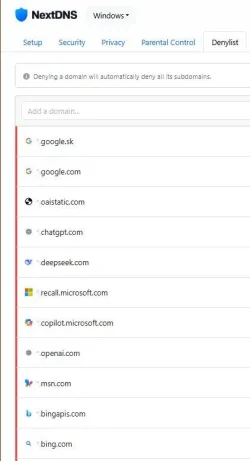
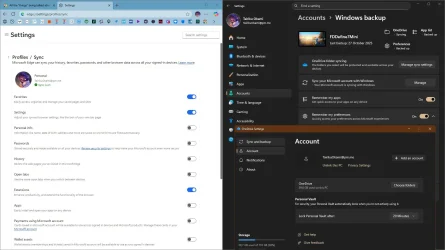
- Cloud sync and Recall: New features like Recall (which snapshots your activity) have raised fresh privacy concerns.
Is It Spying?
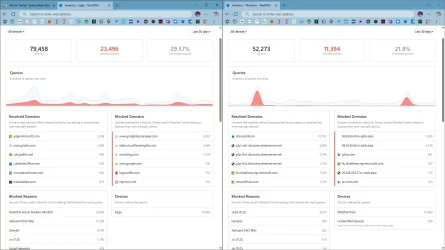
- Not in the malicious sense: Microsoft isn’t secretly watching you or stealing personal data. But the volume of data sent to its servers—especially during setup or idle time—can feel invasive.
- Transparency is limited: Some data collection is hard to opt out of, and Microsoft doesn’t always make it easy to understand what’s being shared.
You
can reduce or block most tracking:
- During setup: Choose “Custom” install options to disable many tracking features upfront.
- After setup:
- Go to Settings > Privacy & Security and review each category.
- Disable telemetry under Diagnostics & Feedback.
- Turn off Location, Advertising ID, and Speech Recognition if you don’t use them.