Brave Blog:
Today we’re introducing Brave Accounts, a brand new way to sign up for our Brave services, such as Email Aliases. However, contrary to what other services do, the way it handles your password is different from other login forms you have ever filled in.
Here’s the short version: when you sign in to a service built on Brave Accounts, your password itself is never sent to our servers: not encrypted, not hashed, nor “briefly held in memory and then discarded”. The password is never transmitted, so you don’t have to “trust” that we are keeping it safe for you. We don’t know it at sign-up, we don’t know it at login, and if someone were to steal our entire password database tomorrow, with high probability they still wouldn’t know it.
How do we do this? We are using cryptography, and specifically using a cryptographic protocol called OPAQUE (recently specified by the IRTF). We are in fact one of the first to use this new cryptography.
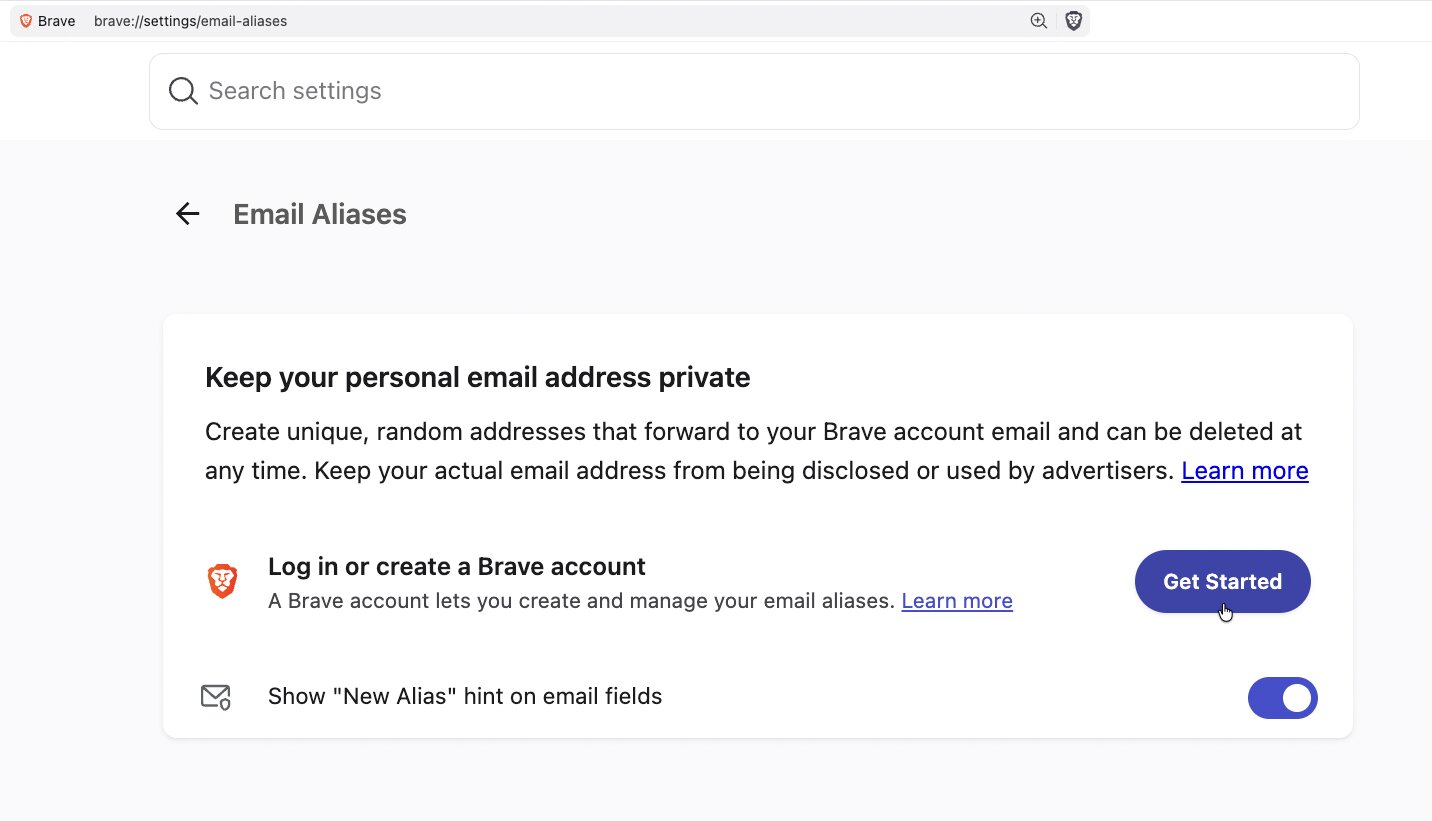
Starting with today’s desktop version 1.94, the Brave browser is offering Email Aliases to allow you to sign up for online services without revealing your personal email address. Email Aliases can keep your email free of spam, and help you protect your privacy by generating unique email addresses that forward to your primary email inbox.
Read more:
Brave Accounts: your password never leaves your device, ever. | Brave
Brave Accounts is a brand-new way to sign into Brave services like Email Aliases. Built on the OPAQUE cryptographic protocol, your password is never sent to our servers—not encrypted, not hashed—so it never leaves your device.

Brave launches Email Aliases to keep your personal email address private from websites | Brave
Starting with desktop version 1.94, Brave is offering Email Aliases to let you sign up for online services without revealing your personal email address. Aliases forward to your primary inbox, helping reduce spam and break cross-site tracking.