
win9598xp7
Member
- Local time
- 11:05 AM
- Posts
- 72
- OS
- Windows 11
I've noticed something while using Windows 11 that wasn't an issue in previous versions of the OS.
Lets say I have two files occupying the top left portion of my desktop. I want these here, and in this order. I like to use the top left spot for "priority" things I need to follow-up on or do. And keeping things Aligned to Grid so they are cleanly sorted.
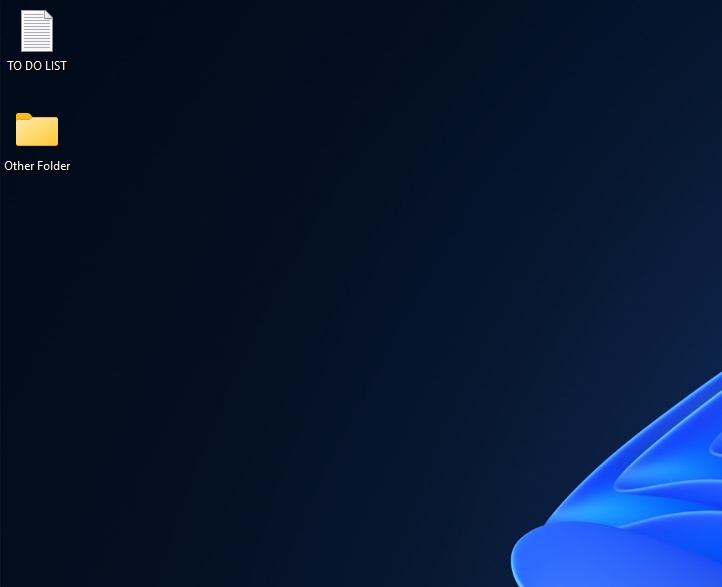
Now lets say I create/save a new file to the desktop. Windows used to do the logical thing, and just place it under these. But now I'm finding it bumps them down, and puts the new file in the first top left slot (which is supremely annoying).
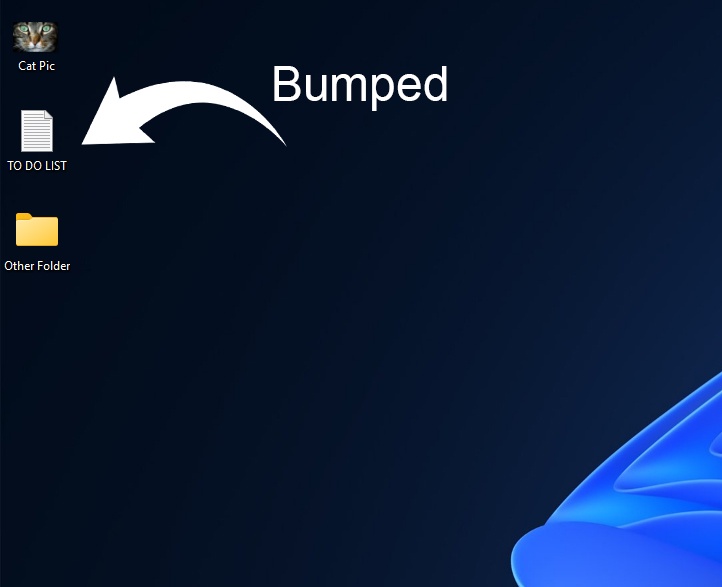
Why is this happening, and is there anything I can do about it?
Lets say I have two files occupying the top left portion of my desktop. I want these here, and in this order. I like to use the top left spot for "priority" things I need to follow-up on or do. And keeping things Aligned to Grid so they are cleanly sorted.
Now lets say I create/save a new file to the desktop. Windows used to do the logical thing, and just place it under these. But now I'm finding it bumps them down, and puts the new file in the first top left slot (which is supremely annoying).
Why is this happening, and is there anything I can do about it?
- Windows Build/Version
- Windows 11 25H2
My Computer
At a glance
Windows 11
- OS
- Windows 11
- Computer type
- PC/Desktop






