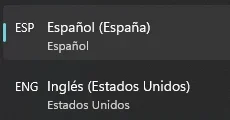
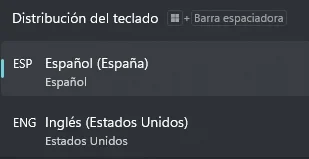
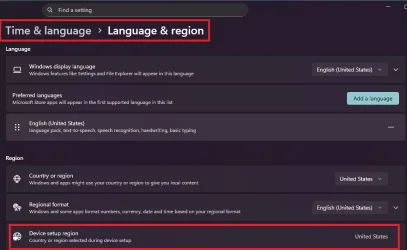
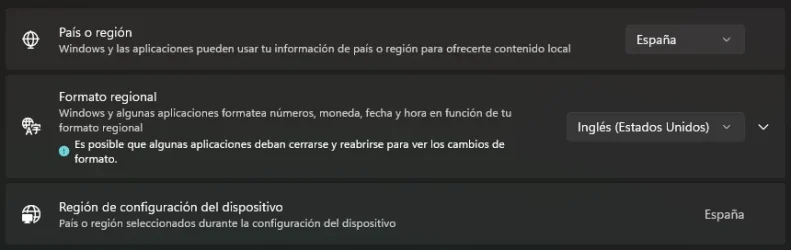
I downloaded classic paint on my new machine after having used it on my W10 (later upgraded to 11) laptop for many years, and for whatever reason, pressing CTRL+Y does absolutely nothing, and CTRL+A now shortcuts to open a file instead of selecting everything. This is very frustrating, I use this app to sketch and make pixel-art every once in a while and I don't really like modern paint, I've tried reinstalling it, downloading a software called Hotkey detective to check any possible shortcut changes and nothing, please help.
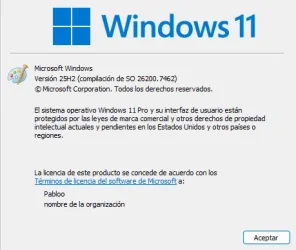
- Windows Build/Version
- 10.0.26200
My Computer
At a glance
Windows 11 ProIntel core i7-14700KF
- OS
- Windows 11 Pro
- Computer type
- PC/Desktop
- Manufacturer/Model
- Gigabyte Technology B760M DS3H DDR4
- CPU
- Intel core i7-14700KF
- Screen Resolution
- 1080p